AI agent for patent agents
Claim Chart Evidence Check Agent
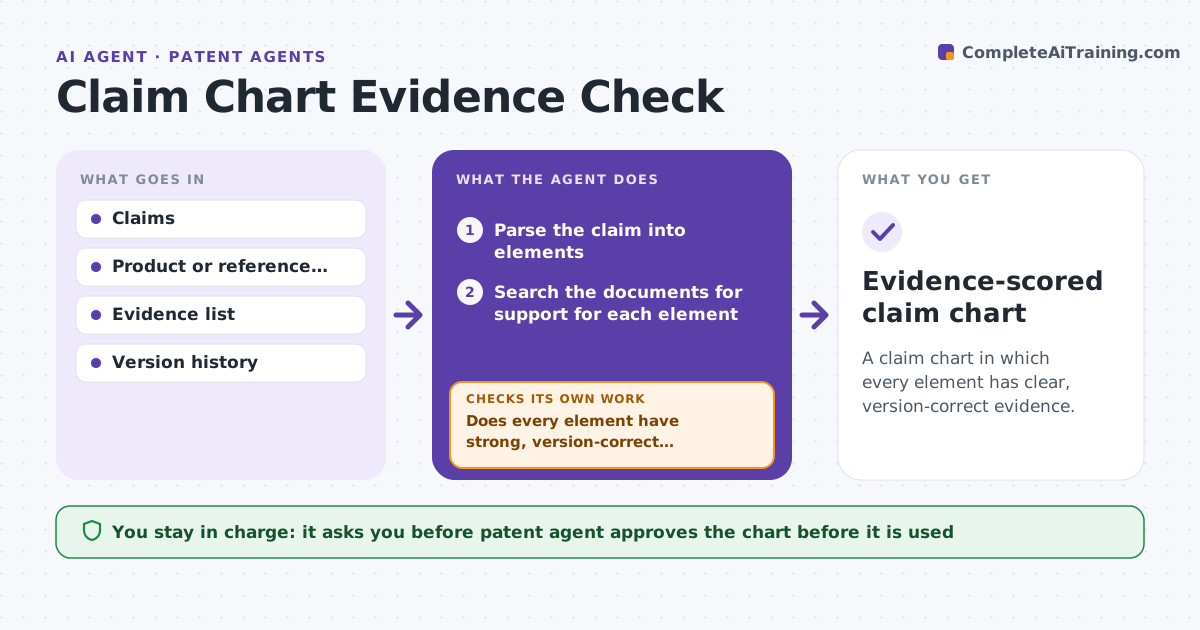
A claim chart in which every element has clear, version-correct evidence.
What it does
A claim chart shows how a product or reference meets each element of a claim. Charts fail when the evidence is vague, taken from the wrong version or does not match the claim language. This agent reads each claim element and finds the supporting passage in the product document or reference. It scores the match, flags elements with weak or no support and proposes where to look next. After new evidence is added it rechecks every mapping, because a changed passage can weaken a previous match. It scores a match strong, partial or weak from the words in the claim and the passage. The agent approves the chart. Edge case: a datasheet describes a feature that exists in the new model only, so the agent flags the version mismatch.
How it works
Follow the arrows from top to bottom. The orange dashed arrow is the loop: when a check fails, the agent goes back and tries again.
Read the steps as a list
- Claim chart is being prepared
- Parse the claim into elements
- Search the documents for support for each element
- Score each match: strong, partial or weak
- Check the document version against the product version
- Flag weak elements and suggest where to look
- The patent agent adds or approves the evidenceThe agent waits here for your OK.
- Reread all mappings after new evidence
- Does every element have strong, version-correct support?If not: list weak elements again and search further. Back to step 3.
- Evidence-scored claim chart
How it decides
It scores an element strong when the passage uses the same function and structure, partial when it only suggests it, weak when it is inferred.
- Flag a match based on a different product version
- Flag a weak match based on inference only
- Require a quote and location for each match
- Do not combine passages that describe different embodiments without a note
Make it yours
Every agent is a starting point. You choose these settings for your own situation.
- Score definitions
- Document sources
- Chart format
- Version rules
- Recheck depth
What keeps you in control
It always asks you first
- Patent agent approves the chart before it is used
Hard limits
- Never state that a product infringes
- Never use evidence without a location
It stops when
- Done: every element is strong and sourced
- Stop: no evidence can be found for an element
Set it up
We guide you through the set-up, step by step
Members get the full set-up guide for this agent. No technical skills needed: you copy, paste and upload.
- One set of instructions to paste into your AI, with the clicks for ChatGPT, Claude, Microsoft 365 Copilot, Gemini and Grok
- The agent then walks you through connecting your own data, one source at a time
- A downloadable copy with the flow chart, the rules and the full guide