
AI agent for fine artists
Artwork Inventory and Consignment Agent
An accurate inventory and every sale paid on time
What it does
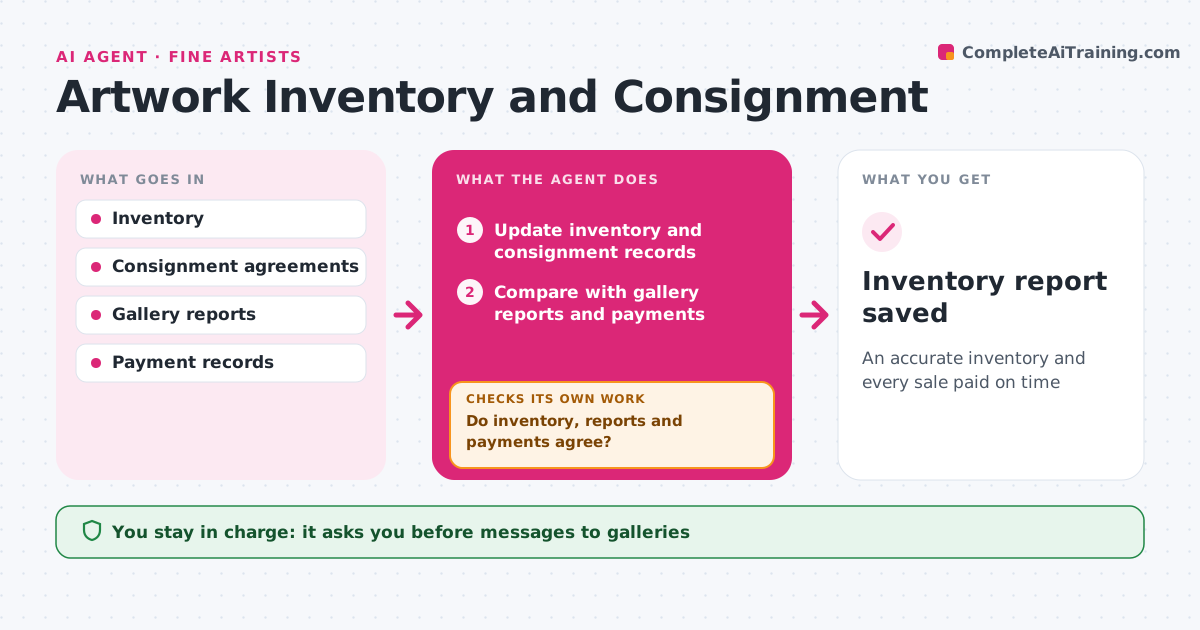
Artists lose track of which gallery has which work, and unpaid sales can go unnoticed for months. This agent keeps an inventory of every work: title, date, medium, size, images, price, location and status. When work goes to a gallery, it records the consignment terms and drafts the consignment list. Every month it compares the inventory with gallery reports and payment records. Sold works without payment after the agreed time are flagged, and works past their consignment end date are flagged for return or renewal. It drafts reminder messages. The artist approves every message. Edge case: a work the gallery lists as sold but the artist still shows as available is corrected only after the gallery confirms the sale.
How it works
Follow the arrows from top to bottom. The orange dashed arrow is the loop: when a check fails, the agent goes back and tries again.
Read the steps as a list
- Work moves or monthly check
- Update inventory and consignment records
- Compare with gallery reports and payments
- Do inventory, reports and payments agree?If not: list the differences and ask the gallery to confirm. Back to step 3.
- Is every consigned work within its end date?If not: flag the work for return or renewal. Back to step 2.
- Draft payment and return reminders
- Artist approves messagesThe agent waits here for your OK.
- Inventory report saved
How it decides
It compares inventory, gallery reports and payments and flags any mismatch or overdue item.
- Payment due per agreement, usually 30 days after sale
- Consignment end dates trigger return or renewal
- Status changes need confirmation
Make it yours
Every agent is a starting point. You choose these settings for your own situation.
- Payment terms default
- Check day
- Fields tracked
- Reminder tone
What keeps you in control
It always asks you first
- Messages to galleries
- Status changes
Hard limits
- Never sends messages without approval
- Never shares prices outside agreed galleries
It stops when
- Done: monthly report saved
- Stop: inventory records unavailable
Set it up
We guide you through the set-up, step by step
Members get the full set-up guide for this agent. No technical skills needed: you copy, paste and upload.
- One set of instructions to paste into your AI, with the clicks for ChatGPT, Claude, Microsoft 365 Copilot, Gemini and Grok
- The agent then walks you through connecting your own data, one source at a time
- A downloadable copy with the flow chart, the rules and the full guide



