
AI agent for materials scientists
Candidate Material Screening Agent
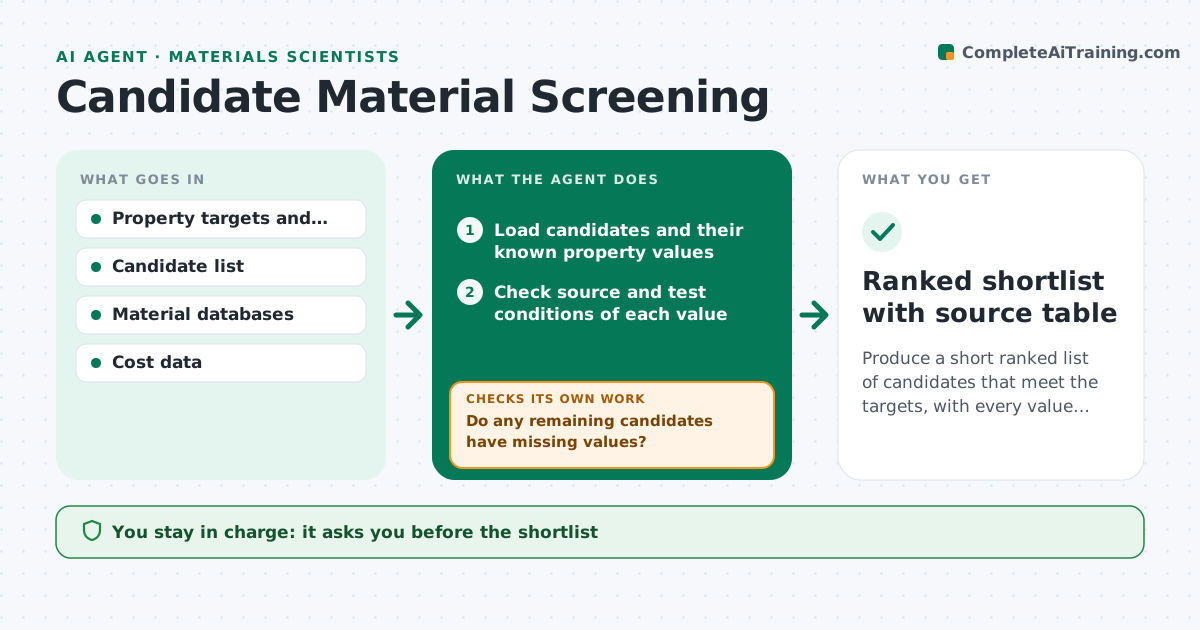
Produce a short ranked list of candidates that meet the targets, with every value sourced.
What it does
Choosing a material for a new part can start with hundreds of candidates, compared in a spreadsheet with mixed sources and missing values. This agent takes the property targets, such as strength, density, maximum temperature and cost, and filters the candidate list. It checks where each value came from and whether the test conditions match the target. Candidates with missing values are searched for in databases and datasheets, and each new value gets a source note. It ranks what is left using the weights the scientist sets, and re-ranks as values are added. It shows which target eliminated each rejected candidate. It never makes the final choice. The scientist approves the shortlist. Edge case: a value measured at a different temperature is marked as not comparable.
How it works
Follow the arrows from top to bottom. The orange dashed arrow is the loop: when a check fails, the agent goes back and tries again.
Read the steps as a list
- Screening request submitted
- Load candidates and their known property values
- Check source and test conditions of each value
- Filter out candidates that fail any hard target
- Do any remaining candidates have missing values?If not: search databases and datasheets for the missing values and log the source. Back to step 3.
- Rank the remaining candidates by weighted score
- Does the ranking change when unknown values take their worst and best cases?If not: mark unstable candidates and seek data to settle them. Back to step 6.
- Write the shortlist with the reason each other candidate was removed
- Scientist approves the shortlistThe agent waits here for your OK.
- Ranked shortlist with source table
How it decides
It eliminates a candidate that fails any hard target and ranks the rest by weighted score. A value with no source or mismatched conditions is treated as unknown, not as a pass.
- Treat a value without a source as unknown
- Mark values at different test conditions as not comparable
- Eliminate on hard targets before ranking
- Report ranking stability against unknown values
Make it yours
Every agent is a starting point. You choose these settings for your own situation.
- Property targets and which are hard limits
- Weights for ranking
- Databases to search
- Maximum shortlist size (default 5)
- Cost limit
What keeps you in control
It always asks you first
- The shortlist
- Any change to the weights
Hard limits
- Never present an unsourced value as fact
- Keep rejected candidates in the log
It stops when
- Done: shortlist approved with sources
- Stop: no candidate meets all hard targets
Set it up
We guide you through the set-up, step by step
Members get the full set-up guide for this agent. No technical skills needed: you copy, paste and upload.
- One set of instructions to paste into your AI, with the clicks for ChatGPT, Claude, Microsoft 365 Copilot, Gemini and Grok
- The agent then walks you through connecting your own data, one source at a time
- A downloadable copy with the flow chart, the rules and the full guide



