
AI agent for materials scientists
Characterization Queue Agent
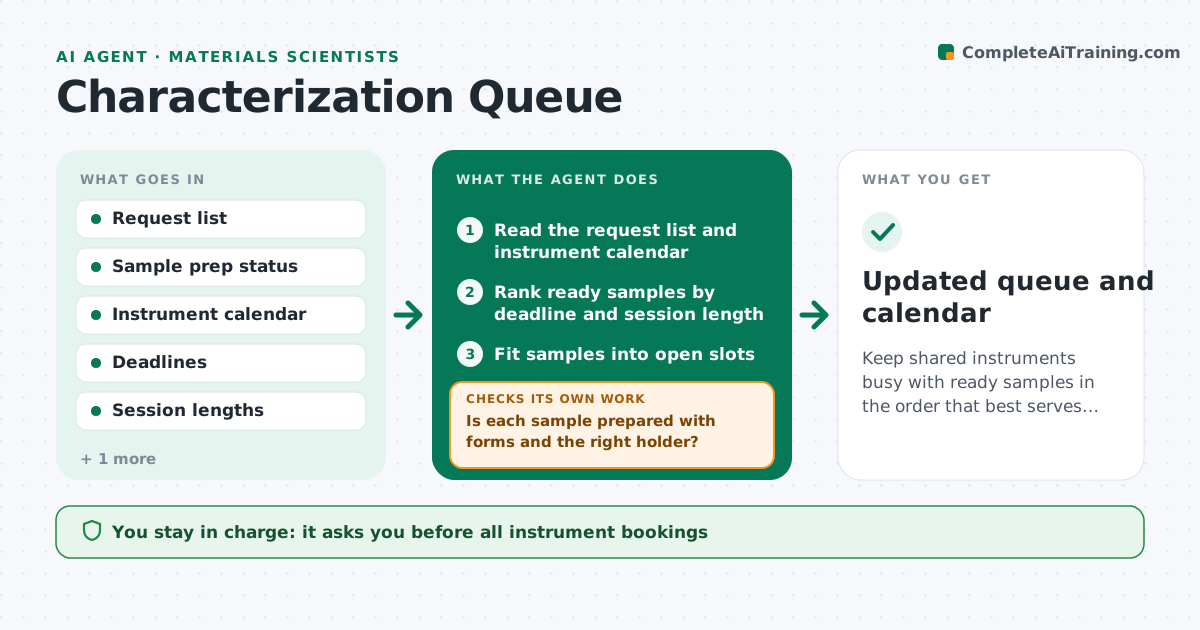
Keep shared instruments busy with ready samples in the order that best serves deadlines.
What it does
A shared electron microscope or diffractometer has a waiting list kept in email and sticky notes, so deadline samples wait behind others and slots go unused. This agent reads the requests with sample status, prep needs, deadline and the measurement asked for, and ranks them. It checks that each sample is ready: prepared, labeled, safety forms in, and the right holder. It books slots in the instrument calendar and updates the queue after every result or cancellation, pulling a ready sample into a freed slot. When a result looks bad or incomplete, it flags the sample for re-measurement and adds it back. It never books without approval. The scientist approves bookings. Edge case: a sample that is not prepared is never booked ahead of one that is.
How it works
Follow the arrows from top to bottom. The orange dashed arrow is the loop: when a check fails, the agent goes back and tries again.
Read the steps as a list
- New request, cancellation or result
- Read the request list and instrument calendar
- Is each sample prepared with forms and the right holder?If not: hold the sample, ask the owner for the missing item and recheck. Back to step 2.
- Rank ready samples by deadline and session length
- Fit samples into open slots
- Scientist approves the bookingsThe agent waits here for your OK.
- Book the slots and notify users
- Read the finished measurement file
- Is the result complete and usable?If not: flag for re-measurement and add the sample back to the queue. Back to step 4.
- Updated queue and calendar
How it decides
It ranks ready samples by deadline, then by session length to fit gaps. A sample not ready is held out of the booking until its prep is confirmed.
- Hold any sample without confirmed prep out of the booking
- Rank by deadline, then session length
- Fill a freed slot with the next ready sample that fits
- Cap the number of re-measurements per sample at 2
Make it yours
Every agent is a starting point. You choose these settings for your own situation.
- Ranking rules
- Re-measurement cap (default 2)
- Prep checklist
- Notification method
- Priority user groups
What keeps you in control
It always asks you first
- All instrument bookings
- Re-measurement requests
Hard limits
- Never book without approval
- Never remove another user's booking
It stops when
- Done: every sample measured or released from the queue
- Stop: instrument is down with no estimate
Set it up
We guide you through the set-up, step by step
Members get the full set-up guide for this agent. No technical skills needed: you copy, paste and upload.
- One set of instructions to paste into your AI, with the clicks for ChatGPT, Claude, Microsoft 365 Copilot, Gemini and Grok
- The agent then walks you through connecting your own data, one source at a time
- A downloadable copy with the flow chart, the rules and the full guide



