
AI agent for fine artists
Collector Relationship Follow-up Cadence Agent
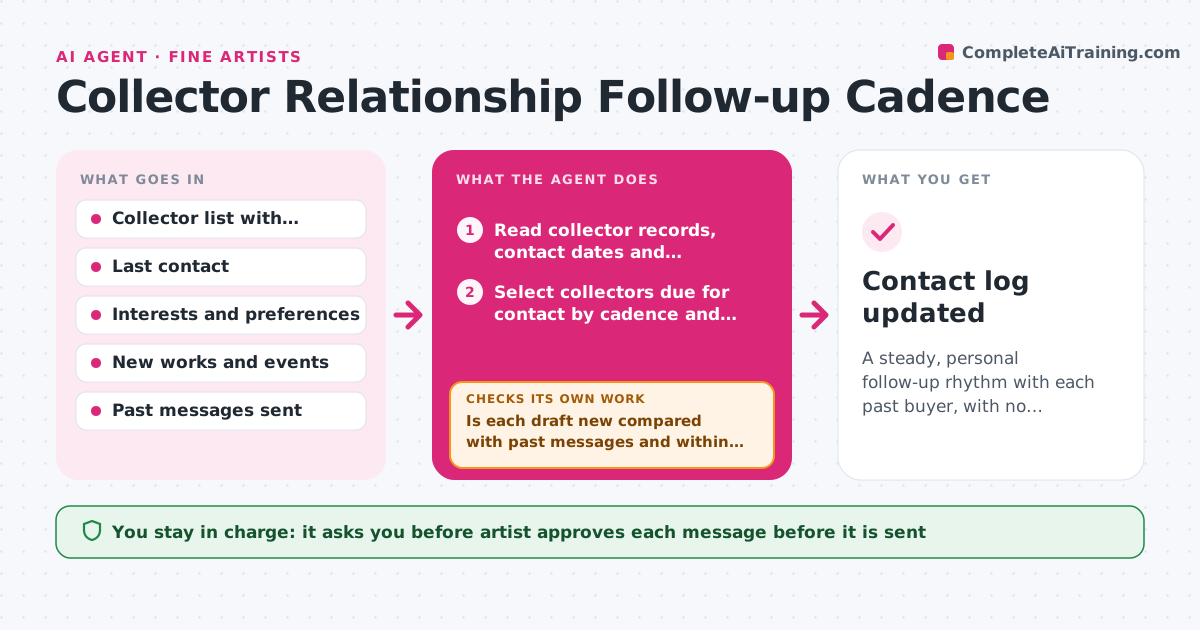
A steady, personal follow-up rhythm with each past buyer, with no repeated messages and every reply logged
What it does
A collector who bought two pieces three years ago gets an email only when there is an exhibition to announce. Relationships go cold without anyone deciding that. Each week this agent reads the collector list with purchase history, last contact date, interests and notes, and picks who is due for a personal touch. It matches each person with something relevant, such as a new work in a series they own, a studio update, or an event nearby, then drafts a short personal note. It checks the draft against the past messages sent to that person to avoid repeating the same news, and logs replies when they arrive so the next touch follows the conversation. The artist approves each message before sending. Edge case: a collector who asked to be contacted only for exhibitions is excluded from studio updates.
How it works
Follow the arrows from top to bottom. The orange dashed arrow is the loop: when a check fails, the agent goes back and tries again.
Read the steps as a list
- Weekly collector review
- Read collector records, contact dates and preferences
- Select collectors due for contact by cadence and preference
- Match each with a relevant new work, series update or event
- Read past messages sent to each person
- Draft a short personal note for each
- Is each draft new compared with past messages and within the collector's preferences?If not: Pick a different update or skip this person this week. Back to step 3.
- Artist approves each message before sendingThe agent waits here for your OK.
- Log sent messages and check for replies the next week
- Did a collector reply or ask a question?If not: Keep them on the normal cadence and note the silence. Back to step 6.
- Contact log updated
How it decides
It selects people whose last contact is older than their cadence and matches them to the closest new work or event. Contact preferences override everything else.
- Default cadence is every 90 days for buyers and 180 days for past inquirers
- Never contact someone who asked to pause
- Send at most 5 messages in a week
- Do not reuse the same update in two messages to one person
Make it yours
Every agent is a starting point. You choose these settings for your own situation.
- Cadence per collector type
- Weekly message limit (default 5)
- Tone and length of notes
- Day of the weekly review
- Preference categories
What keeps you in control
It always asks you first
- Artist approves each message before it is sent
Hard limits
- Never send a message without approval
- Never share collector details outside the artist's records
It stops when
- Done: Due collectors have an approved note or a reason for skipping
- Stop: Contact preferences are missing for a person, so the agent asks the artist before drafting
Set it up
We guide you through the set-up, step by step
Members get the full set-up guide for this agent. No technical skills needed: you copy, paste and upload.
- One set of instructions to paste into your AI, with the clicks for ChatGPT, Claude, Microsoft 365 Copilot, Gemini and Grok
- The agent then walks you through connecting your own data, one source at a time
- A downloadable copy with the flow chart, the rules and the full guide



