
AI agent for social workers
Community Resource Directory Verification Agent
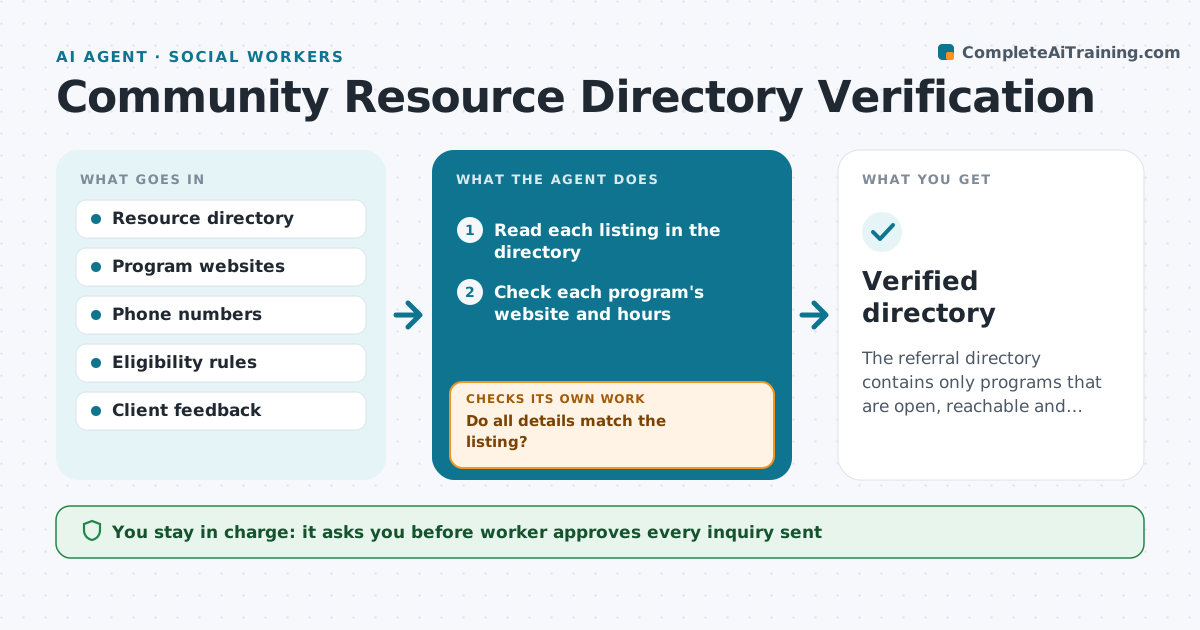
The referral directory contains only programs that are open, reachable and accepting clients.
What it does
Referral lists include closed programs, wrong phone numbers and full waitlists, and clients are sent in circles. The agent checks each resource's website, hours, eligibility and phone number, flags any change, and tests whether the program is still accepting new clients by checking the page or sending a short inquiry. It suggests removals or replacements and rechecks each replacement the same way, so a new listing is never added on trust. It keeps a short note of what changed and why, and counts how many clients were affected by bad listings last month. It never contacts a client. The worker approves the updated list. Edge case: a program that moved but kept the old phone number forwarding to a different office.
How it works
Follow the arrows from top to bottom. The orange dashed arrow is the loop: when a check fails, the agent goes back and tries again.
Read the steps as a list
- Monthly directory check
- Read each listing in the directory
- Check each program's website and hours
- Compare phone, address and eligibility with the listing
- Do all details match the listing?If not: Mark the changed fields and draft an inquiry. Back to step 4.
- Draft a short inquiry about openings
- Worker approves the inquiriesThe agent waits here for your OK.
- Send inquiries and read replies
- Is the program open and accepting clients?If not: Suggest a replacement and check it the same way. Back to step 4.
- Worker approves the updated listThe agent waits here for your OK.
- Verified directory
How it decides
It treats a resource as verified when the page, hours and phone all agree with the listing and the program confirms it is taking clients.
- Recheck each listing every 6 months
- Check immediately after a client reports a problem
- Remove a program after two failed contacts
- Confirm eligibility rules before adding to the list
Make it yours
Every agent is a starting point. You choose these settings for your own situation.
- Review frequency (default 6 months)
- Categories of services
- What counts as accepting clients
- Number of contact attempts
What keeps you in control
It always asks you first
- Worker approves every inquiry sent
- Worker approves the final list changes
Hard limits
- Never contact clients about changes
- Do not list a program without checking it
It stops when
- Done: list verified and approved
- Stop: a program cannot be reached and the worker decides whether to keep it
Set it up
We guide you through the set-up, step by step
Members get the full set-up guide for this agent. No technical skills needed: you copy, paste and upload.
- One set of instructions to paste into your AI, with the clicks for ChatGPT, Claude, Microsoft 365 Copilot, Gemini and Grok
- The agent then walks you through connecting your own data, one source at a time
- A downloadable copy with the flow chart, the rules and the full guide



