AI agent for retail sales associates
Customer Special Order Follow-up Agent
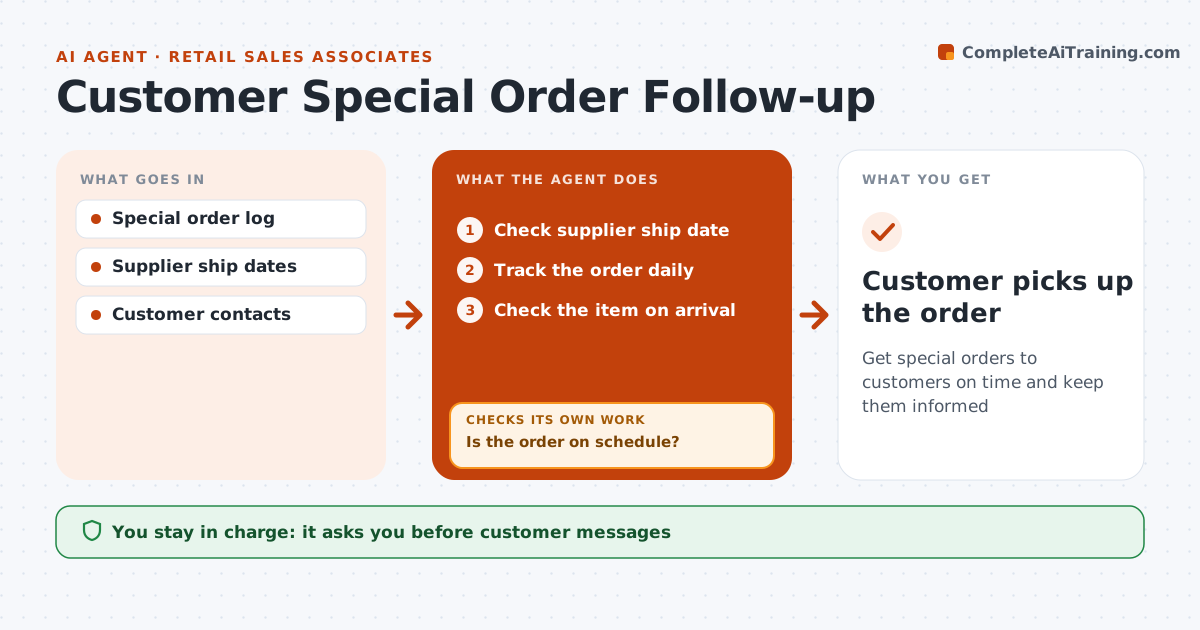
Get special orders to customers on time and keep them informed
What it does
Customers often order items that are not in stock, and they lose trust when nobody tells them about delays. This agent records each special order, checks the supplier or warehouse for the ship date, and tracks the order daily. If the ship date slips by two days or more, it drafts an update for the customer with options, such as waiting, a similar item or a refund. When the item arrives, it checks that it matches the order and is undamaged before drafting the pickup notice. The associate approves every customer message. Items on hold that are not picked up within seven days are flagged, and the manager approves releasing them back to stock. Edge case: when an item arrives damaged, the agent reorders it first and only then tells the customer, with a new date instead of a pickup notice.
How it works
Follow the arrows from top to bottom. The orange dashed arrow is the loop: when a check fails, the agent goes back and tries again.
Read the steps as a list
- Special order placed
- Check supplier ship date
- Track the order daily
- Is the order on schedule?If not: draft an update with options for the customer. Back to step 3.
- Check the item on arrival
- Associate approves the customer messageThe agent waits here for your OK.
- Customer picks up the order
How it decides
A slip of more than 2 days triggers an update. Holds unclaimed for 7 days are flagged.
- Slips of 2+ days trigger updates
- Damaged items reordered first
- Holds flagged at 7 days
Make it yours
Every agent is a starting point. You choose these settings for your own situation.
- Slip threshold
- Hold period
- Contact channel
What keeps you in control
It always asks you first
- Customer messages
- Releasing holds
Hard limits
- Never offers discounts without approval
- Never cancels orders
It stops when
- Done: picked up
- Stop: customer cancels
Set it up
We guide you through the set-up, step by step
Members get the full set-up guide for this agent. No technical skills needed: you copy, paste and upload.
- One set of instructions to paste into your AI, with the clicks for ChatGPT, Claude, Microsoft 365 Copilot, Gemini and Grok
- The agent then walks you through connecting your own data, one source at a time
- A downloadable copy with the flow chart, the rules and the full guide