AI agent for channel partner managers
Deal Registration Conflict Agent
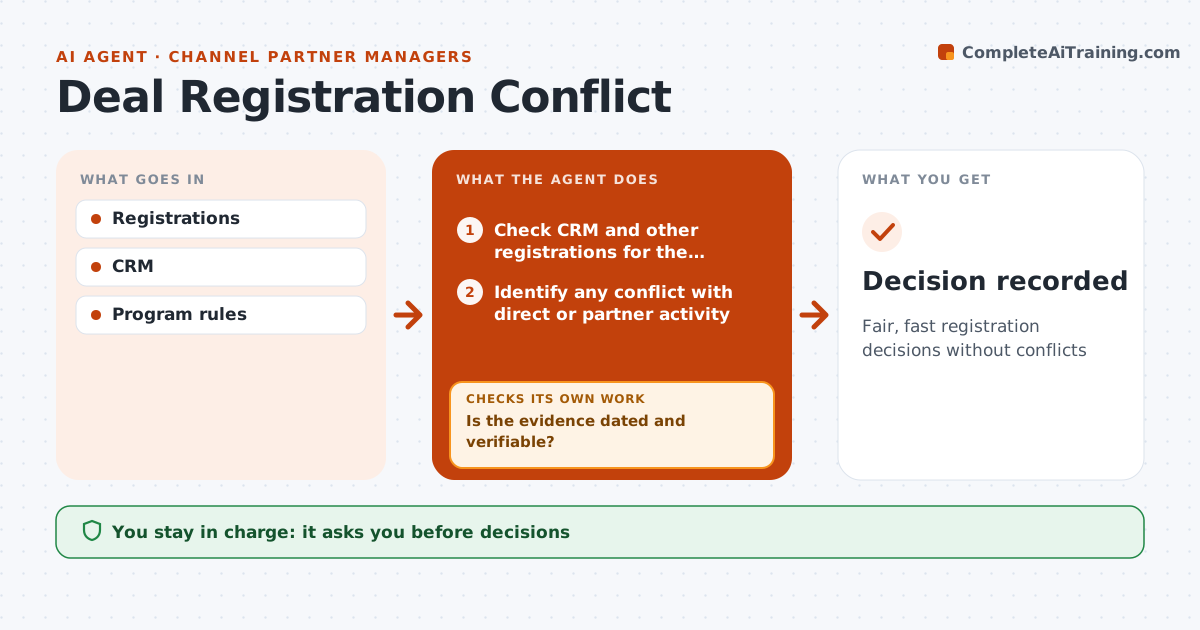
Fair, fast registration decisions without conflicts
What it does
Partners register deals to protect their work, and slow or inconsistent decisions on conflicts damage trust in the program. This agent checks each new registration against the CRM and other registrations for the same customer. If there is no conflict, it drafts an approval under the program rules. If there is one, it requests evidence from both sides, such as meeting notes or demo records. It applies the rules: first to register wins with evidence, and direct activity in the last 30 days counts. It checks the evidence is dated and verifiable before deciding; unclear evidence gets a second request. It drafts a decision with reasons within three days. The partner manager approves every decision. Edge case: a direct rep had a meeting a day before the registration, so the agent asks both for evidence.
How it works
Follow the arrows from top to bottom. The orange dashed arrow is the loop: when a check fails, the agent goes back and tries again.
Read the steps as a list
- Registration submitted
- Check CRM and other registrations for the customer
- Identify any conflict with direct or partner activity
- Request evidence from both sides when there is a conflict
- Is the evidence dated and verifiable?If not: ask for clearer evidence with a short deadline. Back to step 4.
- Apply program rules
- Draft decision with reasons
- Partner manager approves decisionThe agent waits here for your OK.
- Decision recorded
How it decides
It applies program rules and evidence.
- First to register wins with evidence
- Direct activity in 30 days counts
- Decision within 3 days
Make it yours
Every agent is a starting point. You choose these settings for your own situation.
- Rules
- Evidence
- Decision time
- Escalation
What keeps you in control
It always asks you first
- Decisions
Hard limits
- Rules applied equally
- No commission changes
It stops when
- Done: decision
- Stop: escalated dispute
Set it up
We guide you through the set-up, step by step
Members get the full set-up guide for this agent. No technical skills needed: you copy, paste and upload.
- One set of instructions to paste into your AI, with the clicks for ChatGPT, Claude, Microsoft 365 Copilot, Gemini and Grok
- The agent then walks you through connecting your own data, one source at a time
- A downloadable copy with the flow chart, the rules and the full guide