AI agent for dentists
Dental Treatment Estimate Agent
Give patients accurate cost estimates before treatment
What it does
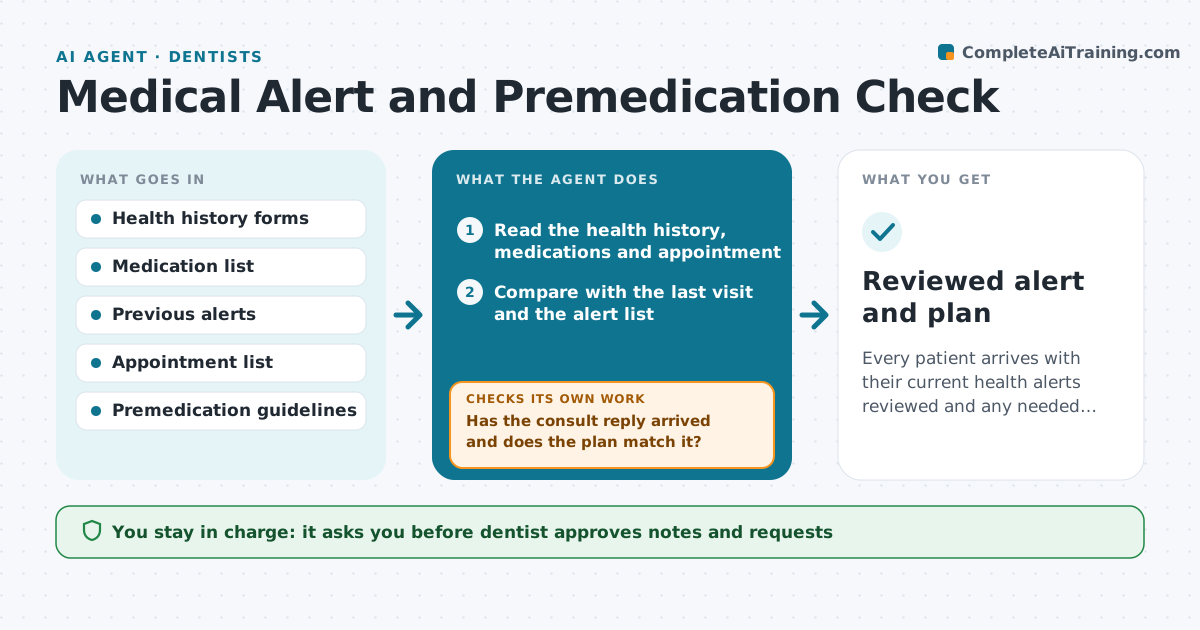
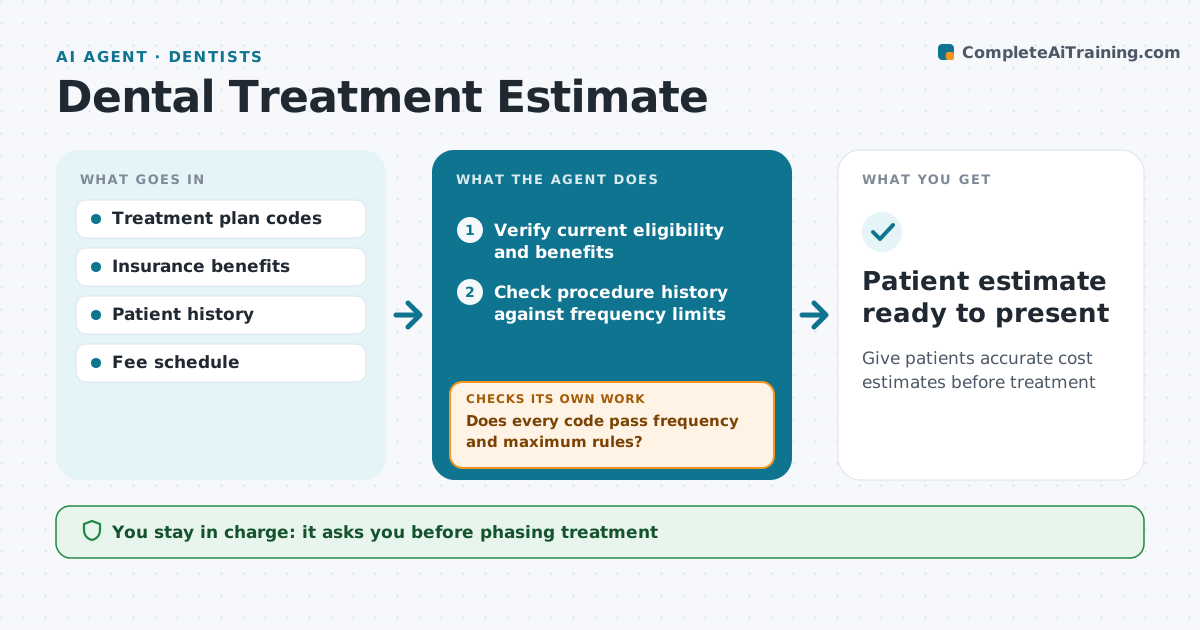
Patients say yes to treatment based on cost, and a wrong estimate damages trust. When a treatment plan is created, this agent checks that benefits data is less than 30 days old and verifies eligibility if not. It pulls the remaining annual maximum, deductibles, frequency limits and waiting periods. It checks each procedure code against the patient's history and frequency rules, and flags items likely to be denied. It then calculates insurance and patient portions. Large cases over the set amount get a pre-determination where the plan allows. When splitting treatment across benefit years would save the patient money, it suggests phasing, but only the dentist can approve that. Staff review the final estimate before it goes to the patient. Edge case: benefits older than 30 days are rechecked before any calculation.
How it works
Follow the arrows from top to bottom. The orange dashed arrow is the loop: when a check fails, the agent goes back and tries again.
Read the steps as a list
- Treatment plan created
- Verify current eligibility and benefits
- Check procedure history against frequency limits
- Does every code pass frequency and maximum rules?If not: mark at-risk codes and suggest pre-determination or phasing. Back to step 3.
- Dentist approves any phasingThe agent waits here for your OK.
- Calculate insurance and patient portions
- Does the estimate use current benefits and the approved phasing?If not: recalculate with the right data. Back to step 6.
- Staff reviews the estimateThe agent waits here for your OK.
- Patient estimate ready to present
How it decides
Each code is checked against frequency, waiting period and maximum. Codes likely denied are marked patient-paid or sent for pre-determination.
- Benefits older than 30 days are rechecked
- Large cases over the set amount get a pre-determination
- Phasing across years needs dentist approval
Make it yours
Every agent is a starting point. You choose these settings for your own situation.
- Pre-determination amount threshold
- Benefits age limit
- Fee schedule
- Estimate layout
What keeps you in control
It always asks you first
- Phasing treatment
- Sending estimates to patients
Hard limits
- Estimates are labeled as estimates
- No clinical change made for cost reasons without the dentist
It stops when
- Done: estimate presented
- Stop: insurer cannot confirm benefits, present cash estimate with note
Set it up
We guide you through the set-up, step by step
Members get the full set-up guide for this agent. No technical skills needed: you copy, paste and upload.
- One set of instructions to paste into your AI, with the clicks for ChatGPT, Claude, Microsoft 365 Copilot, Gemini and Grok
- The agent then walks you through connecting your own data, one source at a time
- A downloadable copy with the flow chart, the rules and the full guide