AI agent for retail sales associates
Display and Planogram Compliance Agent
Set every display to match its planogram
What it does
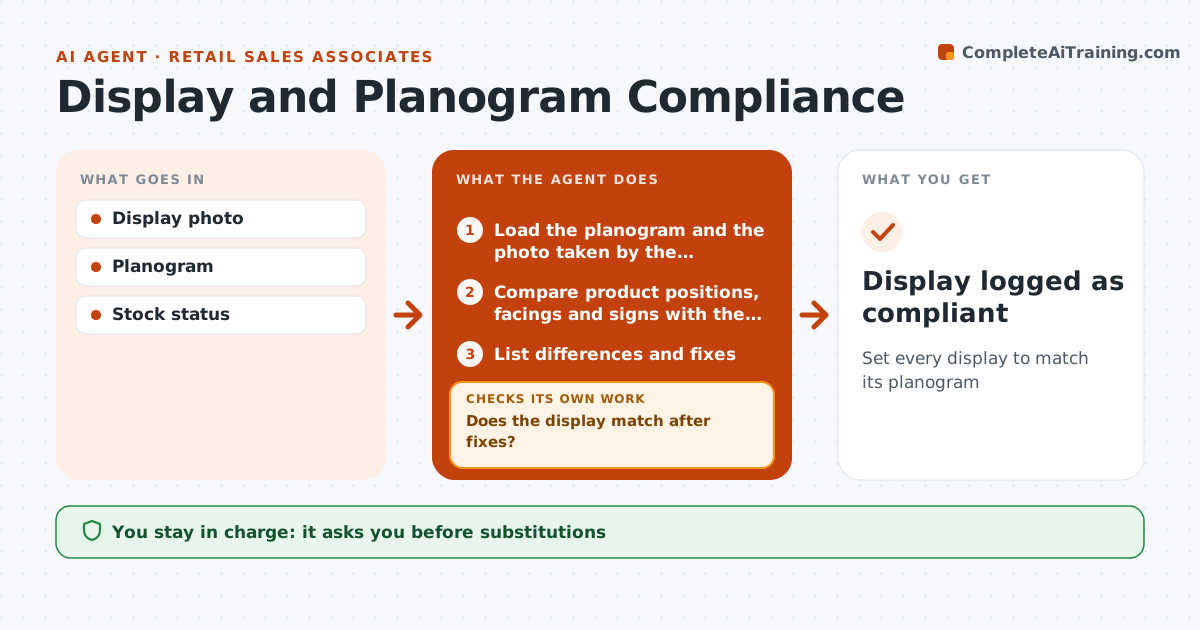
Stores set displays from planograms sent by head office, and small differences mean lost sales and failed store visits. When a display is set for a new promotion, this agent loads the planogram and the associate's photo. It compares product positions, facing counts, signs and price tags, and lists every difference with the fix needed. Missing signage counts as a difference. The associate makes the fixes and takes a new photo, and the agent compares again until the display matches. It also checks that all required items are in stock. If one is not, it suggests a substitute, which must be in the same category and price range. The shift lead approves every substitute. Once everything matches, the display is logged as compliant. Edge case: a substitute from a different price range is rejected, even if it fills the space.
How it works
Follow the arrows from top to bottom. The orange dashed arrow is the loop: when a check fails, the agent goes back and tries again.
Read the steps as a list
- Display set for the new promotion
- Load the planogram and the photo taken by the associate
- Compare product positions, facings and signs with the planogram
- List differences and fixes
- Does the display match after fixes?If not: ask for a new photo of the fixed sections and compare again. Back to step 3.
- Are all required items in stock?If not: suggest a substitute from the approved list. Back to step 4.
- Shift lead approves substitutesThe agent waits here for your OK.
- Display logged as compliant
How it decides
Each planogram spot must be filled with the right item and sign.
- Substitutes must match category and price range
- Missing signage counts as a difference
- Out of stock spots need lead approval
Make it yours
Every agent is a starting point. You choose these settings for your own situation.
- Planogram source
- Photo angle rules
- Substitute rules
What keeps you in control
It always asks you first
- Substitutions
Hard limits
- Never changes planograms
- Never changes prices
It stops when
- Done: display matches
- Stop: planogram missing
Set it up
We guide you through the set-up, step by step
Members get the full set-up guide for this agent. No technical skills needed: you copy, paste and upload.
- One set of instructions to paste into your AI, with the clicks for ChatGPT, Claude, Microsoft 365 Copilot, Gemini and Grok
- The agent then walks you through connecting your own data, one source at a time
- A downloadable copy with the flow chart, the rules and the full guide