AI agent for economists
Economic Indicator Release Update Agent
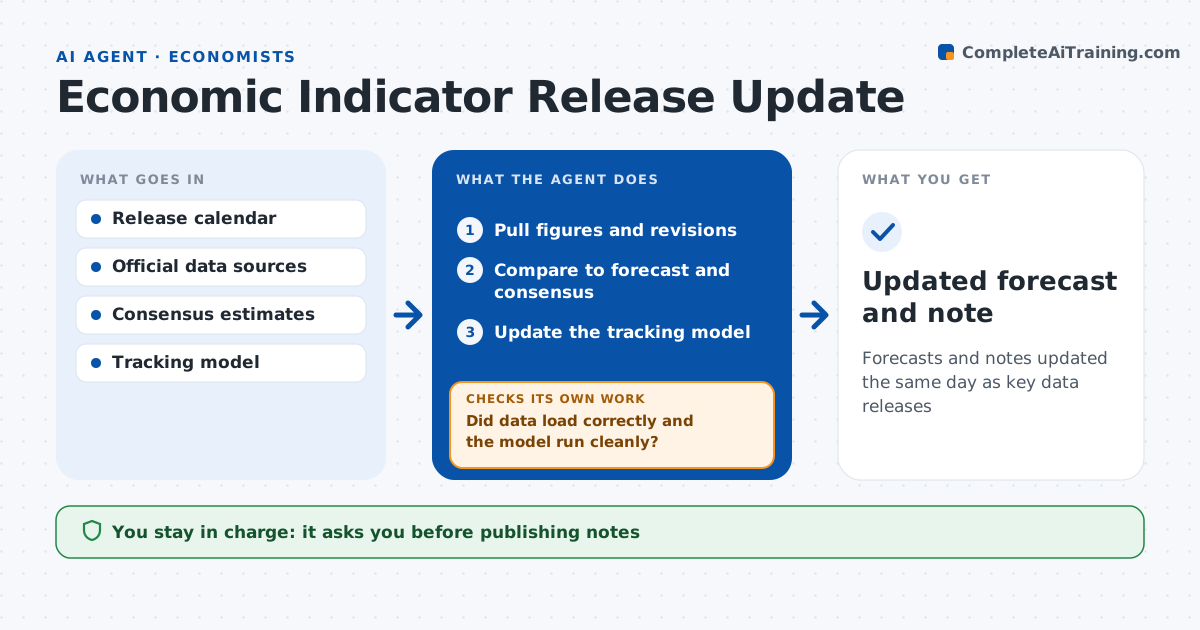
Forecasts and notes updated the same day as key data releases
What it does
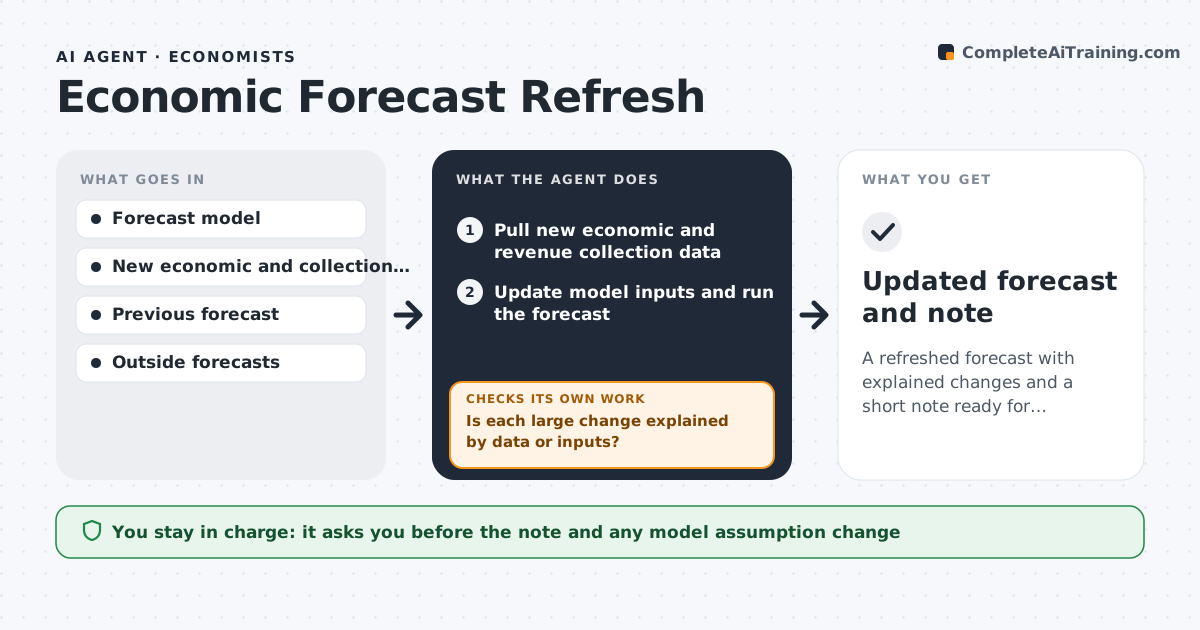
Economists have minutes after a data release to update forecasts and brief clients, and a bad data load can send out a wrong call. On release days for inflation, jobs or GDP, this agent pulls the new figures and revisions from official sources. It updates history first when prior months were revised. It compares the figures to the economist's forecast and market consensus and calculates the surprise. It updates the tracking model or nowcast and checks that every input loaded and the model ran cleanly. If not, it fixes the load and reruns. If the forecast moves more than 0.2 points, it lists the drivers. It drafts a short note for the economist to edit. The economist approves anything published. Edge case: a large revision to a prior month changes the size of the surprise.
How it works
Follow the arrows from top to bottom. The orange dashed arrow is the loop: when a check fails, the agent goes back and tries again.
Read the steps as a list
- Data release published
- Pull figures and revisions
- Compare to forecast and consensus
- Update the tracking model
- Did data load correctly and the model run cleanly?If not: recheck the series codes and reload. Back to step 2.
- Draft a short release note
- Economist edits and approves publicationThe agent waits here for your OK.
- Updated forecast and note
How it decides
It measures surprise against forecast and consensus and highlights updates that change the forecast beyond a set amount.
- Surprise larger than one standard deviation: highlight
- Revision to prior months over set size: update history first
- Forecast change over 0.2 points: list drivers
Make it yours
Every agent is a starting point. You choose these settings for your own situation.
- Indicators tracked
- Forecast change threshold
- Note length and style
- Sources to use
What keeps you in control
It always asks you first
- Publishing notes
- Changing the official house forecast
Hard limits
- Never publishes without approval
- Never invents data
It stops when
- Done: note approved
- Stop: source data not available
Set it up
We guide you through the set-up, step by step
Members get the full set-up guide for this agent. No technical skills needed: you copy, paste and upload.
- One set of instructions to paste into your AI, with the clicks for ChatGPT, Claude, Microsoft 365 Copilot, Gemini and Grok
- The agent then walks you through connecting your own data, one source at a time
- A downloadable copy with the flow chart, the rules and the full guide