AI agent for billing specialists
Engagement Fee Invoicing Agent
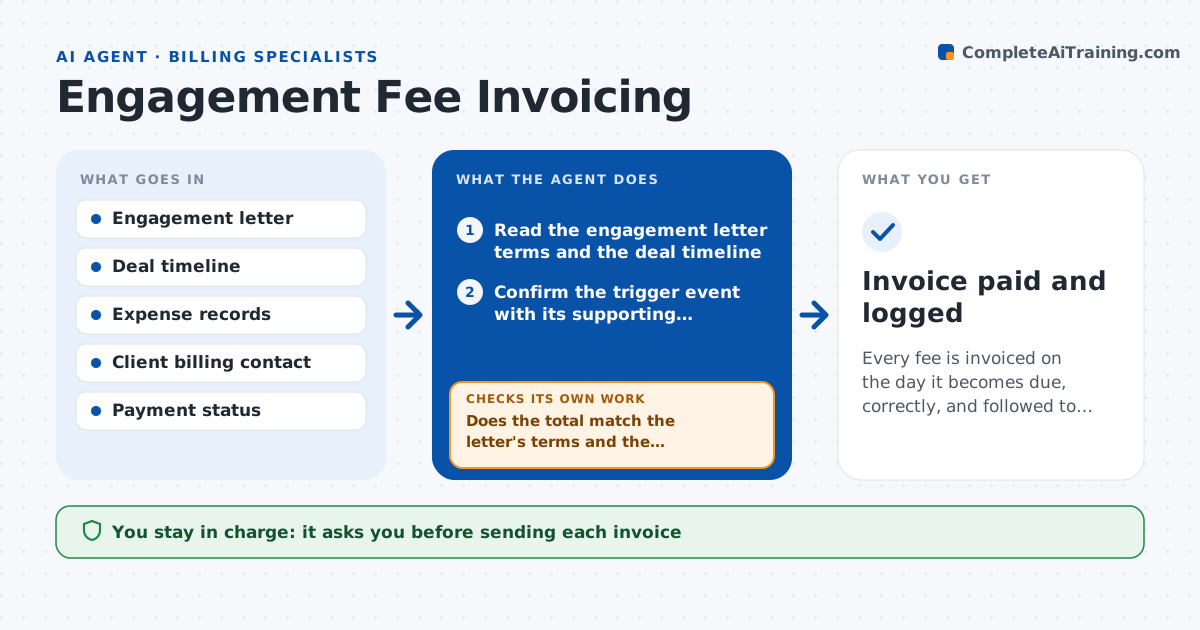
Every fee is invoiced on the day it becomes due, correctly, and followed to payment
What it does
Banking fees are tied to events: a retainer each month, a fee on signing, a success fee at closing, plus expenses. Deal teams forget to invoice when the event happens, and cash arrives weeks late. This agent reads the engagement letter and builds a fee schedule with each trigger. It watches the deal timeline for those triggers, calculates the amount including percentage tiers and expense caps, and checks that the supporting documents exist, such as the signed agreement and expense receipts. It drafts the invoice and, after it is sent, tracks payment status and chases overdue invoices on schedule. If a calculation does not match the letter's terms, it recalculates. The banker approves each invoice before it goes out. Edge case: a tail fee applies for 12 months after termination, and the agent flags a later deal with a listed buyer.
How it works
Follow the arrows from top to bottom. The orange dashed arrow is the loop: when a check fails, the agent goes back and tries again.
Read the steps as a list
- A fee milestone occurs or is nearing
- Read the engagement letter terms and the deal timeline
- Confirm the trigger event with its supporting document
- Calculate the fee using tiers, minimums and caps
- Add expenses with receipts and check against the expense cap
- Does the total match the letter's terms and the supporting documents?If not: recalculate from the letter, list the difference and fix the inputs. Back to step 3.
- Draft the invoice with the right billing details
- Banker approves the invoice before it is sentThe agent waits here for your OK.
- Track payment status in the accounting system
- Has the invoice been paid by the due date?If not: draft a reminder at day 7 and day 14 for the banker to approve. Back to step 8.
- Invoice paid and logged
How it decides
It reads the letter's fee terms and triggers, applies them to actual deal values and caps, and invoices only when the triggering event is documented.
- Invoice within one business day of a documented trigger
- Cap expenses at the letter's limit
- Flag tail fee events within the tail period
- Send the first reminder 7 days after the due date
Make it yours
Every agent is a starting point. You choose these settings for your own situation.
- Reminder schedule (default day 7 and 14)
- Expense cap handling
- Who receives the invoice
- Accounting system used
What keeps you in control
It always asks you first
- Sending each invoice
- Sending each overdue reminder
Hard limits
- Never sends an invoice or reminder without approval
- Never changes fee terms
- Keeps the calculation visible
It stops when
- Done: invoice is paid
- Stop: the trigger event cannot be documented
Set it up
We guide you through the set-up, step by step
Members get the full set-up guide for this agent. No technical skills needed: you copy, paste and upload.
- One set of instructions to paste into your AI, with the clicks for ChatGPT, Claude, Microsoft 365 Copilot, Gemini and Grok
- The agent then walks you through connecting your own data, one source at a time
- A downloadable copy with the flow chart, the rules and the full guide