
Learning path
Learning AI as an Accounts Receivable Specialist
This path shows accounts receivable specialists how to set up and connect an AI assistant, then use ready-made prompts for invoices, reminders, collections, cash application, and reconciliation. It also includes short video courses chosen for AR work and the certifications that come with them.

Your path
Everything in the Accounts Receivable Specialist AI kit, in the order that makes sense. Members tick off each step and see their progress.
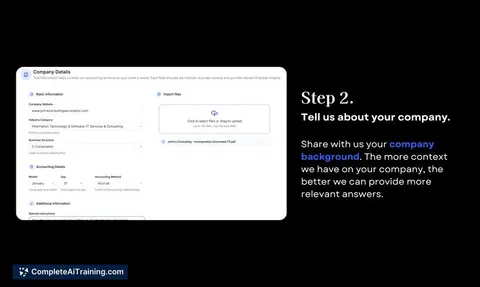
Set up your AI
We guide you through each click.
Let skills do your everyday tasks
Connect your apps and pick your AI apps
Hand whole tasks to AI agents
Build your own tools
Everything for accounts receivable specialists
All the courses, certifications, AI tools, MCP servers and apps for accounts receivable specialists, most relevant first. Open any list to see more.
Take the prompt courses
A short framework course to learn how to ask, then 9 lessons with ready-to-use prompts for accounts receivable specialists.
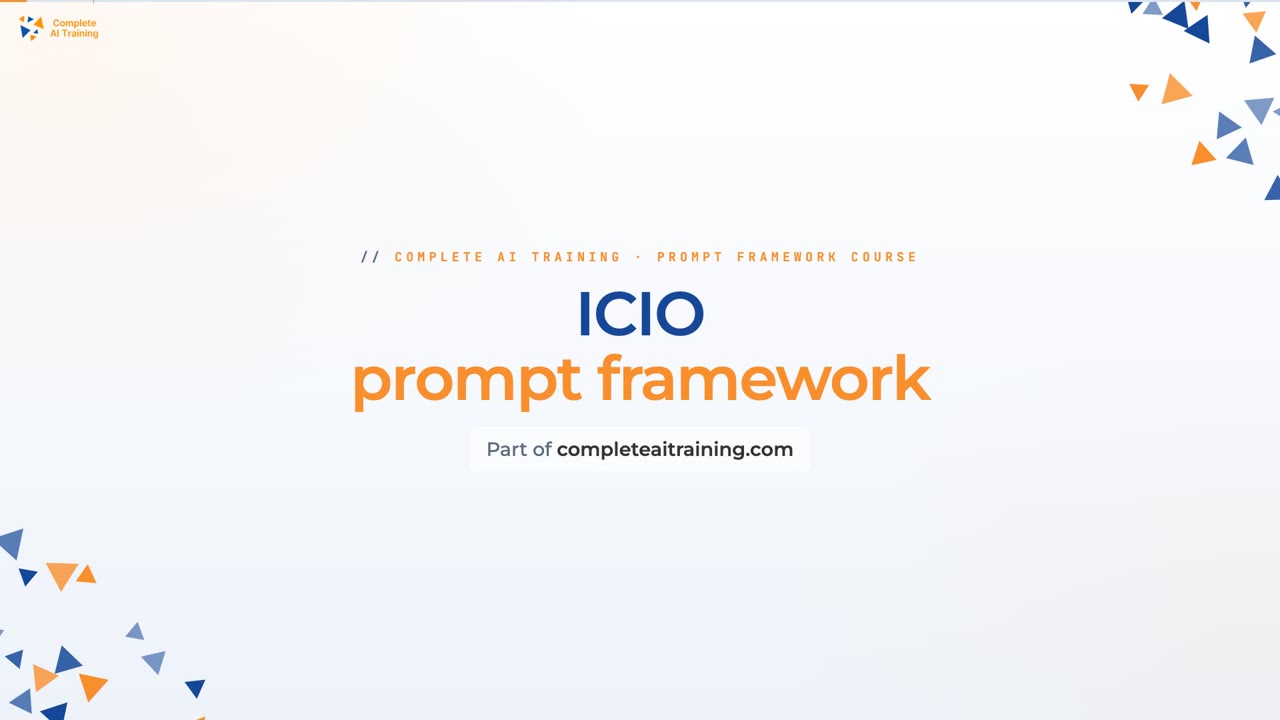
Start with this framework: how to talk to AI
ICIO and CIDI templates help you classify and extract invoice payment data, then reuse the same cash application prompt daily.
Then your prompt course for accounts receivable specialists- 1Invoice Drafting Basics3 prompts
- 2Overdue Payment Reminders3 prompts
- 3Collections Call Prep3 prompts
- 4Cash Application Help3 prompts
- 5Payment Reconciliation Checks3 prompts
- 6Aging Report Priorities2 prompts
- 7Credit Memos And Disputes2 prompts
- 8Payment Plans And Negotiation3 prompts
- 9AR Admin And Learning2 prompts
Watch the video courses or add them to your Favorites for later
86 video courses our AI picked for accounts receivable specialists, most useful first. Save the ones you want to watch later with the heart.
Favorites are saved to your account: sign in or get your AI kit first.
Show all 86 video courses
Get certified, or add certifications to your Favorites
Every course ends in an exam and a certificate you can add to LinkedIn. Save the certifications you are aiming for with the heart.
Favorites are saved to your account: sign in or get your AI kit first.
More certifications for accounts receivable specialistsShow all 24 certifications
Try the AI tools for accounts receivable specialists
24 AI tools our AI matched to the work of accounts receivable specialists, best fit first. Each review shows what it does, its alternatives and the jobs it suits.
Favorites are saved to your account: sign in or get your AI kit first.
Show all 24 AI tools
Connect your AI to the apps accounts receivable specialists use
MCP servers let ChatGPT, Claude or Copilot look things up and get work done in other apps, like your email, calendar or bookkeeping software. These 12 fit the work of accounts receivable specialists best, well-known apps first.

Xero MCP server
by XeroAPILets your AI look up and create Xero invoices, contacts, payments and reports for you.

Odoo 19 MCP server
by twtrubiksLet your AI look up, add, and update records in your Odoo 19 company system for you.

Odoo MCP server
by ivnvxdLet your AI look up, add, and update records in your Odoo business system just by asking.

Debitura MCP server
by debituraLet your AI check, price, and submit international debt collection cases with Debitura.
Finance and crypto Official
Statement of Account MCP server
by theluckystrikeYour AI can build client statements of account, age what is owed, and draft payment chasers.
Finance and cryptoAnalyticsNo install
Outlook Attachment Reader MCP server
by ZacccckLet your AI open and read the files attached to your Outlook emails, and send local files as drafts.
Show all 12 MCP servers

MCP Emails server
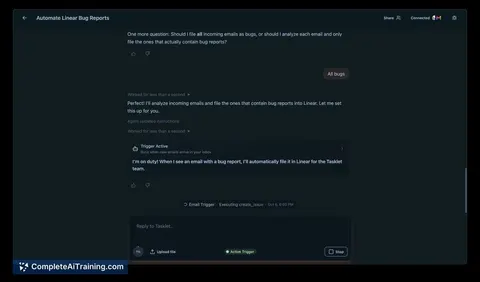
by AlbretsenLet your AI read, search, send and organize email in your own mailbox.
EmailNo install
Box MCP server
by boxLet your AI search your Box files, answer questions about them, and pull out details for you.
Productivity Official
Mistral MCP server
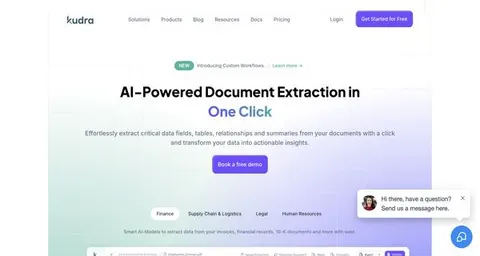
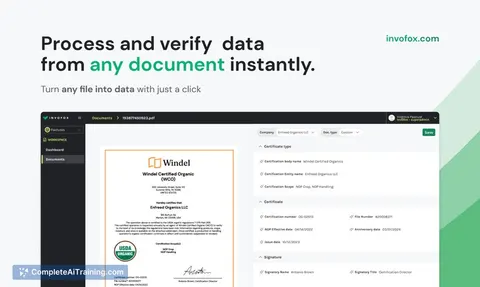
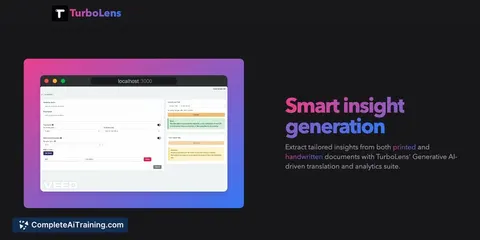
by SwihTurn invoices and documents into clean data, and use Mistral AI for chat, OCR, audio and images.

Excel MCP server
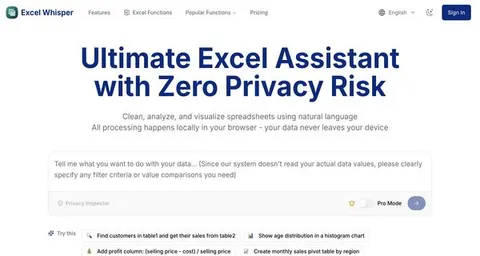
by haris-musaLets your AI create, read and edit Excel workbooks for you, without opening Excel.

1C:Enterprise MCP server
by infatonLets your AI read and update data in your 1C:Enterprise ERP system, all from a chat.

Talonic MCP server
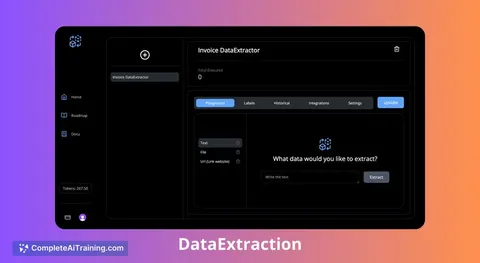
by talonicdevTurn PDFs, scans and forms into clean, checked data your AI can search and reuse.
ProductivityNo installBuild your own AI apps for accounts receivable specialists
Apps you build yourself with your own AI, no coding needed and no monthly fee. Our AI picked the 6 that fit the work of accounts receivable specialists.
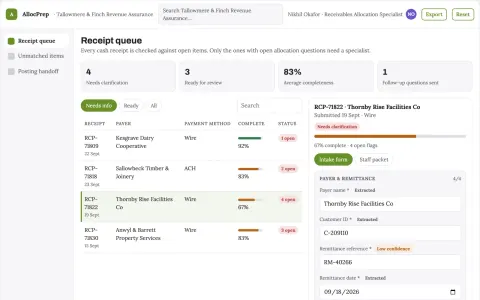
Cash receipt allocation preparation
Inspect candidate matches before ledger posting.
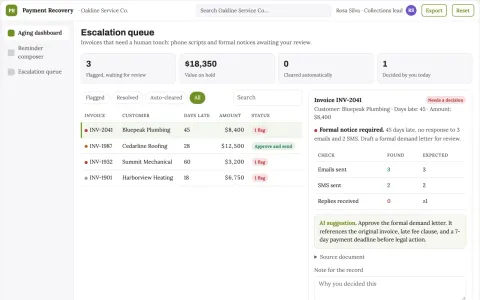
Polite Payment Recovery Agent
The agent writes genuinely human-sounding reminders and knows exactly when to stop and ask for approval.
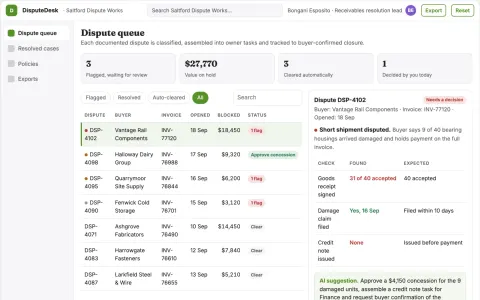
Receivables dispute-to-cash resolver
Turn documented disputes into completed actions that permit payment.
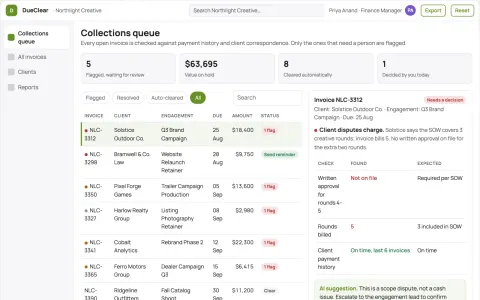
Accounts receivable assistant
Collections workflow preserves client relationships and separates billing disputes.
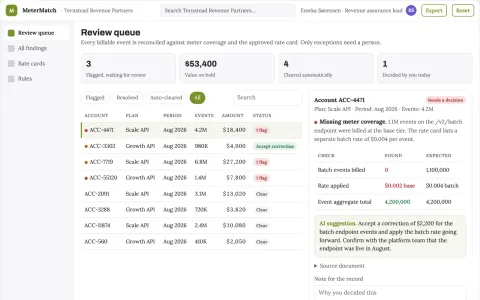
SaaS usage-to-billing reconciliation engine
Identify revenue leakage without inventing usage.
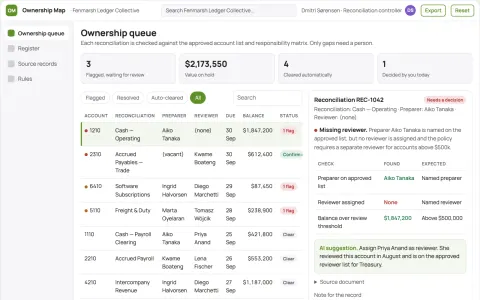
Finance reconciliation ownership map
Accepted ownership for each reconciliation.



















































































About this learning path
7 topicsAn AI learning path for accounts receivable specialists
You already keep cash moving by sending invoices, tracking payments, and following up on overdue accounts. This path helps you add AI to those daily tasks without changing the systems you already use.
You will start with setup questions, connect your AI tool, and practice with prompts made for AR work. Short video courses and their certifications go with each skill so you can show what you learned.
Why AI matters now
AR teams are asked to do more follow-up with the same hours, and customers expect clear, timely messages. AI can help you draft those messages, summarize account history, and spot patterns in payments. The skill is not in letting AI decide, but in using it to move faster while keeping your judgment.
When you use AI well, you spend less time on blank pages and more time on the accounts that need a real conversation.
What the path includes
The path begins with setup questions to help you choose an AI tool and connect it safely. Then you practice skills inside your AI, work through this prompt course, and watch video courses picked for accounts receivable work. Each video course lists the certification you can earn when you finish.
You will also get guidance on privacy, checking AI output, and using prompts that fit invoices, reminders, collections, cash application, reconciliation, aging reports, disputes, and payment plans.
How it saves you time
AI can take a blank page and turn it into a first draft for an invoice email, a reminder, a call script, or a reconciliation note. You still check the numbers and choose the words, but you start with something useful. That cuts the time you spend staring at a screen and gives it back to follow-up and problem solving.
The prompts are built for small tasks you do often, so you can save a few minutes on each message and let those minutes add up across the week.
How it protects your career
When you can explain your work clearly and use AI for the repetitive parts, you become more valuable to your team. You also learn how to check AI output, keep customer trust, and stay in control of decisions. That makes your experience stronger, not smaller.
You stay close to the customer relationship while showing that you can work with new tools in a careful, practical way.
Video courses and certifications
The video courses are chosen for the accounts receivable role, not for general AI theory. They cover billing, collections, cash application, reconciliation, and the software tasks that support them. Each course lists the certification you can earn and add to your profile.
You can take the courses in any order, but the path suggests a sequence that matches the AR cycle.
How to start the path
Begin with the setup questions so you know which AI tool your company allows and how to connect it. Then take the prompt course in order, using one real account as your practice. Add the video courses when you want a deeper skill or a certification.
Pick one task this week, such as a reminder for an overdue invoice. Open your AI tool, paste the prompt, and make it sound like you. Then move to the next lesson.
Frequently asked questions
Do I need technical skills to use this path?
No. The setup questions and lessons are written for people who use email, spreadsheets, and accounting software, not for programmers. You can start with the AI tool your company allows.Will AI replace accounts receivable specialists?
AI can help with drafts, checklists, and summaries, but it does not know your customers or make final decisions. Your judgment, relationships, and follow-through are still the core of the job. The path shows you how to use AI as a helper, not a replacement.Is it safe to use customer information in AI tools?
Only use customer information in an AI tool that your company has approved. Leave out or mask bank details, full account numbers, and personal data unless policy says otherwise. The safety section covers practical habits for AR work.How long does the path take?
You can move through the setup, prompt course, and video lessons at your own pace. Many people finish one lesson in a short sitting and practice it the same week. The path is built for busy workdays.