
AI agent for fine artists
Exhibition Preparation Agent
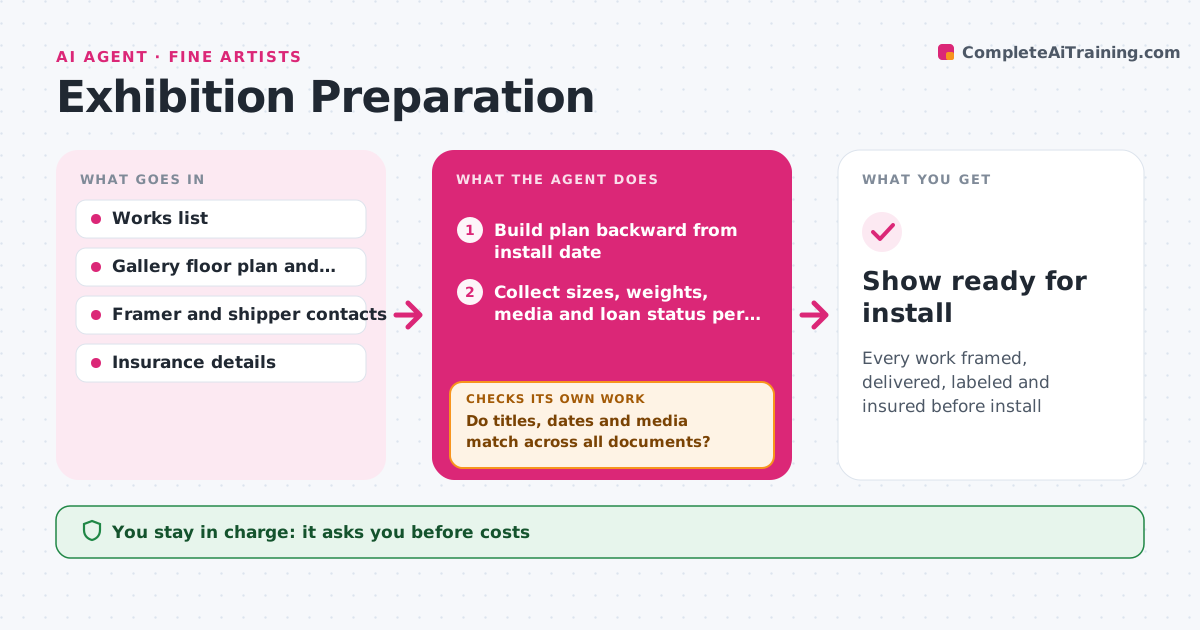
Every work framed, delivered, labeled and insured before install
What it does
Preparing an exhibition means tracking framing, labels, prices, shipping and installation, and a single mismatch can embarrass the artist on opening night. When a show is confirmed, this agent builds a plan backward from the install date: works list, framing, condition reports, labels and wall text, price list, shipping and insurance. It tracks each work's status. It checks the works list against the gallery's needs: dimensions fit the walls, weights fit the hanging system, and titles, dates and media match across labels, price list and catalog. Mismatches are fixed and checked again. It drafts messages to framers, shippers and the gallery. The artist approves every message and cost. Edge case: a work on loan from a collector needs a loan agreement and separate insurance.
How it works
Follow the arrows from top to bottom. The orange dashed arrow is the loop: when a check fails, the agent goes back and tries again.
Read the steps as a list
- Show confirmed
- Build plan backward from install date
- Collect sizes, weights, media and loan status per work
- Draft labels, price list and wall text
- Do titles, dates and media match across all documents?If not: correct the documents with the artist's confirmed details. Back to step 4.
- Do sizes and weights fit the walls and hanging system?If not: flag the work and ask the gallery for a hanging solution. Back to step 3.
- Draft messages to framer, shipper and gallery
- Artist approves messages and costsThe agent waits here for your OK.
- Show ready for install
How it decides
It schedules tasks backward from install and requires all documents to match the works list.
- Loaned works need loan agreements
- Titles and dates must match everywhere
- Heavy works need gallery sign-off on hanging
Make it yours
Every agent is a starting point. You choose these settings for your own situation.
- Plan template
- Documents produced
- Lead times
- Contacts
What keeps you in control
It always asks you first
- Costs
- Messages
- Price list
Hard limits
- Never commits to costs
- Never sets prices
It stops when
- Done: install complete
- Stop: show postponed
Set it up
We guide you through the set-up, step by step
Members get the full set-up guide for this agent. No technical skills needed: you copy, paste and upload.
- One set of instructions to paste into your AI, with the clicks for ChatGPT, Claude, Microsoft 365 Copilot, Gemini and Grok
- The agent then walks you through connecting your own data, one source at a time
- A downloadable copy with the flow chart, the rules and the full guide



