
AI agent for manager of sales
Field Coaching Follow-Up Agent
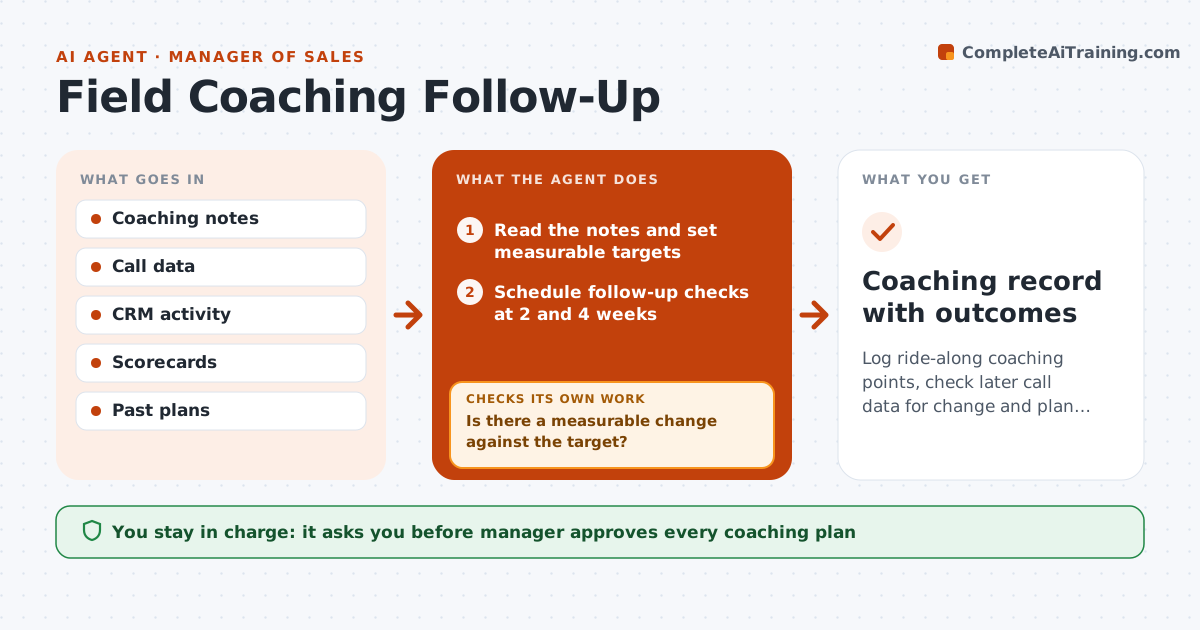
Log ride-along coaching points, check later call data for change and plan the next coaching step
What it does
Coaching notes from ride-alongs never lead to changes because no one follows up. After each session, the agent logs the coaching points and the behavior the manager wanted to change, such as better discovery questions or proper documentation. It schedules follow-up checks and compares later call data, scorecards and notes. If there is no change, it flags this and drafts the next coaching plan with a different approach. If there is change, it records it. The manager approves the plan. Edge case: a rep improves call length but not question quality, and the agent changes the measure.
How it works
Follow the arrows from top to bottom. The orange dashed arrow is the loop: when a check fails, the agent goes back and tries again.
Read the steps as a list
- Coaching session logged
- Read the notes and set measurable targets
- Schedule follow-up checks at 2 and 4 weeks
- Read later call and CRM data
- Is there a measurable change against the target?If not: Flag no change and review the cause. Back to step 3.
- Draft a new coaching plan with a different approach
- Manager approves the planThe agent waits here for your OK.
- Share the plan with the rep
- Did the new plan lead to change at the next check?If not: Revise the measure or the approach. Back to step 3.
- Coaching record with outcomes
How it decides
Coaching points are tested against later call and CRM data; a point with no change leads to a different plan.
- Set a measure for every coaching point
- Check at 2 and 4 weeks
- Change the approach after one no-change check
- Record improvements as evidence
Make it yours
Every agent is a starting point. You choose these settings for your own situation.
- Measures
- Check timing (default 2 and 4 weeks)
- Call data source
- Plan format
What keeps you in control
It always asks you first
- Manager approves every coaching plan
- Manager approves anything that goes to HR
Hard limits
- Never judge a rep without data
- Never share notes beyond the manager and rep
It stops when
- Done: targets met or a final plan agreed
- Stop: the rep leaves or changes role
Set it up
We guide you through the set-up, step by step
Members get the full set-up guide for this agent. No technical skills needed: you copy, paste and upload.
- One set of instructions to paste into your AI, with the clicks for ChatGPT, Claude, Microsoft 365 Copilot, Gemini and Grok
- The agent then walks you through connecting your own data, one source at a time
- A downloadable copy with the flow chart, the rules and the full guide



