AI agent for agricultural scientists
Field Trial Planting and Application Log Agent
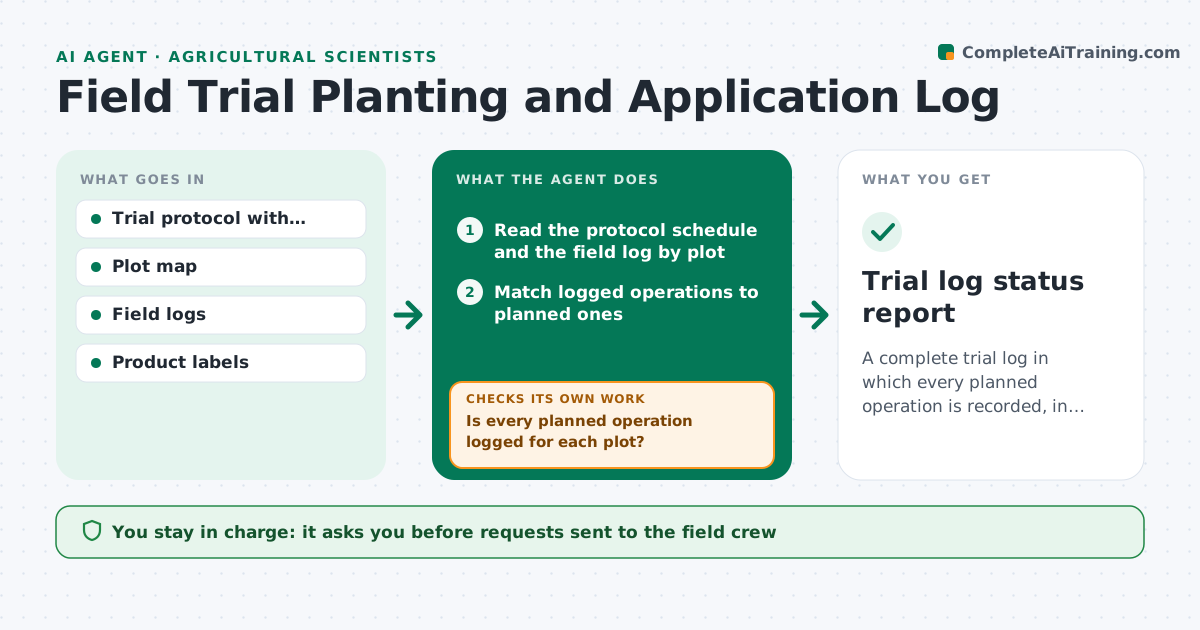
A complete trial log in which every planned operation is recorded, in window and within label.
What it does
A trial plot missed its second herbicide pass, or got the wrong rate, and the problem appears when yields are analyzed. This agent compares the planned field operations to the logged ones for each plot every week. It checks planting date, seeding rate, fertilizer and spray applications against the protocol, including the allowed date windows and label rates. It flags missed events, off-label products and out-of-window dates, and asks the crew for missing entries by drafting a short message listing plots and operations. It rechecks after replies and updates the log status. The scientist approves the trial log. Edge case: a weather delay noted in the log moves the window only if the protocol allows it.
How it works
Follow the arrows from top to bottom. The orange dashed arrow is the loop: when a check fails, the agent goes back and tries again.
Read the steps as a list
- Weekly run or new log entry
- Read the protocol schedule and the field log by plot
- Match logged operations to planned ones
- Is every planned operation logged for each plot?If not: list missing events by plot and draft a request to the crew. Back to step 3.
- Scientist approves the request to the crewThe agent waits here for your OK.
- Compare dates and rates to windows and label limits
- Are all events within window and label?If not: flag deviations with the allowed limits and ask the crew for an explanation. Back to step 6.
- Update the log status and deviation list
- Forecast upcoming operations in the next 14 days
- Trial log status report
How it decides
A logged event passes if the plot, product, rate and date match the protocol within the allowed window. Otherwise it is flagged as missing, late or off-protocol.
- Operation missed and window closed: record as a protocol deviation
- Application rate over the label rate: flag as off-label and stop further entries until reviewed
- Date outside window by 1 to 2 days with a weather note: record as minor deviation
- Plot missing from the log for 14 days: ask the crew for a visit confirmation
Make it yours
Every agent is a starting point. You choose these settings for your own situation.
- Allowed date window per operation
- Rate tolerance (default 5 percent)
- Run frequency
- Crew contact method
- Deviation categories
What keeps you in control
It always asks you first
- Requests sent to the field crew
- The final trial log
Hard limits
- Never invent a log entry
- Never alter the protocol
It stops when
- Done: all operations accounted for
- Stop: season ends with unresolved deviations, scientist decides
Set it up
We guide you through the set-up, step by step
Members get the full set-up guide for this agent. No technical skills needed: you copy, paste and upload.
- One set of instructions to paste into your AI, with the clicks for ChatGPT, Claude, Microsoft 365 Copilot, Gemini and Grok
- The agent then walks you through connecting your own data, one source at a time
- A downloadable copy with the flow chart, the rules and the full guide