AI agent for dietitians
Food Record Analysis Agent
Accurate intake summary ready before consultations
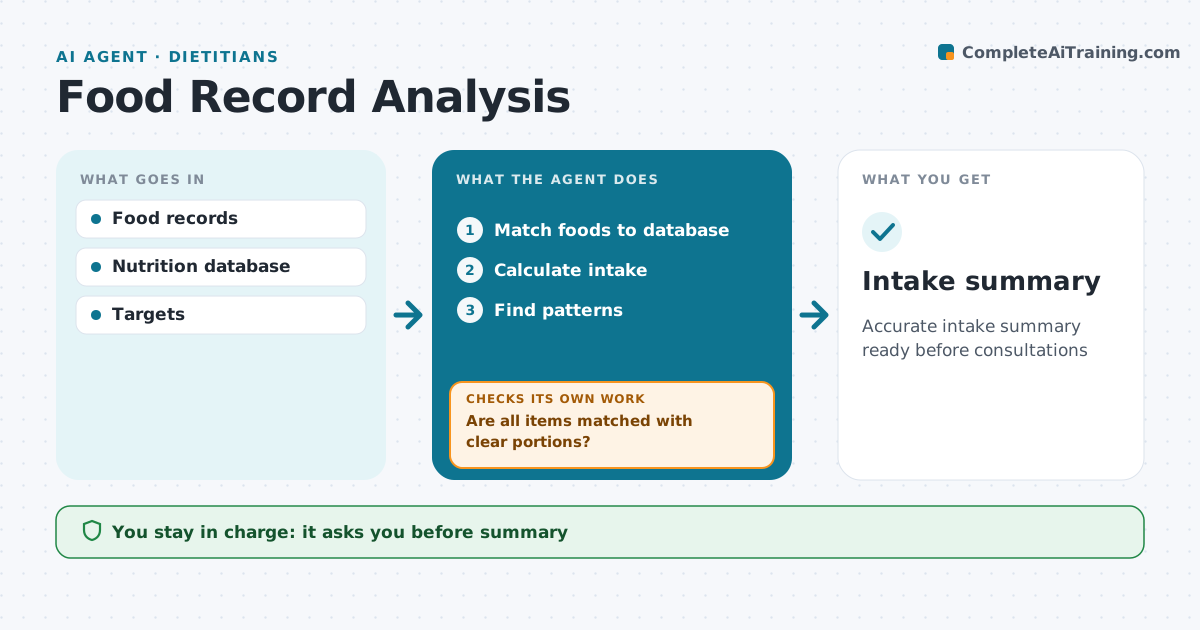
What it does
Food records show what clients really eat, but turning a week of diary entries into numbers takes hours. This agent reads food diaries or app exports, matches each food to a nutrition database, and calculates energy, protein, fiber and other targets per day. It flags entries it cannot match or with unclear portions, such as a bowl of pasta, and asks the client to clarify. It recalculates once answers come back. It then compares intake with the plan and highlights patterns, like skipped meals or low protein at breakfast. The dietitian reviews the summary before discussing it with the client. Edge case: records covering fewer than three days are marked as limited, so nobody draws firm conclusions from them.
How it works
Follow the arrows from top to bottom. The orange dashed arrow is the loop: when a check fails, the agent goes back and tries again.
Read the steps as a list
- Records arrive
- Match foods to database
- Are all items matched with clear portions?If not: ask client to clarify. Back to step 2.
- Calculate intake
- Find patterns
- Dietitian reviewsThe agent waits here for your OK.
- Intake summary
How it decides
Intake compared with targets.
- Unclear portions clarified
- Fewer than 3 days limited
- Patterns highlighted
Make it yours
Every agent is a starting point. You choose these settings for your own situation.
- Nutrients
- Database
- Days required
- Format
What keeps you in control
It always asks you first
- Summary
Hard limits
- No diagnosis
It stops when
- Done: summary
- Stop: no records
Set it up
We guide you through the set-up, step by step
Members get the full set-up guide for this agent. No technical skills needed: you copy, paste and upload.
- One set of instructions to paste into your AI, with the clicks for ChatGPT, Claude, Microsoft 365 Copilot, Gemini and Grok
- The agent then walks you through connecting your own data, one source at a time
- A downloadable copy with the flow chart, the rules and the full guide