AI agent for dietitians
Lab Result Nutrition Trend Agent
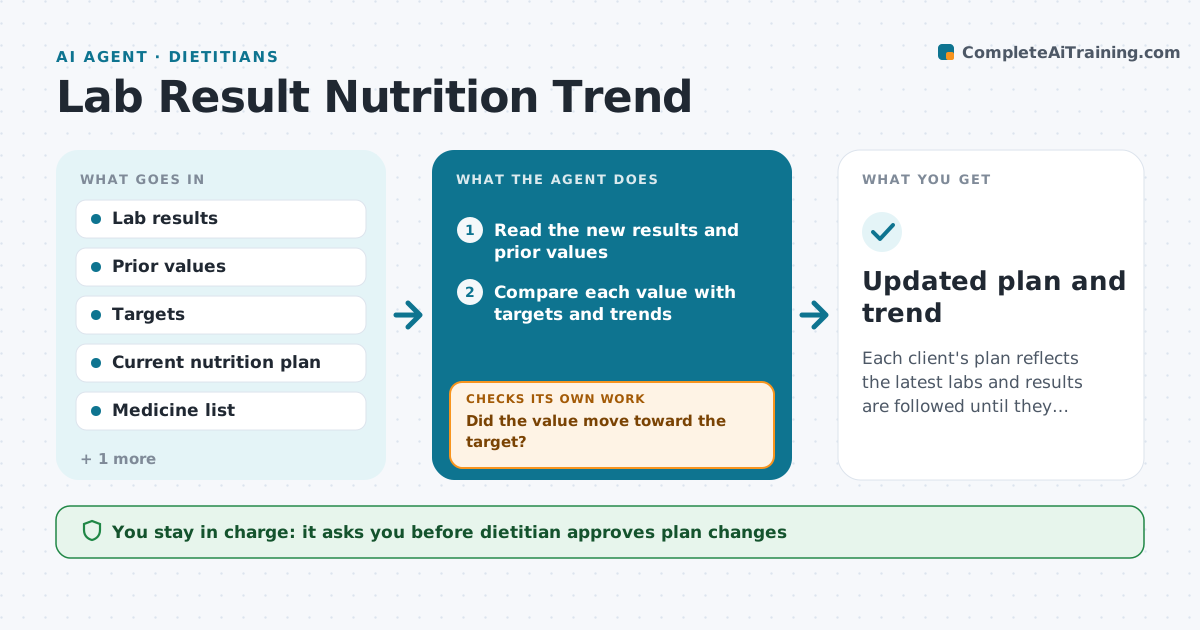
Each client's plan reflects the latest labs and results are followed until they improve.
What it does
A client's labs change between visits, and the nutrition plan is not always updated to match. When new results arrive, the agent reads them, compares them with prior values and the client's targets, and finds meaningful changes, such as a rising A1C, falling iron or higher potassium. It links each change to the current nutrition plan and drafts adjustments for the dietitian to consider, with a note to the physician where needed. After the plan changes, it waits for the next result and checks whether the value moved as expected. If not, it proposes another step. The dietitian approves every change and note. Edge case: a critical value goes to the dietitian at once with a prompt to contact the physician.
How it works
Follow the arrows from top to bottom. The orange dashed arrow is the loop: when a check fails, the agent goes back and tries again.
Read the steps as a list
- New lab results arrive
- Read the new results and prior values
- Compare each value with targets and trends
- Flag meaningful changes and critical values
- Link changes to parts of the current plan
- Draft plan adjustments and a physician note
- Dietitian approves changes and notesThe agent waits here for your OK.
- Save the plan update and send the note
- Read the next result when it arrives
- Did the value move toward the target?If not: Review adherence and the plan, propose another adjustment or ask the physician to review. Back to step 3.
- Updated plan and trend
How it decides
It flags changes by size and direction against targets and links them to plan elements.
- Critical values go to the dietitian at once
- A change of more than 10% from baseline is flagged
- Reassess after the next result
- No adjustment outside the dietitian's scope
Make it yours
Every agent is a starting point. You choose these settings for your own situation.
- Target ranges per condition
- Change threshold
- Who is notified
- Recheck timing
- Note format
What keeps you in control
It always asks you first
- Dietitian approves plan changes
- Dietitian approves notes to physicians
Hard limits
- Never advise on medicines
- Never change a plan without approval
- Never ignore a critical value
It stops when
- Done: values are at target or the plan is reviewed with the physician
- Stop: the client changes provider
Set it up
We guide you through the set-up, step by step
Members get the full set-up guide for this agent. No technical skills needed: you copy, paste and upload.
- One set of instructions to paste into your AI, with the clicks for ChatGPT, Claude, Microsoft 365 Copilot, Gemini and Grok
- The agent then walks you through connecting your own data, one source at a time
- A downloadable copy with the flow chart, the rules and the full guide