AI agent for tour guides
Group Tour Itinerary Timing Agent
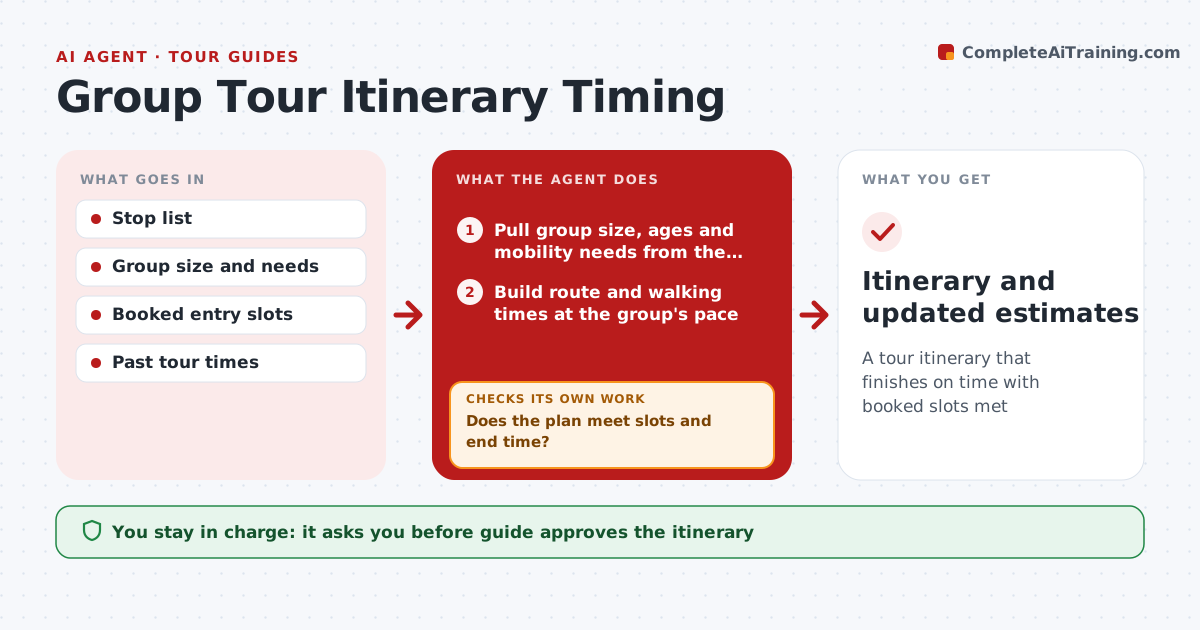
A tour itinerary that finishes on time with booked slots met
What it does
Group tours need realistic timing between stops, entry slots and breaks, and a plan that looks fine on paper often runs long with a real group. When a booking is confirmed, this agent builds the route from the stop list and calculates walking or driving times at the group's pace, using a slower pace for seniors and children. It adds queue times from past tours, booked entry slots and a break every 90 minutes. It then checks the plan against booked slots and the end time. If it runs over, it suggests cuts or swaps and checks again. The guide approves the itinerary. After the tour, the agent records actual times and updates its estimates. Edge case: groups with mobility needs get slower walking speeds and accessible routes.
How it works
Follow the arrows from top to bottom. The orange dashed arrow is the loop: when a check fails, the agent goes back and tries again.
Read the steps as a list
- Booking confirmed
- Pull group size, ages and mobility needs from the booking
- Build route and walking times at the group's pace
- Add queue times, entry slots and breaks
- Does the plan meet slots and end time?If not: suggest cuts or swaps. Back to step 4.
- Guide approves itineraryThe agent waits here for your OK.
- Record actual times after the tour
- Were actual times within 10% of the plan?If not: update pace and queue estimates for the next booking. Back to step 3.
- Itinerary and updated estimates
How it decides
Walking speed depends on group type. The plan must end within 10 minutes of the target.
- Slow pace for seniors and children
- Booked slots fixed
- Breaks every 90 minutes
Make it yours
Every agent is a starting point. You choose these settings for your own situation.
- Walking speeds
- Break rules
- Time tolerance
- Data sources
What keeps you in control
It always asks you first
- Guide approves the itinerary
Hard limits
- Never books or cancels
- Uses accessible routes when needed
It stops when
- Done: tour completed
- Stop: booking canceled
Set it up
We guide you through the set-up, step by step
Members get the full set-up guide for this agent. No technical skills needed: you copy, paste and upload.
- One set of instructions to paste into your AI, with the clicks for ChatGPT, Claude, Microsoft 365 Copilot, Gemini and Grok
- The agent then walks you through connecting your own data, one source at a time
- A downloadable copy with the flow chart, the rules and the full guide