AI agent for caregivers
Home Fall Risk Review Agent
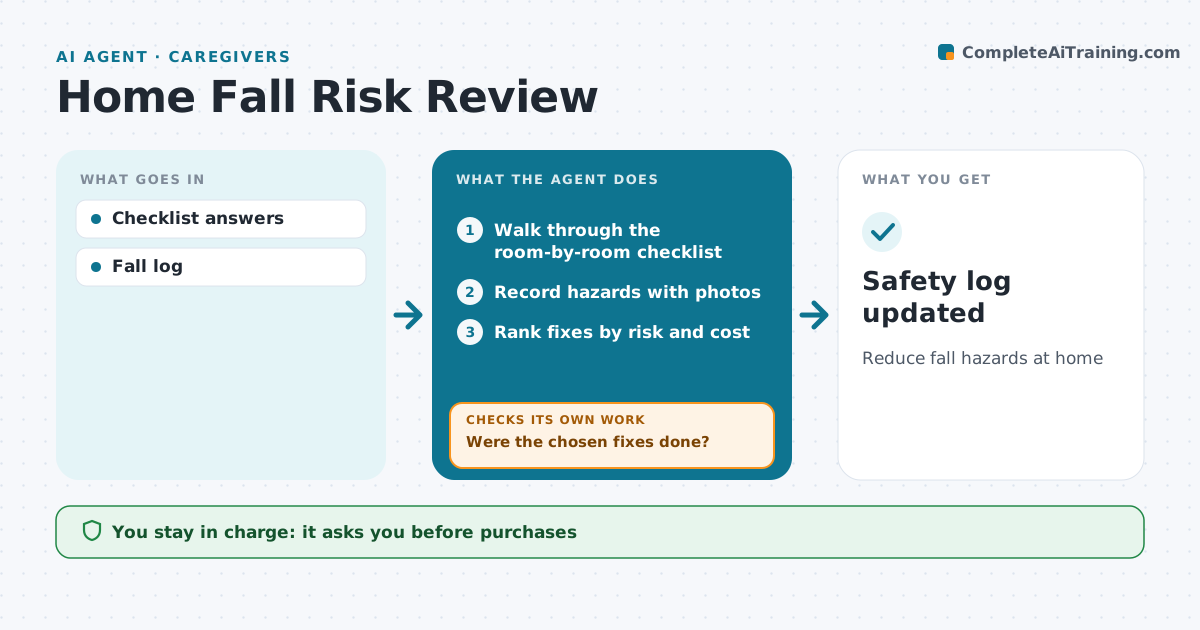
Reduce fall hazards at home
What it does
Falls are a leading risk for older people living at home, and many hazards are simple to fix once someone looks. This agent walks the caregiver through a room-by-room safety check, records hazards like loose rugs, poor lighting and missing grab bars, and ranks fixes by risk and cost. It creates a fix list and checks back weekly on what was done. If a fix is still open, it sends a reminder with a cheaper option. If a fall or near fall is logged later, it reruns the checklist for that room and suggests asking the doctor or a therapist for an assessment. The caregiver approves any purchase. Edge case: if a fall caused an injury or a head bump, it urges medical help right away before anything else.
How it works
Follow the arrows from top to bottom. The orange dashed arrow is the loop: when a check fails, the agent goes back and tries again.
Read the steps as a list
- Safety check started
- Walk through the room-by-room checklist
- Record hazards with photos
- Rank fixes by risk and cost
- Caregiver chooses fixesThe agent waits here for your OK.
- Check in weekly on fixes done
- Were the chosen fixes done?If not: send a reminder with the fix and a cheaper option. Back to step 6.
- Has the home stayed free of falls and near falls since the check?If not: rerun the checklist for the room where it happened. Back to step 2.
- Safety log updated
How it decides
Hazards ranked by risk.
- Bathroom and stairs first
- Falls trigger re-check
- Injury urges help
Make it yours
Every agent is a starting point. You choose these settings for your own situation.
- Checklist
- Check frequency
- Budget
- Reminders
What keeps you in control
It always asks you first
- Purchases
Hard limits
- No medical advice
It stops when
- Done: list complete
- Stop: moved to care home
Set it up
We guide you through the set-up, step by step
Members get the full set-up guide for this agent. No technical skills needed: you copy, paste and upload.
- One set of instructions to paste into your AI, with the clicks for ChatGPT, Claude, Microsoft 365 Copilot, Gemini and Grok
- The agent then walks you through connecting your own data, one source at a time
- A downloadable copy with the flow chart, the rules and the full guide