AI agent for regulatory affairs specialists
Labeling Change Control Agent
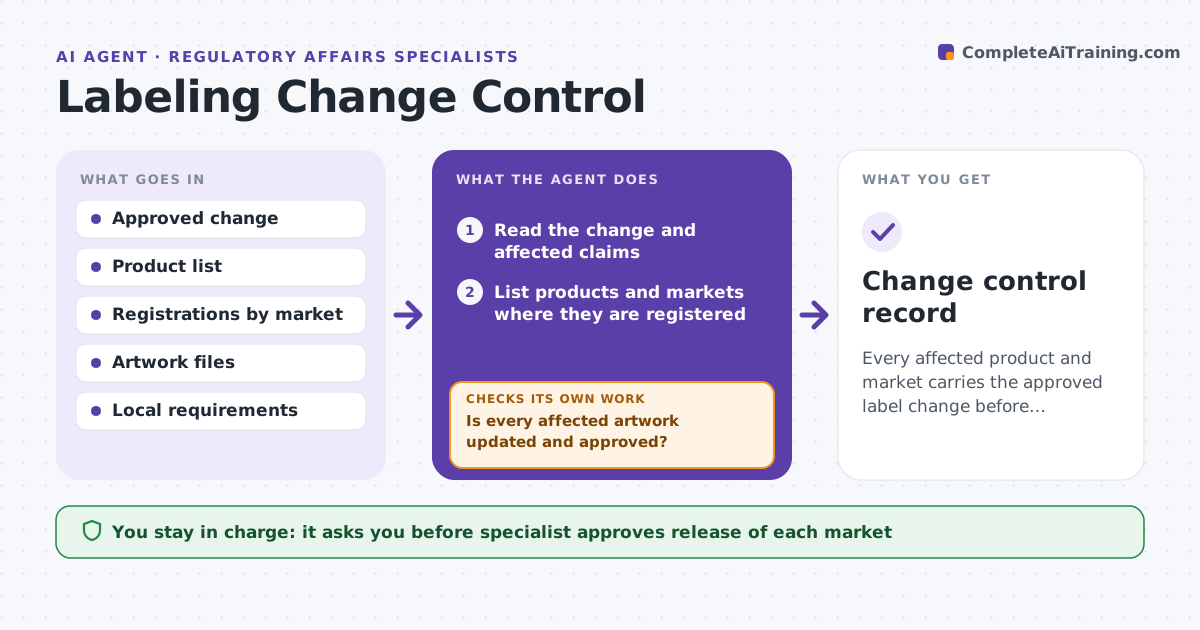
Every affected product and market carries the approved label change before release.
What it does
A label change approved in one market is not always applied to the others. Products with old claims or warnings stay on shelves. This agent reads the approved change, lists affected products and markets, and checks each artwork, approval and local requirement. It flags gaps and rechecks after updates. It decides which markets are affected from product registration data and the rule for the change. The specialist approves release. Edge case: a warning is updated for the EU but the same product is sold in a country that follows the same rule, so the agent flags it for review.
How it works
Follow the arrows from top to bottom. The orange dashed arrow is the loop: when a check fails, the agent goes back and tries again.
Read the steps as a list
- A label change is approved
- Read the change and affected claims
- List products and markets where they are registered
- Check each market's local requirements
- Compare current artwork text to the approved change
- Flag artwork not updated and markets not approved
- Is every affected artwork updated and approved?If not: send the gaps to owners and recheck after their updates. Back to step 4.
- Prepare the release checklist
- Specialist approves releaseThe agent waits here for your OK.
- Change control record
How it decides
It marks a market affected when the product is registered there and the rule applies. It marks an artwork ready only when its text matches the approved change.
- Flag an artwork with old text
- Flag a market where approval is not recorded
- Hold release until all affected markets are ready
- Note local language needs
Make it yours
Every agent is a starting point. You choose these settings for your own situation.
- Change types covered
- Markets
- Release rules
- Recheck timing
- Approval roles
What keeps you in control
It always asks you first
- Specialist approves release of each market
Hard limits
- Never release artwork or change a label itself
- Never skip a market because data is missing
It stops when
- Done: all affected markets updated and approved
- Stop: a market has a conflicting local rule
Set it up
We guide you through the set-up, step by step
Members get the full set-up guide for this agent. No technical skills needed: you copy, paste and upload.
- One set of instructions to paste into your AI, with the clicks for ChatGPT, Claude, Microsoft 365 Copilot, Gemini and Grok
- The agent then walks you through connecting your own data, one source at a time
- A downloadable copy with the flow chart, the rules and the full guide