AI agent for regulatory affairs specialists
Supplier Change Notification Assessment Agent
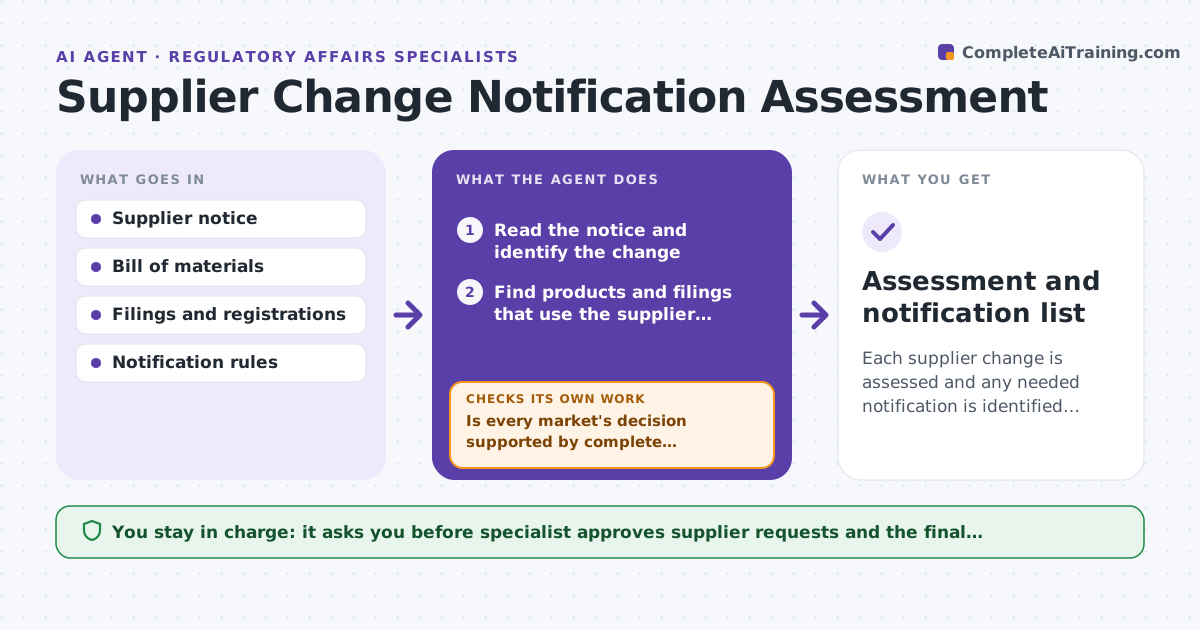
Each supplier change is assessed and any needed notification is identified in time.
What it does
Suppliers send change notices for materials, sites or processes, and each one may require notifying authorities in some markets. These notices are easy to miss. This agent reads supplier notices, links them to products and filings, assesses whether notification is needed in each market and drafts the assessment. It rechecks as supplier data arrives. It decides using the filing records and rules: a change to a registered material or site is likely to need notification. The specialist approves. Edge case: a supplier changes a manufacturing site but the notice does not say which batches, so the agent asks the supplier for the start date.
How it works
Follow the arrows from top to bottom. The orange dashed arrow is the loop: when a check fails, the agent goes back and tries again.
Read the steps as a list
- A supplier notice arrives
- Read the notice and identify the change
- Find products and filings that use the supplier material or site
- Compare the change to each market's notification rules
- Draft the impact assessment per market
- List missing information for the supplier
- Specialist approves requests to the supplierThe agent waits here for your OK.
- Read the supplier's reply and update the assessment
- Is every market's decision supported by complete information?If not: ask the supplier for the missing data and reassess. Back to step 4.
- Assessment and notification list
How it decides
It links a change to products by material or site, then compares it with each market's notification rules.
- Treat a site change as notification-relevant by default
- Ask for the date the change starts
- Link by bill of materials, not by product name
- Note the notification deadline per market
Make it yours
Every agent is a starting point. You choose these settings for your own situation.
- Notification rules
- Supplier groups
- Assessment format
- Deadlines
- Request wording
What keeps you in control
It always asks you first
- Specialist approves supplier requests and the final assessment
Hard limits
- Never decide a notification is not needed without the rule source
- Never contact an authority
It stops when
- Done: every market has a documented decision
- Stop: the supplier will not provide data
Set it up
We guide you through the set-up, step by step
Members get the full set-up guide for this agent. No technical skills needed: you copy, paste and upload.
- One set of instructions to paste into your AI, with the clicks for ChatGPT, Claude, Microsoft 365 Copilot, Gemini and Grok
- The agent then walks you through connecting your own data, one source at a time
- A downloadable copy with the flow chart, the rules and the full guide