AI agent for fashion designers
Lookbook and Sample Photo Shoot Readiness Agent
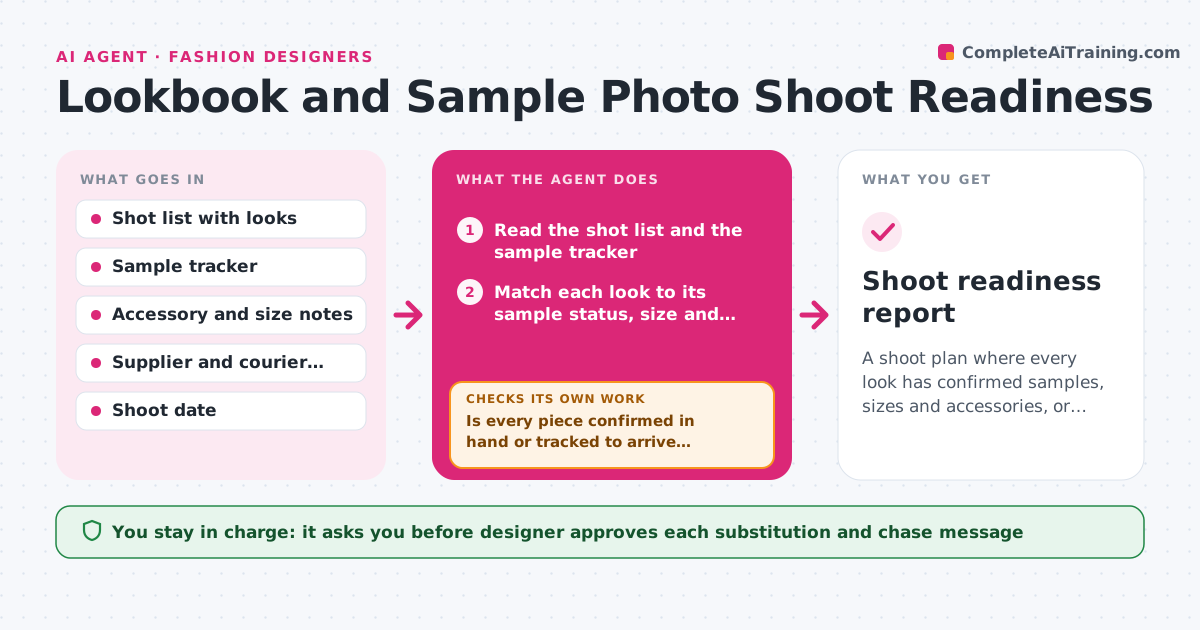
A shoot plan where every look has confirmed samples, sizes and accessories, or an approved substitute
What it does
On shoot morning, look 7 is missing its belt, look 12 is a size too big and the steamer has not been booked. This agent checks the shot list against the real state of each sample in the weeks before the shoot. It reads each look in the shot list and compares it with sample status, size, accessories and steaming or repair notes, then flags missing or wrong pieces. It chases the sample room or supplier for confirmation, rechecks status daily until the shoot, and updates the plan as items change, suggesting substitutions from other looks. At the end it produces the call sheet checklist. The designer approves substitutions and the final call sheet. Edge case: a sample marked 'shipped' with no tracking number is treated as unconfirmed until tracking is found.
How it works
Follow the arrows from top to bottom. The orange dashed arrow is the loop: when a check fails, the agent goes back and tries again.
Read the steps as a list
- Shoot is two weeks away
- Read the shot list and the sample tracker
- Match each look to its sample status, size and accessories
- Is every piece confirmed in hand or tracked to arrive before the shoot?If not: Draft a confirmation request for the missing pieces and recheck the tracker. Back to step 3.
- Flag looks at risk and suggest substitutions from other looks
- Designer approves substitutions and chase messagesThe agent waits here for your OK.
- Read the daily updates, tracking info and replies
- Are all at-risk looks resolved with the new information?If not: Update the plan and continue the daily check. Back to step 7.
- Build the final shoot checklist with steaming and repair notes
- Designer approves the final call sheetThe agent waits here for your OK.
- Shoot readiness report
How it decides
A look is ready only when every piece is confirmed in hand or tracked with a delivery date before the shoot. Anything else is flagged and chased.
- Treat a sample without tracking as unconfirmed
- Flag any look whose size does not match the model fitting list
- Escalate pieces still missing 3 days before the shoot
- Offer substitutions only from the same collection
Make it yours
Every agent is a starting point. You choose these settings for your own situation.
- Shoot date and lead time
- Fields tracked per look
- Escalation timing (default 3 days before)
- Contacts to chase
- Call sheet format
What keeps you in control
It always asks you first
- Designer approves each substitution and chase message
- Designer approves the final call sheet
Hard limits
- Never confirm bookings or send messages without approval
- Never remove a look from the plan without the designer's approval
It stops when
- Done: All looks are ready or substituted and the call sheet is approved
- Stop: A key look cannot be delivered, so the agent proposes cutting or reshooting the look
Set it up
We guide you through the set-up, step by step
Members get the full set-up guide for this agent. No technical skills needed: you copy, paste and upload.
- One set of instructions to paste into your AI, with the clicks for ChatGPT, Claude, Microsoft 365 Copilot, Gemini and Grok
- The agent then walks you through connecting your own data, one source at a time
- A downloadable copy with the flow chart, the rules and the full guide