AI agent for chief strategy officers
Market Entry Screening Agent
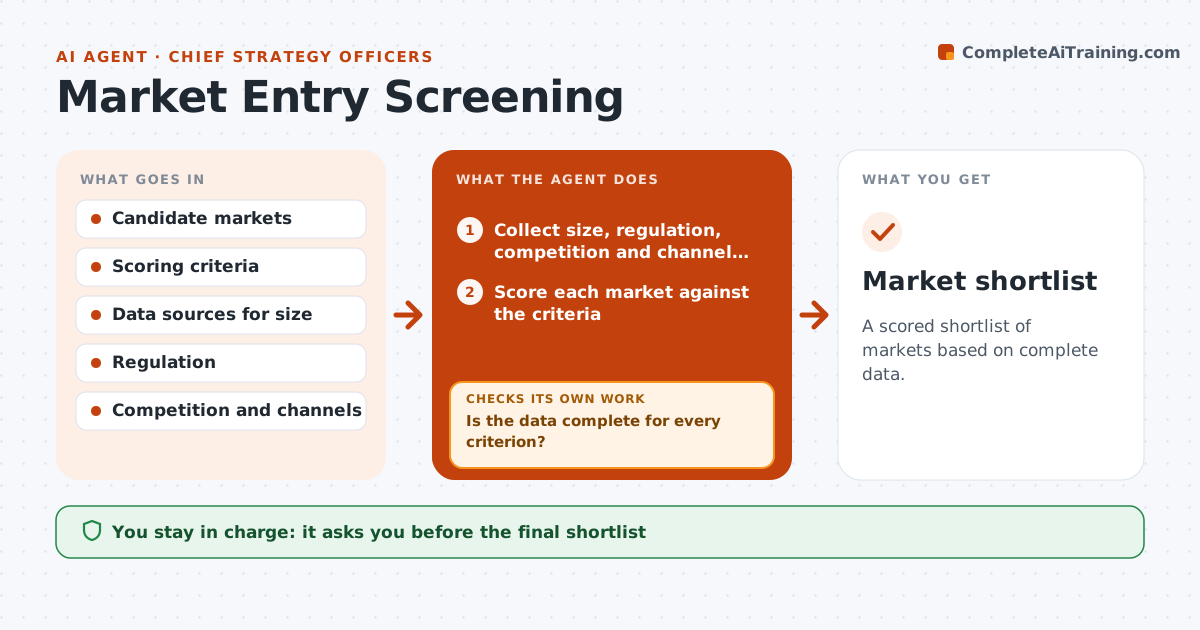
A scored shortlist of markets based on complete data.
What it does
A team picks the next market because a competitor entered it, with a half-page of research. This agent collects market size, regulation, competition and channel data for each candidate market and scores them. It checks for missing data, rescoring after it fills gaps, and writes a shortlist. It keeps the data sources beside each score so the strategist can see where every number came from. When a figure is only an estimate, it is labeled as one. It also tests how stable the ranking is by shifting the weights, so a close call is shown as a close call. Edge case: a market has strong demand but a regulation that blocks the product, so the agent drops it. The strategist approves the shortlist.
How it works
Follow the arrows from top to bottom. The orange dashed arrow is the loop: when a check fails, the agent goes back and tries again.
Read the steps as a list
- Market review begins
- Collect size, regulation, competition and channel data
- Score each market against the criteria
- Is the data complete for every criterion?If not: search for the missing data and note estimates. Back to step 2.
- Drop markets with blocking rules
- Rescore after filling gaps
- Does the ranking change when weights shift by 10%?If not: flag the unstable markets. Back to step 3.
- Write a shortlist with risks and open questions
- Strategist approves the shortlistThe agent waits here for your OK.
- Market shortlist
How it decides
It scores each market on weighted criteria and drops any with a blocking regulation.
- Drop a market with a blocking regulation.
- Mark estimated data as estimated.
- Test the ranking against shifted weights.
- Show the data source for each score.
Make it yours
Every agent is a starting point. You choose these settings for your own situation.
- Criteria and weights
- Markets
- Data sources
- Shortlist size
- Sensitivity test
What keeps you in control
It always asks you first
- The final shortlist
Hard limits
- Do not state estimates as facts.
- Do not share the shortlist externally.
It stops when
- Done: shortlist approved
- Stop: key data cannot be found, so the agent flags the gaps
Set it up
We guide you through the set-up, step by step
Members get the full set-up guide for this agent. No technical skills needed: you copy, paste and upload.
- One set of instructions to paste into your AI, with the clicks for ChatGPT, Claude, Microsoft 365 Copilot, Gemini and Grok
- The agent then walks you through connecting your own data, one source at a time
- A downloadable copy with the flow chart, the rules and the full guide