
AI agent for materials scientists
Mechanical Test Outlier Review Agent
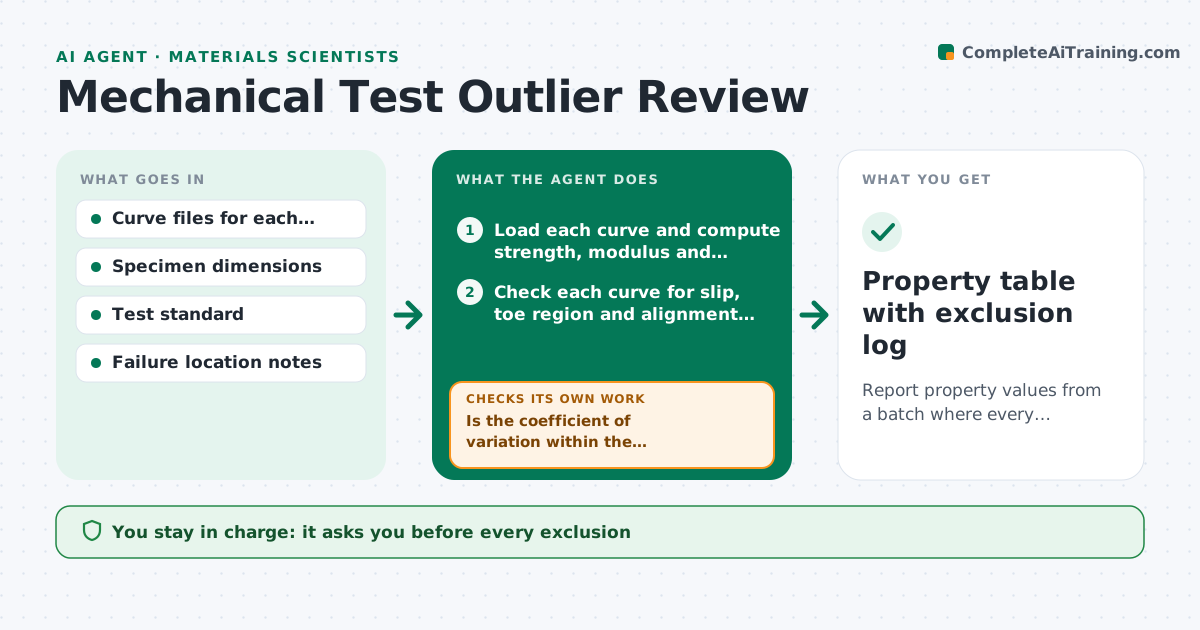
Report property values from a batch where every excluded specimen has a documented reason.
What it does
One specimen that slipped in the grips can pull the average strength down and widen the scatter, and removing it by feel is not defensible. This agent loads the stress-strain or load-displacement curve for every specimen in a batch and checks each for known problems: grip slip, a toe region that is too long, early failure at a flaw, failure outside the gauge length, and alignment issues. It compares each specimen to the rest of the batch and flags suspects with a reason. It lists the retests needed and recomputes the statistics once they are done. It shows the numbers with and without each exclusion. It never excludes anything. The scientist approves what is excluded. Edge case: a large scatter in every specimen is flagged as a method issue.
How it works
Follow the arrows from top to bottom. The orange dashed arrow is the loop: when a check fails, the agent goes back and tries again.
Read the steps as a list
- Batch results uploaded
- Load each curve and compute strength, modulus and elongation
- Check each curve for slip, toe region and alignment signs
- Compare each specimen to the batch spread
- Flag suspects with a reason and list retests
- Scientist approves retests and exclusionsThe agent waits here for your OK.
- Load retest results and recompute statistics
- Is the coefficient of variation within the standard's limit?If not: recheck all specimens for a common cause such as grips or fixture. Back to step 3.
- Is every exclusion backed by a documented fault?If not: return the specimen to the included set and note it as a statistical outlier only. Back to step 4.
- Property table with exclusion log
How it decides
It flags a specimen when it shows a known test fault or sits outside the batch spread by a set number of deviations, and only a fault counts as grounds for a retest request.
- Exclude only for a documented test fault, not for being far from the mean
- Flag a specimen beyond 2.5 standard deviations as a possible outlier
- Treat failure outside the gauge length as a retest case
- Report values with and without exclusions
Make it yours
Every agent is a starting point. You choose these settings for your own situation.
- Outlier threshold (default 2.5 deviations)
- Test standard and limits
- Fault types to check
- CV limit
- Report format
What keeps you in control
It always asks you first
- Every exclusion
- Requests for retests
Hard limits
- Never delete any specimen data
- Always report both the included and full sets
It stops when
- Done: statistics reported with approved exclusions
- Stop: scatter is high across the whole batch
Set it up
We guide you through the set-up, step by step
Members get the full set-up guide for this agent. No technical skills needed: you copy, paste and upload.
- One set of instructions to paste into your AI, with the clicks for ChatGPT, Claude, Microsoft 365 Copilot, Gemini and Grok
- The agent then walks you through connecting your own data, one source at a time
- A downloadable copy with the flow chart, the rules and the full guide



