AI agent for physicists
Monte Carlo Validation Agent
Reach documented agreement between simulation and control data, or report the remaining gap.
What it does
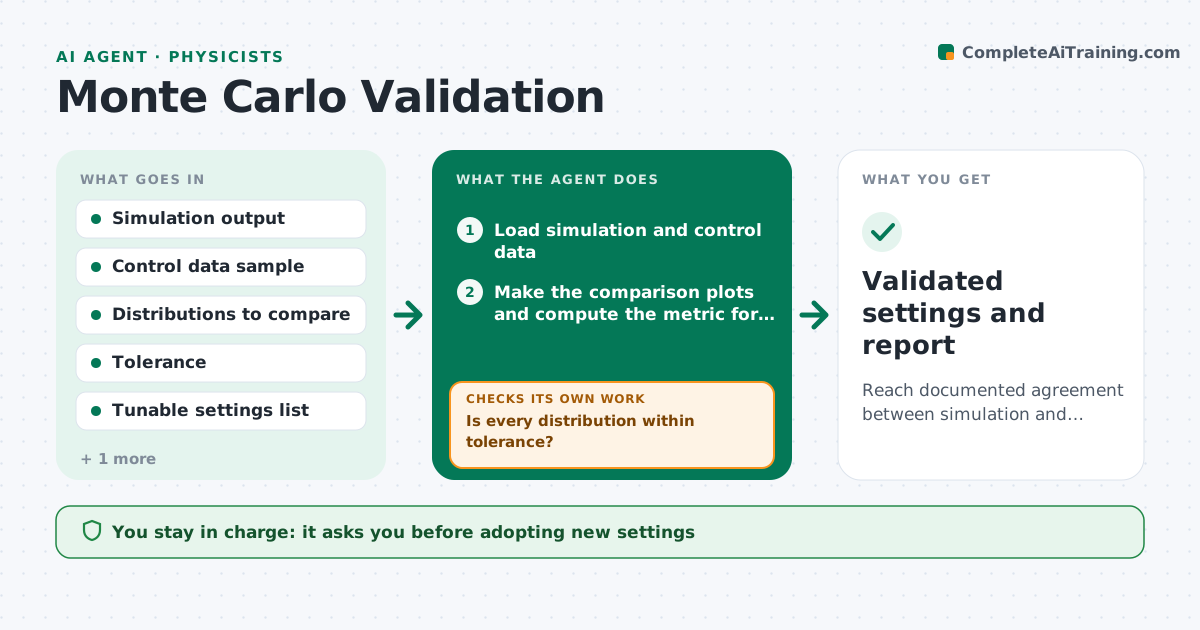
A simulation is only as good as its agreement with data, yet many are used for corrections and predictions after one quick look at a plot. This agent takes a simulation output and a control sample from data in a region where the physics is well known. It compares key distributions, such as energy, angle, multiplicity and efficiency, using the lab's metric, such as chi-squared or ratio plots with uncertainties. It flags those that disagree beyond tolerance, then tries changes to the settings, for example the physics list, tune or detector geometry parameters, and reruns. It rechecks until agreement is within tolerance or the remaining gap is documented. It never replaces production settings. The physicist approves. Edge case: a disagreement that is covered by the systematic uncertainty is reported but not chased.
How it works
Follow the arrows from top to bottom. The orange dashed arrow is the loop: when a check fails, the agent goes back and tries again.
Read the steps as a list
- Simulation ready
- Load simulation and control data
- Make the comparison plots and compute the metric for each distribution
- Is every distribution within tolerance?If not: choose a setting change likely to help and rerun the simulation. Back to step 3.
- Rerun with one changed setting
- Recompute the metric and compare with the previous version
- Did the change improve agreement without worsening another distribution?If not: revert the change and try the next setting. Back to step 5.
- Write the validation report with tried changes
- Physicist approves settings and the remaining gapThe agent waits here for your OK.
- Validated settings and report
How it decides
It judges agreement by the chosen metric against the tolerance. It tries one setting change at a time, so it can tell which change caused an improvement.
- Change one setting at a time
- Accept a distribution when the ratio to data is within tolerance across its range
- Revert any change that worsens another distribution
- Skip chasing differences within systematic uncertainty
Make it yours
Every agent is a starting point. You choose these settings for your own situation.
- Distributions to compare
- Agreement metric and tolerance
- Settings the agent may change
- Run budget (default 8 reruns)
- Control sample
What keeps you in control
It always asks you first
- Adopting new settings
- The stated remaining disagreement
Hard limits
- Never overwrite the production settings
- Keep every tested configuration on file
It stops when
- Done: agreement within tolerance or the gap is documented and approved
- Stop: run budget used up
Set it up
We guide you through the set-up, step by step
Members get the full set-up guide for this agent. No technical skills needed: you copy, paste and upload.
- One set of instructions to paste into your AI, with the clicks for ChatGPT, Claude, Microsoft 365 Copilot, Gemini and Grok
- The agent then walks you through connecting your own data, one source at a time
- A downloadable copy with the flow chart, the rules and the full guide