AI agent for account executives
Multi-Threading Stakeholder Map Agent
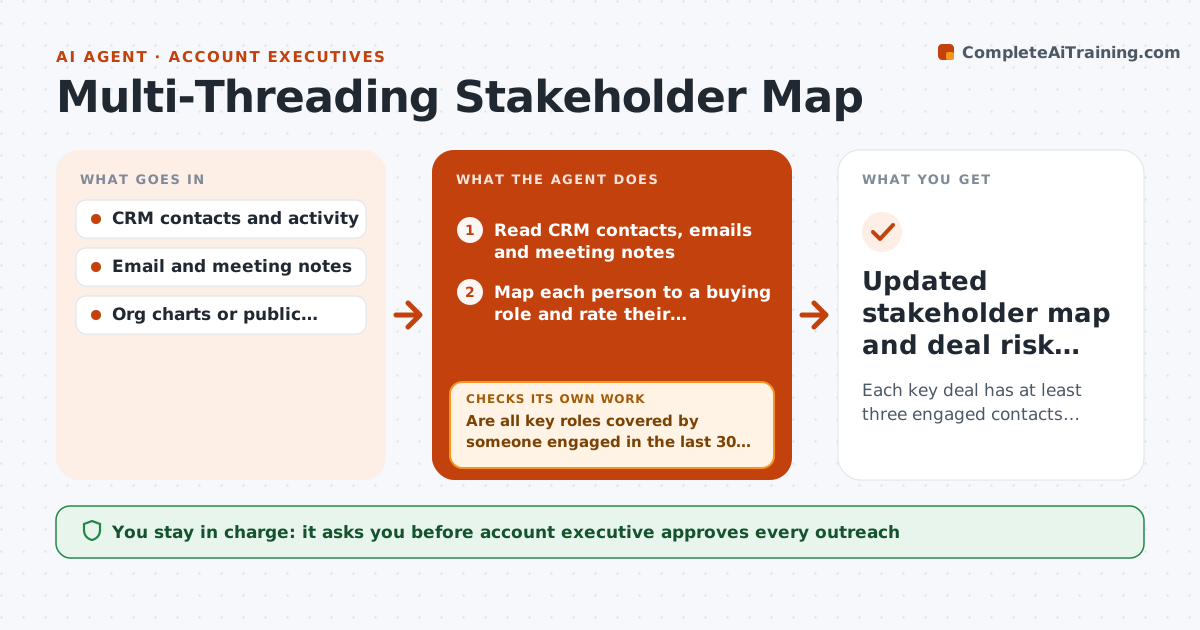
Each key deal has at least three engaged contacts covering the main buying roles
What it does
Enterprise deals often hang on one friendly contact. If that person goes quiet, changes roles or leaves, the deal stalls. This agent reads CRM contacts, emails and meeting notes for an open deal and maps who plays which role: champion, economic buyer, technical evaluator, legal and procurement. It flags missing or weak roles, such as no one with budget authority, and finds likely people from the account's org chart or public profiles. It suggests who to reach, why, and through whom, and drafts a short intro note. After new activity it rechecks the map. The account executive approves each outreach. Edge case: a champion leaves the company, so the agent promotes a second contact and flags the risk to the deal forecast.
How it works
Follow the arrows from top to bottom. The orange dashed arrow is the loop: when a check fails, the agent goes back and tries again.
Read the steps as a list
- Deal reaches the tracked stage
- Read CRM contacts, emails and meeting notes
- Map each person to a buying role and rate their engagement
- Are all key roles covered by someone engaged in the last 30 days?If not: search the account for likely people in missing roles and rank them. Back to step 3.
- Suggest who to reach, through whom, and why
- Draft a short outreach or intro request
- Account executive approves each outreachThe agent waits here for your OK.
- Log activity and replies in the CRM
- Did new contacts engage within two weeks?If not: try a different path such as a mutual contact or event invite. Back to step 5.
- Updated stakeholder map and deal risk note
How it decides
A role is covered when a named person has engaged within 30 days. A deal is at risk when only one person is engaged or the economic buyer is missing.
- Flag deals with only one engaged contact
- Count a role as covered only if engagement is within 30 days
- Prefer a warm intro over a cold note when a mutual contact exists
- Note the deal risk whenever the champion changes
Make it yours
Every agent is a starting point. You choose these settings for your own situation.
- Roles to track
- Engagement window (default 30 days)
- Where to look for new contacts
- Deal stage to start
What keeps you in control
It always asks you first
- Account executive approves every outreach
- Account executive approves changes to the forecast
Hard limits
- Use only business information and public pages
- Never contact anyone without approval
- Do not store personal details beyond work contacts
It stops when
- Done: all key roles covered and engaged
- Stop: the deal is closed lost or the buyer asks for no more contacts
Set it up
We guide you through the set-up, step by step
Members get the full set-up guide for this agent. No technical skills needed: you copy, paste and upload.
- One set of instructions to paste into your AI, with the clicks for ChatGPT, Claude, Microsoft 365 Copilot, Gemini and Grok
- The agent then walks you through connecting your own data, one source at a time
- A downloadable copy with the flow chart, the rules and the full guide