AI agent for benefits administrators
Offboarding Benefits Agent
End coverage on the correct date and send the right notices for every leaver.
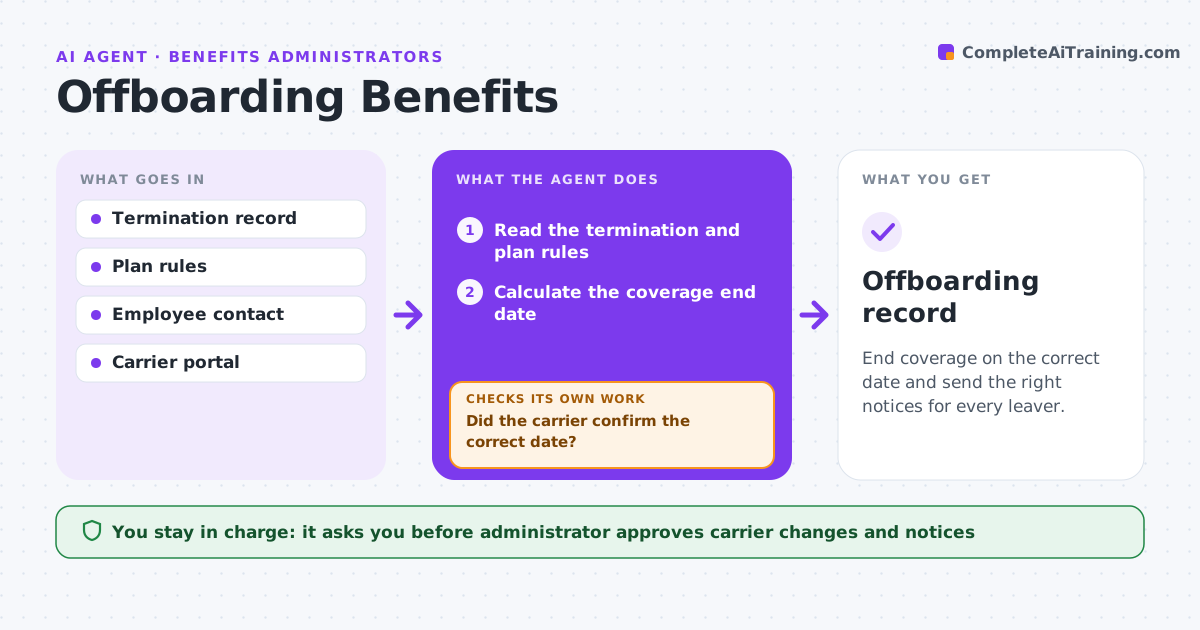
What it does
When an employee leaves, coverage should end on the right date and the person should get the right notices, such as continuation coverage. These are easily missed or wrong. When a termination is entered, this agent finds the last day, the plan rules for end of coverage, and any pending claims or leave. It drafts the carrier change and the employee notice. The administrator approves them. The agent sends the change, then checks the carrier confirmation. If it is missing or shows a wrong date, it resubmits the change and tracks it. Edge case: the employee is on leave when terminated, so the agent flags a different coverage rule.
How it works
Follow the arrows from top to bottom. The orange dashed arrow is the loop: when a check fails, the agent goes back and tries again.
Read the steps as a list
- A termination is entered
- Read the termination and plan rules
- Calculate the coverage end date
- Draft the carrier change and employee notice
- Administrator approves the change and noticeThe agent waits here for your OK.
- Submit the carrier change
- Did the carrier confirm the correct date?If not: resubmit the change and note the discrepancy. Back to step 3.
- Send the notice to the employee
- Was the notice delivered?If not: resend by another method. Back to step 7.
- Offboarding record
How it decides
The coverage end date follows the plan rule. A change is complete only when the carrier confirms it.
- Apply the plan rule for end of coverage
- Flag leave or special status for the administrator
- Resubmit if the carrier does not confirm in 3 days
- Send the notice within the legal time
Make it yours
Every agent is a starting point. You choose these settings for your own situation.
- Plan end rule
- Carrier wait (default 3 days)
- Notice method
- Leave handling
What keeps you in control
It always asks you first
- Administrator approves carrier changes and notices
Hard limits
- Never end coverage without approval
- Never miss the notice deadline
It stops when
- Done: carrier confirmed and notice delivered
- Stop: complex case, administrator handles
Set it up
We guide you through the set-up, step by step
Members get the full set-up guide for this agent. No technical skills needed: you copy, paste and upload.
- One set of instructions to paste into your AI, with the clicks for ChatGPT, Claude, Microsoft 365 Copilot, Gemini and Grok
- The agent then walks you through connecting your own data, one source at a time
- A downloadable copy with the flow chart, the rules and the full guide