AI agent for benefits administrators
Training Reimbursement Packet Agent
Complete reimbursement packets for HR review.
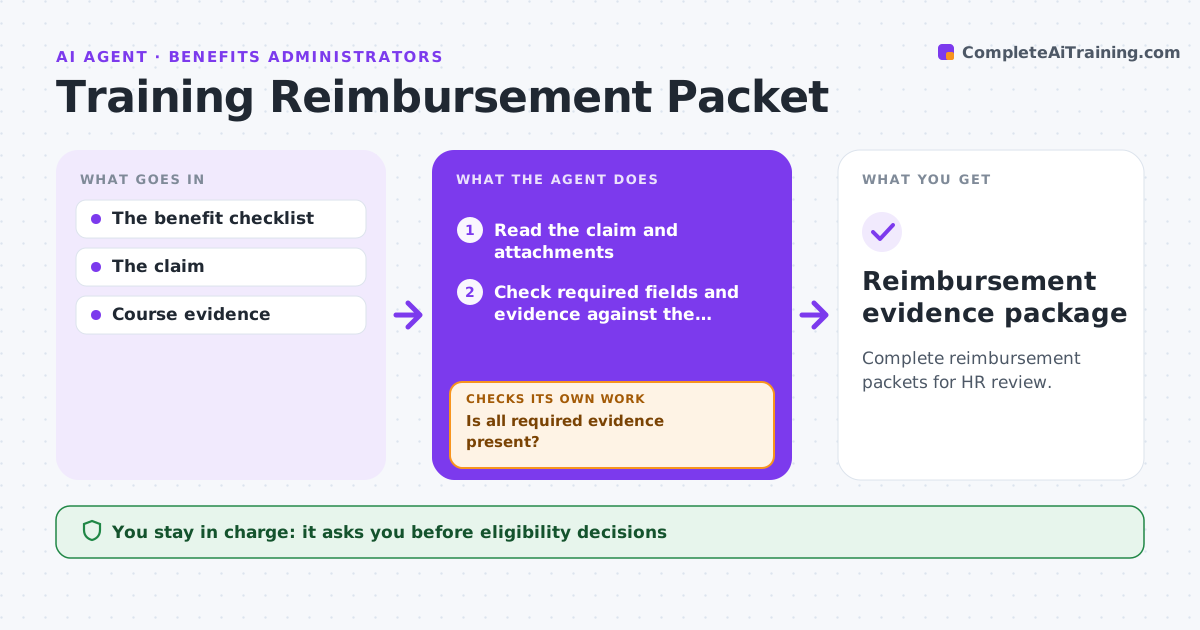
What it does
Training reimbursement claims often arrive without the evidence the policy requires, such as prior manager approval or proof of attendance. Benefits staff then chase documents by email for weeks. This agent checks each new claim against the reimbursement checklist, field by field. When something is missing, it drafts a targeted request that names the exact document needed, and checks again when the employee replies. Once everything is present it assembles a review packet. It does not decide eligibility or approve payment; the benefits administrator does. Edge case: an employee uploads a payment receipt for a course, but the checklist requires a completion certificate. The agent does not treat the receipt as proof of completion and asks for the certificate instead.
How it works
Follow the arrows from top to bottom. The orange dashed arrow is the loop: when a check fails, the agent goes back and tries again.
Read the steps as a list
- Claim submitted
- Read the claim and attachments
- Check required fields and evidence against the checklist
- Is all required evidence present?If not: draft a targeted request for the missing document and wait for the reply. Back to step 3.
- Check amounts against policy limits
- Assemble the review packet
- Benefits administrator decides eligibility and paymentThe agent waits here for your OK.
- Reimbursement evidence package
How it decides
It checks each required evidence type and asks for what's missing.
- Required evidence comes from the checklist for that course type.
- A receipt does not prove completion when a certificate is required.
- Amounts above the annual limit are flagged, not reduced.
Make it yours
Every agent is a starting point. You choose these settings for your own situation.
- Reimbursement checklist and required evidence per course type
- Days before a reminder is drafted (default 5)
- Annual reimbursement limit that triggers a flag (default $5,250)
- Who decides eligibility (default benefits administrator)
What keeps you in control
It always asks you first
- Eligibility decisions
- Payment
Hard limits
- No eligibility decisions.
It stops when
- Done: packet complete.
Set it up
We guide you through the set-up, step by step
Members get the full set-up guide for this agent. No technical skills needed: you copy, paste and upload.
- One set of instructions to paste into your AI, with the clicks for ChatGPT, Claude, Microsoft 365 Copilot, Gemini and Grok
- The agent then walks you through connecting your own data, one source at a time
- A downloadable copy with the flow chart, the rules and the full guide