AI agent for receptionists
Package and Mail Log Agent
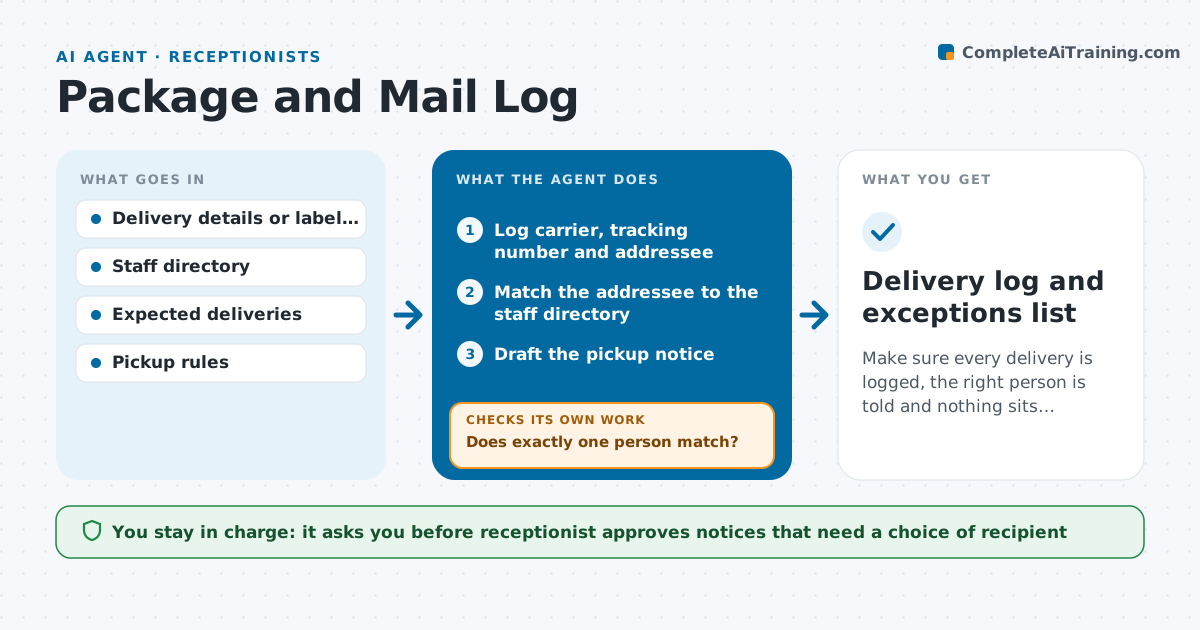
Make sure every delivery is logged, the right person is told and nothing sits uncollected.
What it does
A courier drops off eleven parcels before lunch, and by Friday some are still on the shelf because the recipients never knew. This agent logs each delivery from your entry or a photo of the label, with carrier, tracking number and addressee. It matches the name to the staff directory and drafts a notice to the recipient. After approval it sends the notice and starts a timer. It then tracks pickup. If a package is not collected after the set time, it sends a reminder. If it is still there after a longer period, it flags it. It also checks the log against expected deliveries from purchase orders, so missing items are noticed early. The receptionist approves returns and disposal. Edge case: the name matches two people, so the agent asks before sending.
How it works
Follow the arrows from top to bottom. The orange dashed arrow is the loop: when a check fails, the agent goes back and tries again.
Read the steps as a list
- Package received at the desk
- Log carrier, tracking number and addressee
- Match the addressee to the staff directory
- Does exactly one person match?If not: ask the receptionist to choose the recipient or check the label. Back to step 3.
- Draft the pickup notice
- Receptionist approves the noticeThe agent waits here for your OK.
- Send the notice and start the pickup timer
- Was the package collected within 2 working days?If not: send a reminder and then flag it as uncollected. Back to step 7.
- Compare the log with expected deliveries
- Receptionist approves return or disposal of old itemsThe agent waits here for your OK.
- Delivery log and exceptions list
How it decides
It matches the addressee to the directory by name and team. If two or more people match, or none, it asks the receptionist before sending anything.
- Send a reminder after 2 working days and flag after 7
- Ask before sending when two people have the same name
- Mark perishable or high-value items for same-day notice
- List expected deliveries not received after 3 days
Make it yours
Every agent is a starting point. You choose these settings for your own situation.
- Reminder times (default 2 and 7 days)
- Notice message tone
- Items with same-day notice
- Directory source
- Where logs are kept
What keeps you in control
It always asks you first
- Receptionist approves notices that need a choice of recipient
- Receptionist approves returns and disposal
Hard limits
- Never dispose of or return a package without approval
- Never open mail or packages
It stops when
- Done: package collected and logged
- Stop: the recipient has left the company, so the receptionist decides
Set it up
We guide you through the set-up, step by step
Members get the full set-up guide for this agent. No technical skills needed: you copy, paste and upload.
- One set of instructions to paste into your AI, with the clicks for ChatGPT, Claude, Microsoft 365 Copilot, Gemini and Grok
- The agent then walks you through connecting your own data, one source at a time
- A downloadable copy with the flow chart, the rules and the full guide