AI agent for retail sales associates
Price Change and Signage Audit Agent
Make every shelf price match the register
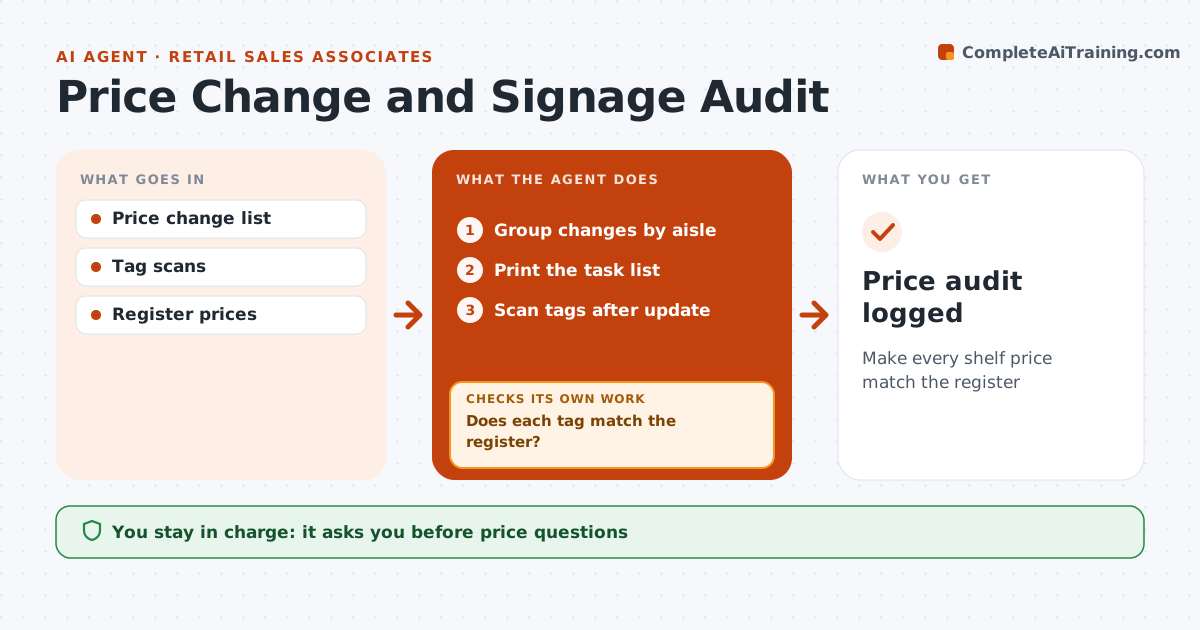
What it does
Price changes and promotions arrive every week, and a wrong shelf tag can mean selling below cost or upsetting customers at the register. When the price list arrives, this agent groups the changes by aisle and prints a task list in walking order. After the associate updates tags, it scans or reads a photo of each tag and compares it with the register price, which is always the reference. Any mismatch goes back on the list until it matches. It also flags expired promotions so their signs are taken down. The shift lead approves any question about the register price itself. The result is a logged price audit. Edge case: a tag showing a lower price than the register is fixed first, because the store may have to honor the lower price if a customer brings it up.
How it works
Follow the arrows from top to bottom. The orange dashed arrow is the loop: when a check fails, the agent goes back and tries again.
Read the steps as a list
- Price list arrives
- Group changes by aisle
- Print the task list
- Scan tags after update
- Does each tag match the register?If not: put mismatches back on the list. Back to step 3.
- Shift lead approves price questionsThe agent waits here for your OK.
- Price audit logged
How it decides
Each tag must match the register. Lower shelf prices are fixed first.
- Lower shelf prices fixed first
- Expired promotion signs removed
- Register price is the reference
Make it yours
Every agent is a starting point. You choose these settings for your own situation.
- Aisle order
- Promotion end checks
- Scanner type
What keeps you in control
It always asks you first
- Price questions
Hard limits
- Never changes register prices
- Never removes signs early
It stops when
- Done: all tags match
- Stop: price list missing
Set it up
We guide you through the set-up, step by step
Members get the full set-up guide for this agent. No technical skills needed: you copy, paste and upload.
- One set of instructions to paste into your AI, with the clicks for ChatGPT, Claude, Microsoft 365 Copilot, Gemini and Grok
- The agent then walks you through connecting your own data, one source at a time
- A downloadable copy with the flow chart, the rules and the full guide