AI agent for patent agents
Prior Art Reference Mapping Agent
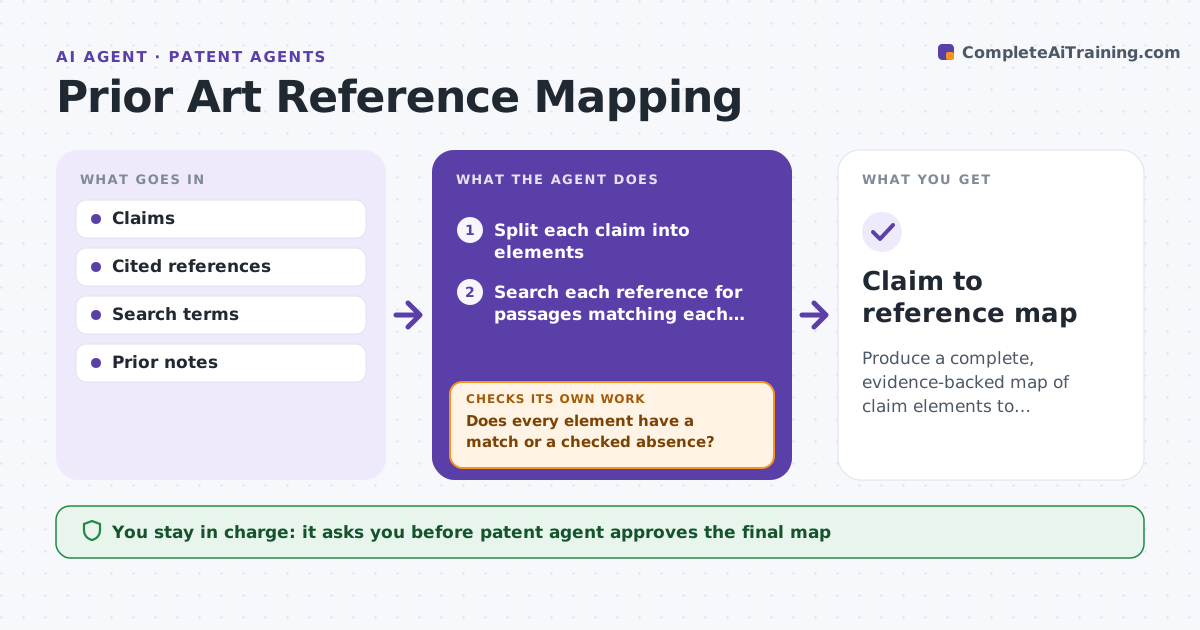
Produce a complete, evidence-backed map of claim elements to references with every gap tested.
What it does
Mapping every element of every claim to every cited reference is slow, and elements get missed. The agent splits each claim into its elements, searches each cited reference for matching passages and builds a map with quotes and locations. It then tests whether any element has no match and searches again using other terms, synonyms and figures. It marks elements as found, partly found or not found. It stops when each element has been checked against each reference. The patent agent approves the final map before using it in an argument. Edge case: a claim says fastener, and the reference says rivet, so the agent maps it with a note about the narrower term.
How it works
Follow the arrows from top to bottom. The orange dashed arrow is the loop: when a check fails, the agent goes back and tries again.
Read the steps as a list
- Claims and references provided
- Split each claim into elements
- Search each reference for passages matching each element
- Build the map with quotes and locations
- Does every element have a match or a checked absence?If not: Search again with synonyms, figure labels and related terms. Back to step 3.
- Mark each as found, partly found or not found
- Check each quote supports the element as stated
- Does every quote teach the element and not just mention a term?If not: Revise the match or move it to partly found. Back to step 4.
- Patent agent approves the final mapThe agent waits here for your OK.
- Claim to reference map
How it decides
An element is mapped when the reference has a passage that teaches it. If not found, the agent searches again with alternate terms before marking it absent. The agent decides what is used.
- Search with at least 3 alternate terms before marking not found
- A narrower term in the reference is marked partly found
- A quote must include its location in the reference
- Each element is checked against every reference
Make it yours
Every agent is a starting point. You choose these settings for your own situation.
- Search terms and synonyms
- References in scope
- Minimum alternate terms (default 3)
- Map format
What keeps you in control
It always asks you first
- Patent agent approves the final map
Hard limits
- Never states a legal conclusion on patentability
- Never alters the claim wording
It stops when
- Done: map complete and approved
- Stop: a reference cannot be accessed, so the agent is told
Set it up
We guide you through the set-up, step by step
Members get the full set-up guide for this agent. No technical skills needed: you copy, paste and upload.
- One set of instructions to paste into your AI, with the clicks for ChatGPT, Claude, Microsoft 365 Copilot, Gemini and Grok
- The agent then walks you through connecting your own data, one source at a time
- A downloadable copy with the flow chart, the rules and the full guide