AI agent for retail sales associates
Product Recall and Safety Notice Response Agent
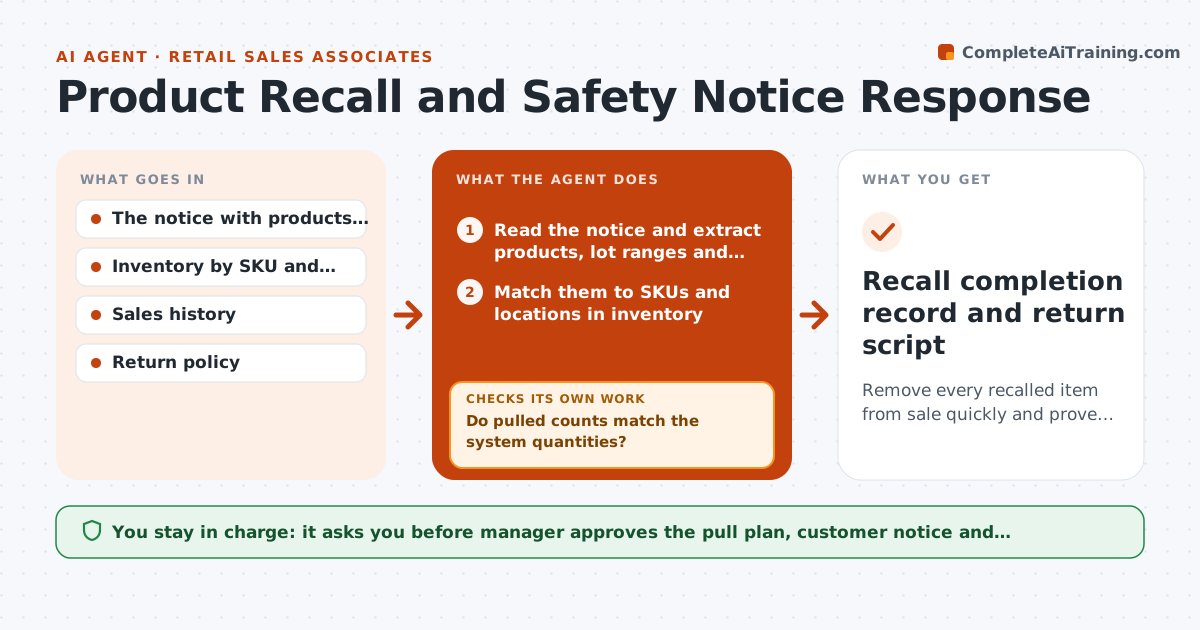
Remove every recalled item from sale quickly and prove the sweep was complete
What it does
A recall notice for a baby product arrives by email on Friday, gets forwarded around, and the product is still on the shelf on Monday. This agent turns the notice into action within hours. When it arrives, it matches the item to the SKUs, lot numbers and dates on the shelf and in the back room, builds a pull list by location and, after the sweep, checks counts against the list. It also drafts a customer lookup script for returns and refunds. If counts differ, it asks for a recount and checks again. A manager approves the pull completion and any customer notice. Edge case: the notice lists lot ranges that partly match. The agent lists only the lots in range and marks others as clear with proof.
How it works
Follow the arrows from top to bottom. The orange dashed arrow is the loop: when a check fails, the agent goes back and tries again.
Read the steps as a list
- Recall notice received
- Read the notice and extract products, lot ranges and instructions
- Match them to SKUs and locations in inventory
- Build a pull list by shelf, display and back room
- Draft the store instruction and the customer return script
- Manager approves the pull plan and customer noticeThe agent waits here for your OK.
- Send tasks and mark the SKUs as blocked from sale
- Collect counts of pulled items by location
- Do pulled counts match the system quantities?If not: Request a recount and check the sales log for sold units. Back to step 6.
- Manager approves completion of the pullThe agent waits here for your OK.
- Recall completion record and return script
How it decides
A product is affected if its SKU and lot fall in the notice range. If lot data is missing, it is treated as affected until checked.
- Missing lot data means treat as affected until proven clear
- Block affected SKUs at the register at once
- A count mismatch is checked against sales since the notice date
- Completion needs a manager sign-off
Make it yours
Every agent is a starting point. You choose these settings for your own situation.
- Systems to check for stock
- Customer notice wording
- Hold location for pulled stock
- Who signs off completion
- Lookback period for sales (default 90 days)
What keeps you in control
It always asks you first
- Manager approves the pull plan, customer notice and completion
Hard limits
- Never allows a recalled lot to stay on sale
- Does not contact customers without manager approval
It stops when
- Done: all affected items pulled and recorded
- Stop: the notice is unclear or the lot cannot be identified, ask the supplier
Set it up
We guide you through the set-up, step by step
Members get the full set-up guide for this agent. No technical skills needed: you copy, paste and upload.
- One set of instructions to paste into your AI, with the clicks for ChatGPT, Claude, Microsoft 365 Copilot, Gemini and Grok
- The agent then walks you through connecting your own data, one source at a time
- A downloadable copy with the flow chart, the rules and the full guide