
AI agent for materials scientists
Property Database Entry Check Agent
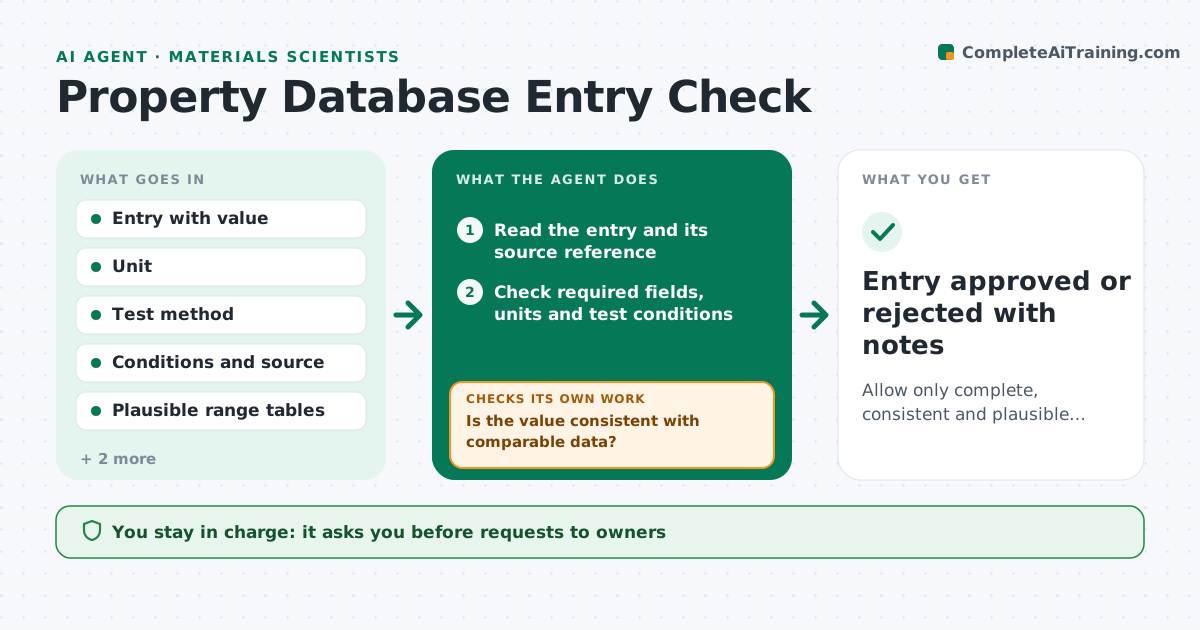
Allow only complete, consistent and plausible property entries into the database.
What it does
A shared materials database fills up with entries in different units, missing test conditions and values copied from datasheets. This agent reviews new and changed entries before they are accepted. It checks that each property has a unit, that the unit matches the property, and that the value sits in a plausible range for the material class. It compares the value with literature and other entries for the same material and flags outliers with a note on how far off they are. It asks the entry owner to correct or document each problem, then rechecks after the fix. It never edits an entry. The scientist approves what enters the database. Edge case: a value in psi where the rest use MPa is converted in the report for the owner, not in the database.
How it works
Follow the arrows from top to bottom. The orange dashed arrow is the loop: when a check fails, the agent goes back and tries again.
Read the steps as a list
- Entry submitted
- Read the entry and its source reference
- Check required fields, units and test conditions
- Check the value against the plausible range
- Compare with literature and similar entries
- Is the value consistent with comparable data?If not: flag the entry and ask the owner for the source or reason for the difference. Back to step 3.
- Write a list of problems with suggested corrections
- Scientist approves sending the requestsThe agent waits here for your OK.
- Collect corrections and read the updated entry
- Do all problems clear on recheck?If not: send the remaining problems back to the owner. Back to step 3.
- Entry approved or rejected with notes
How it decides
It flags an entry if a unit is missing or wrong, the value is outside the material class range, or it differs from comparable values by more than a set percentage without a documented reason.
- Reject any entry without a unit or test method
- Flag values more than 25% from comparable entries without an explanation
- Flag values outside the class range for review
- Require a source for every datasheet value
Make it yours
Every agent is a starting point. You choose these settings for your own situation.
- Property list and required fields
- Deviation limit (default 25%)
- Literature sources
- Unit standard
- Who owns each material class
What keeps you in control
It always asks you first
- Requests to owners
- Final acceptance into the database
Hard limits
- Never edit database entries
- Never convert units silently
It stops when
- Done: entry passes all checks and is approved
- Stop: owner does not reply after two requests
Set it up
We guide you through the set-up, step by step
Members get the full set-up guide for this agent. No technical skills needed: you copy, paste and upload.
- One set of instructions to paste into your AI, with the clicks for ChatGPT, Claude, Microsoft 365 Copilot, Gemini and Grok
- The agent then walks you through connecting your own data, one source at a time
- A downloadable copy with the flow chart, the rules and the full guide



