AI agent for investor relations managers
Regulation FD Meeting Log Agent
Every investor meeting has a log, and anything possibly new and material is escalated before it can spread
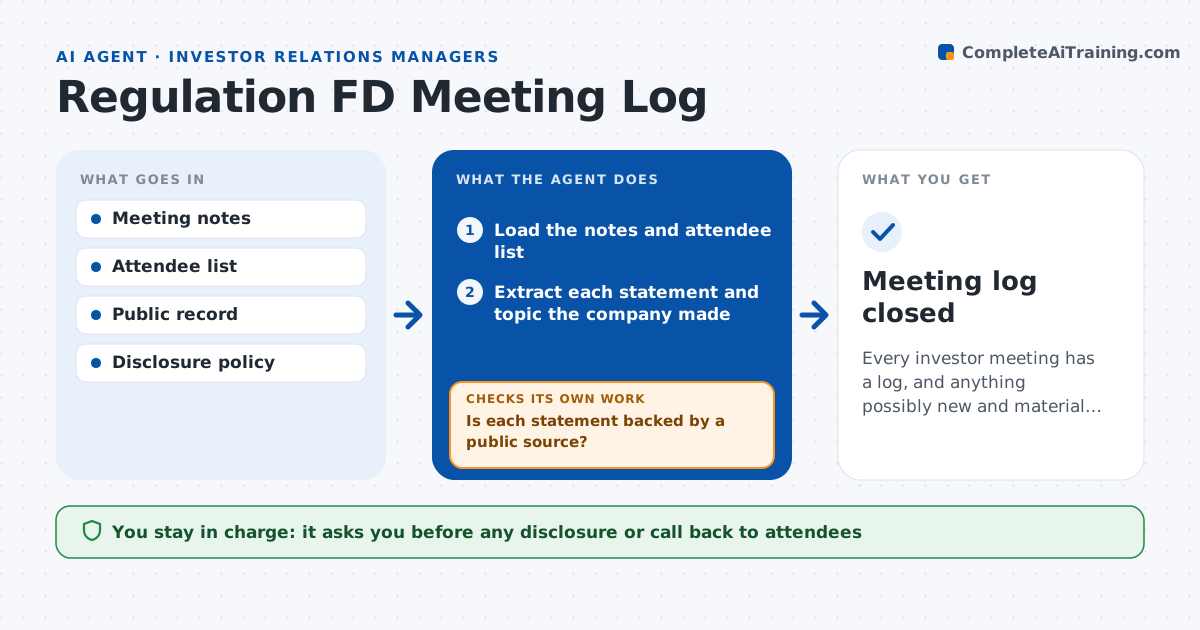
What it does
In investor meetings, executives answer questions, and a single sentence can give selective information that has not been made public. Teams rely on memory afterwards. This agent keeps a log of each meeting with the attendees, topics and the points the company made. It compares each statement with the public record: filings, press releases, the last call and the website. If something may be new and material, such as a customer win, a margin number or a timing change, it flags it with the exact line and the closest public statement. It proposes options, such as a public disclosure or a clarifying release, and rechecks once legal responds. Legal approves before any statement or disclosure. Edge case: a statement repeats public data in a new combination, and the agent marks it for legal to judge.
How it works
Follow the arrows from top to bottom. The orange dashed arrow is the loop: when a check fails, the agent goes back and tries again.
Read the steps as a list
- An investor meeting ends
- Load the notes and attendee list
- Extract each statement and topic the company made
- Search the public record for each statement
- Is each statement backed by a public source?If not: search earlier filings and releases once more, then mark the statement unsupported. Back to step 3.
- Flag unsupported statements on sensitive topics with the exact line
- Propose options: no action, clarifying release, or call back to attendees
- Legal approves any statement or disclosureThe agent waits here for your OK.
- Record the decision and any follow-up in the log
- Is every flagged item resolved or closed by legal?If not: escalate the open items to legal again with a deadline. Back to step 6.
- Meeting log closed
How it decides
It flags a statement when no matching public source exists and the topic touches earnings, guidance, deals, customers or management changes.
- Flag any figure or date not found in a public source
- Treat earnings, guidance, deals and customers as sensitive
- Escalate the same day for sensitive unsupported statements
- Keep the log for the period required by policy
Make it yours
Every agent is a starting point. You choose these settings for your own situation.
- Sensitive topic list
- Time limit for logging (default 24 hours)
- Public sources searched
- Escalation contact
What keeps you in control
It always asks you first
- Any disclosure or call back to attendees
Hard limits
- Never decides what is material, only flags
- Never contacts attendees
- Treats the log as confidential
It stops when
- Done: all flags are resolved by legal
- Stop: meeting notes are missing or incomplete
Set it up
We guide you through the set-up, step by step
Members get the full set-up guide for this agent. No technical skills needed: you copy, paste and upload.
- One set of instructions to paste into your AI, with the clicks for ChatGPT, Claude, Microsoft 365 Copilot, Gemini and Grok
- The agent then walks you through connecting your own data, one source at a time
- A downloadable copy with the flow chart, the rules and the full guide