AI agent for pharmacists
Rejected Claim Resolution Agent
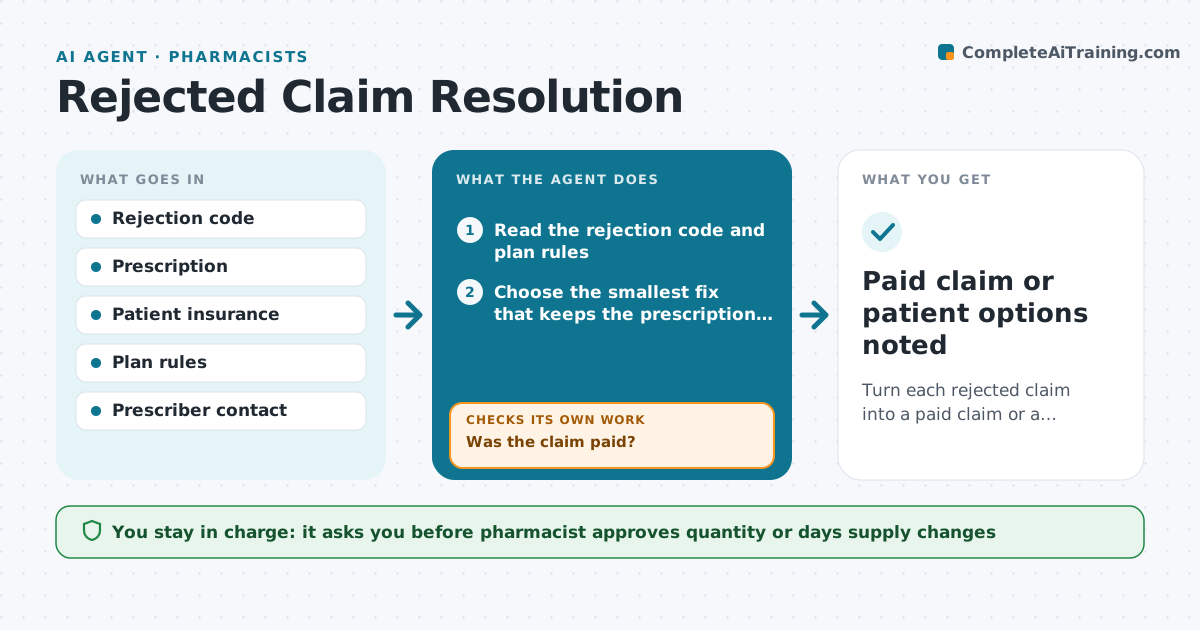
Turn each rejected claim into a paid claim or a clear next step for the patient.
What it does
A rejected claim leaves a patient waiting at the counter or going home without medicine. This agent reads each rejection code and picks the likely fix: a quantity limit, a days supply mismatch, a refill-too-soon, a wrong plan or a missing prior authorization. It tries the fix in a draft claim, for example changing days supply to match the plan, and resubmits it once the pharmacist approves. If the claim still rejects, it reads the new code and tries the next fix. If prior authorization is needed, it drafts the request to the prescriber with the clinical details. It tracks the answer and resubmits when it comes. Edge case: a fix would change the quantity dispensed, so the agent shows the pharmacist and does not apply it silently.
How it works
Follow the arrows from top to bottom. The orange dashed arrow is the loop: when a check fails, the agent goes back and tries again.
Read the steps as a list
- A claim is rejected
- Read the rejection code and plan rules
- Choose the smallest fix that keeps the prescription as written
- Pharmacist approves any change to quantity or days supplyThe agent waits here for your OK.
- Resubmit the claim with the fix
- Was the claim paid?If not: read the new code and choose the next fix, up to 3 tries. Back to step 3.
- If prior authorization is needed, draft the request
- Pharmacist approves the prescriber requestThe agent waits here for your OK.
- Track the answer and resubmit
- Did the answer arrive and the claim pay?If not: chase the prescriber after 24 hours and offer the patient options. Back to step 8.
- Paid claim or patient options noted
How it decides
It maps each code to the smallest fix that keeps the prescription as written and tries fixes in order of simplicity.
- Never change the drug or dose
- Try at most 3 fixes before moving to prior authorization
- Use patient cash price options only after approval
- Escalate refill-too-soon rejections to the pharmacist
Make it yours
Every agent is a starting point. You choose these settings for your own situation.
- Maximum fix attempts (default 3)
- Prescriber chase time (default 24 hours)
- Which codes to auto-draft
- Patient message wording
What keeps you in control
It always asks you first
- Pharmacist approves quantity or days supply changes
- Pharmacist approves prescriber requests
- Pharmacist approves telling the patient about options
Hard limits
- Never alter the prescription
- Never contact a prescriber without approval
It stops when
- Done: claim paid
- Stop: patient chooses another route, log it
Set it up
We guide you through the set-up, step by step
Members get the full set-up guide for this agent. No technical skills needed: you copy, paste and upload.
- One set of instructions to paste into your AI, with the clicks for ChatGPT, Claude, Microsoft 365 Copilot, Gemini and Grok
- The agent then walks you through connecting your own data, one source at a time
- A downloadable copy with the flow chart, the rules and the full guide