AI agent for retail sales associates
Seasonal Window Stock Rotation Agent
Complete the seasonal changeover on schedule with the right items on the floor
What it does
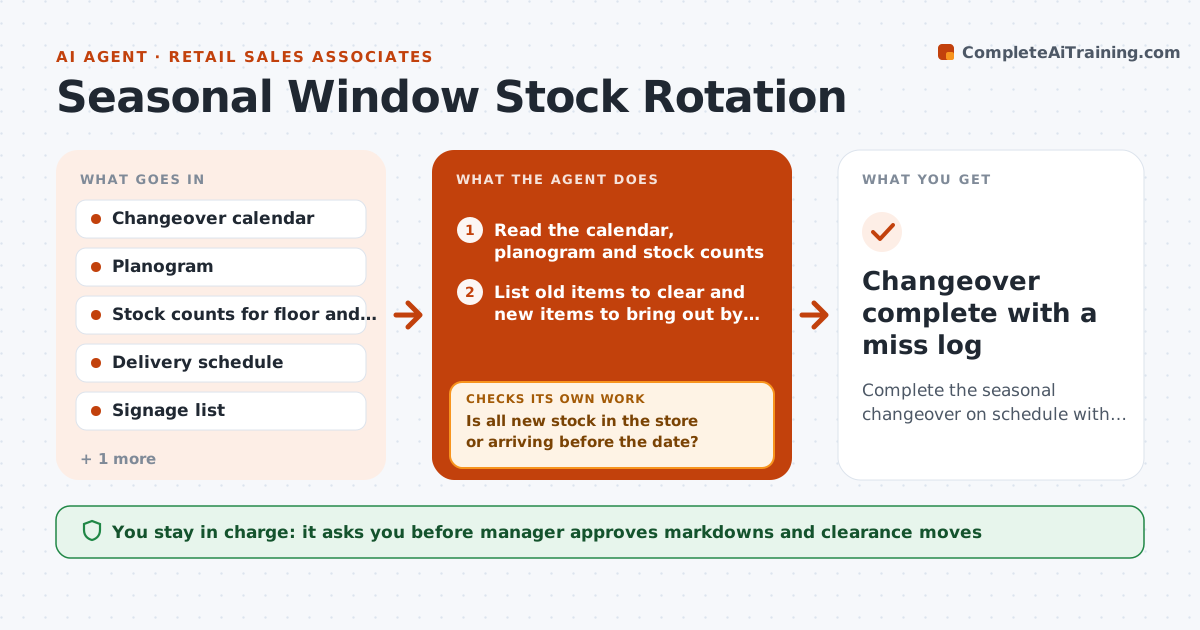
When the store switches from summer to back-to-school, the old season still fills the front tables and new items stay in the back room, so the first weekend of the new season is missed. This agent plans the changeover. Before the date, it reads the changeover calendar and current stock counts, then builds a rotation list: what moves to clearance, what comes out of the back room, which signs to print and which fixtures to reset. After each zone is reset, it compares floor photos or counts with the plan and queues anything missed. It rechecks the shelves and the back room the next morning. The manager approves markdown moves. Edge case: a delivery for the new season is late. The agent proposes a temporary display from what is in stock.
How it works
Follow the arrows from top to bottom. The orange dashed arrow is the loop: when a check fails, the agent goes back and tries again.
Read the steps as a list
- Seven days before the changeover
- Read the calendar, planogram and stock counts
- List old items to clear and new items to bring out by zone
- Is all new stock in the store or arriving before the date?If not: Plan a temporary display from available stock and flag the late delivery. Back to step 3.
- Build the rotation list with signage and fixture tasks
- Manager approves markdown movesThe agent waits here for your OK.
- Assign zones to associates with times
- Collect floor photos or counts after each zone is reset
- Does each zone match the plan?If not: Queue the missed items and recheck the zone. Back to step 7.
- Changeover complete with a miss log
How it decides
It moves items by season end dates and sell-through. Items with more than 8 weeks of stock go to clearance review, and new items go to the front first.
- Items with more than 8 weeks of stock at season end go to markdown review
- New season items go to the front tables first
- A zone must match the plan within 5 percent of facings
- Signage is checked against prices after reset
Make it yours
Every agent is a starting point. You choose these settings for your own situation.
- Days before the changeover to start (default 7)
- Zones and their order
- Markdown trigger (default 8 weeks of stock)
- Photo or count method
- Who is assigned to zones
What keeps you in control
It always asks you first
- Manager approves markdowns and clearance moves
Hard limits
- Never changes prices without manager approval
- Does not move stock itself, only plans tasks
It stops when
- Done: all zones match the plan
- Stop: new stock fails to arrive, hand to the manager for a substitute plan
Set it up
We guide you through the set-up, step by step
Members get the full set-up guide for this agent. No technical skills needed: you copy, paste and upload.
- One set of instructions to paste into your AI, with the clicks for ChatGPT, Claude, Microsoft 365 Copilot, Gemini and Grok
- The agent then walks you through connecting your own data, one source at a time
- A downloadable copy with the flow chart, the rules and the full guide