AI agent for mortgage brokers
Self-Employed Income Analysis Agent
A supported income calculation with open questions answered before submission
What it does
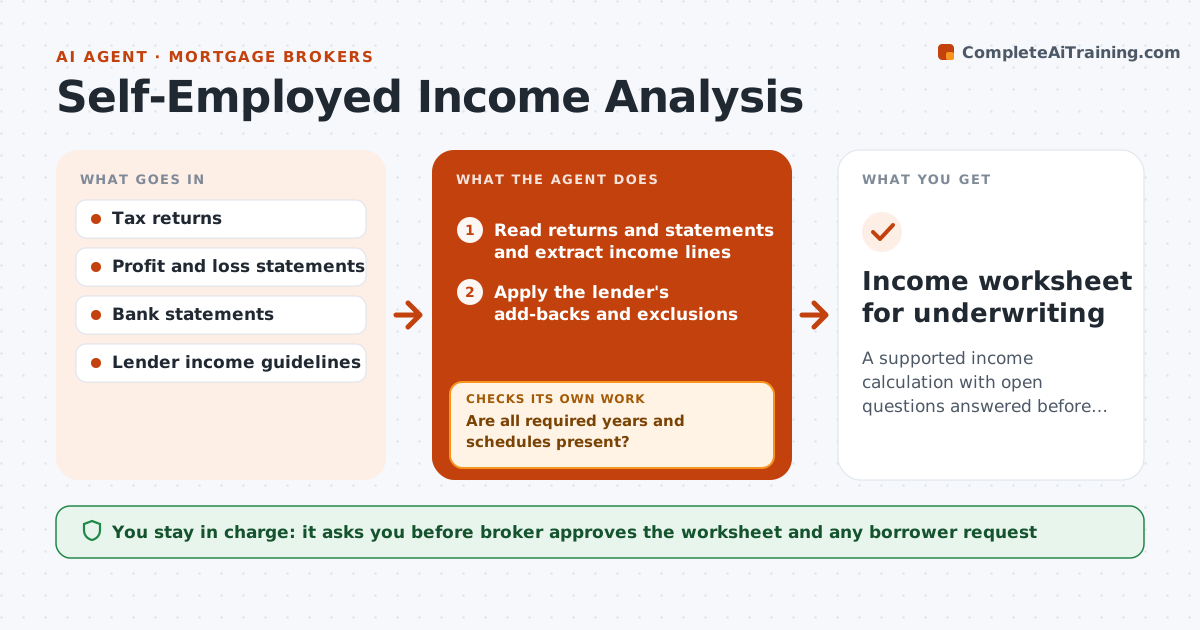
For salaried workers, income is on a pay stub. For the self-employed, it is spread across tax returns, profit and loss statements and bank deposits, and the lender's rules for what counts are strict. This agent reads two years of returns and recent statements and calculates average monthly income by the lender's method. It checks trends, adding back items such as depreciation and mileage where allowed, and flags declines, one-time items and gaps between returns and bank deposits. If documents are missing, it requests them and recalculates when they arrive. It outputs a worksheet and a short list of questions. The broker approves the worksheet before it goes to the lender. Edge case: income rose sharply last year, so the agent uses an average unless the lender allows otherwise.
How it works
Follow the arrows from top to bottom. The orange dashed arrow is the loop: when a check fails, the agent goes back and tries again.
Read the steps as a list
- Borrower documents arrive
- Read returns and statements and extract income lines
- Are all required years and schedules present?If not: list the missing documents and request them from the borrower. Back to step 2.
- Apply the lender's add-backs and exclusions
- Calculate the average monthly income
- Check the trend and compare with bank deposits
- Do deposits and returns reconcile within tolerance?If not: ask the borrower to explain and recalculate with the answer. Back to step 3.
- Draft the worksheet and open questions
- Broker approves the worksheetThe agent waits here for your OK.
- Income worksheet for underwriting
How it decides
It averages the allowed years and removes items the guideline excludes. A declining trend uses the lower year. Missing items trigger a request before the figure is final.
- Use the lower of the two years when income declines
- Allow add-backs only as the lender's guide lists
- Average two years unless the guideline allows one
- Flag deposits that exceed reported income by 20 percent
Make it yours
Every agent is a starting point. You choose these settings for your own situation.
- Lender guideline
- Years to average
- Tolerance for deposit checks
- Add-backs allowed
What keeps you in control
It always asks you first
- Broker approves the worksheet and any borrower request
Hard limits
- Never promise approval
- Do not choose figures the guide does not allow
- Show every line used
It stops when
- Done: income figure supported and approved
- Stop: income does not qualify and the broker advises the borrower
Set it up
We guide you through the set-up, step by step
Members get the full set-up guide for this agent. No technical skills needed: you copy, paste and upload.
- One set of instructions to paste into your AI, with the clicks for ChatGPT, Claude, Microsoft 365 Copilot, Gemini and Grok
- The agent then walks you through connecting your own data, one source at a time
- A downloadable copy with the flow chart, the rules and the full guide