AI agent for vocal artists
Setlist Energy and Vocal Load Planner Agent
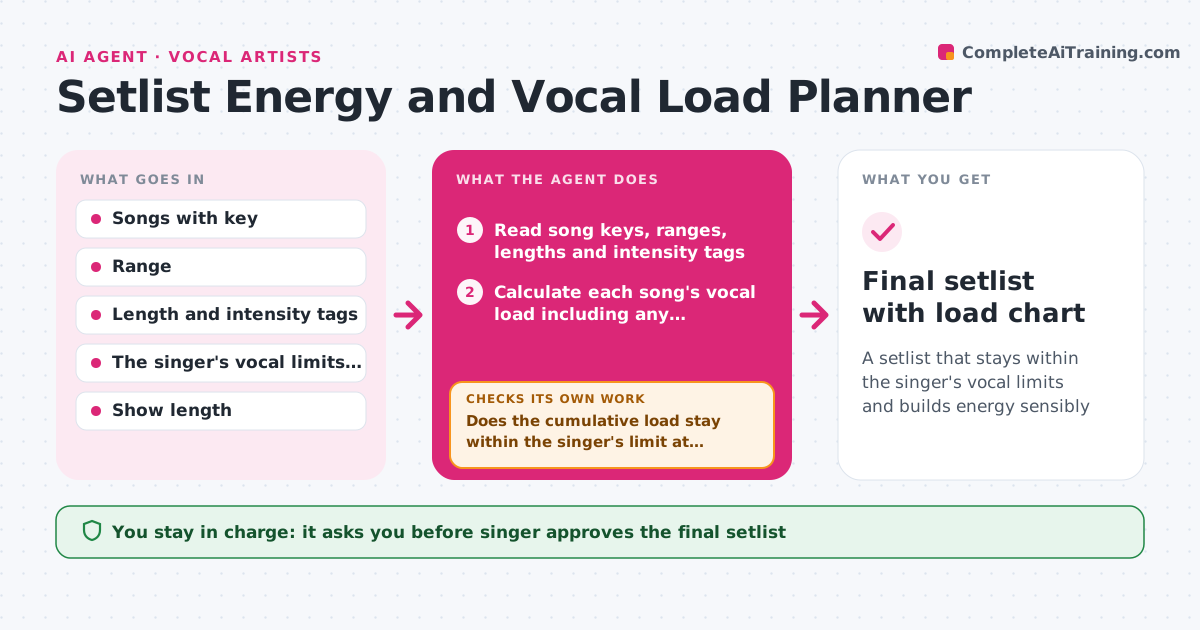
A setlist that stays within the singer's vocal limits and builds energy sensibly
What it does
A singer opens with three high songs, has no recovery before the long ballad, and by the encore the voice cracks. This agent reads each song's key, range, length, intensity and any transposition, and models vocal load across the set. It counts time spent in the upper range, sustained high notes, belting and gaps for rest, and finds stretches that are too demanding. It also tracks audience energy, using the singer's own tags such as opener, build or slow, to see whether the set flows. It reorders songs, remodels and loops until the load stays within the singer's limit and the energy arc works. The singer approves the final setlist. Edge case: a song transposed down for the night is modeled in the new key, not the original.
How it works
Follow the arrows from top to bottom. The orange dashed arrow is the loop: when a check fails, the agent goes back and tries again.
Read the steps as a list
- Setlist drafted
- Read song keys, ranges, lengths and intensity tags
- Calculate each song's vocal load including any transposition
- Model cumulative load across the set with rest gaps
- Does the cumulative load stay within the singer's limit at every point?If not: Reorder songs or add a recovery song and remodel. Back to step 3.
- Map the energy arc from the tags
- Does the energy build and release without long flat stretches?If not: Move songs to balance the energy and remodel the load. Back to step 3.
- Singer approves the final setlistThe agent waits here for your OK.
- Add notes for warm-up, water and transposition
- Final setlist with load chart
How it decides
It adds a load score for each song from range, intensity and sustained notes, requires a recovery after high-load stretches, and rejects an order that breaks the singer's cumulative limit.
- Never place more than 2 high-load songs in a row
- Add a low-load song or talk break after each high-load stretch
- Place the most demanding songs between 25 and 75 percent of the set
- Use the singer's own load scores when provided
Make it yours
Every agent is a starting point. You choose these settings for your own situation.
- Vocal load limit and recovery rule
- Song intensity tags
- Show length
- Transposition options
- Energy arc style
What keeps you in control
It always asks you first
- Singer approves the final setlist
Hard limits
- Advice is planning support, not medical or vocal health advice
- Never override the singer's own limits
It stops when
- Done: The set stays within the limit with a good energy arc
- Stop: The song list cannot fit the limit, so the agent suggests removing or transposing specific songs
Set it up
We guide you through the set-up, step by step
Members get the full set-up guide for this agent. No technical skills needed: you copy, paste and upload.
- One set of instructions to paste into your AI, with the clicks for ChatGPT, Claude, Microsoft 365 Copilot, Gemini and Grok
- The agent then walks you through connecting your own data, one source at a time
- A downloadable copy with the flow chart, the rules and the full guide