AI agent for it managers
Software License True-Up Agent
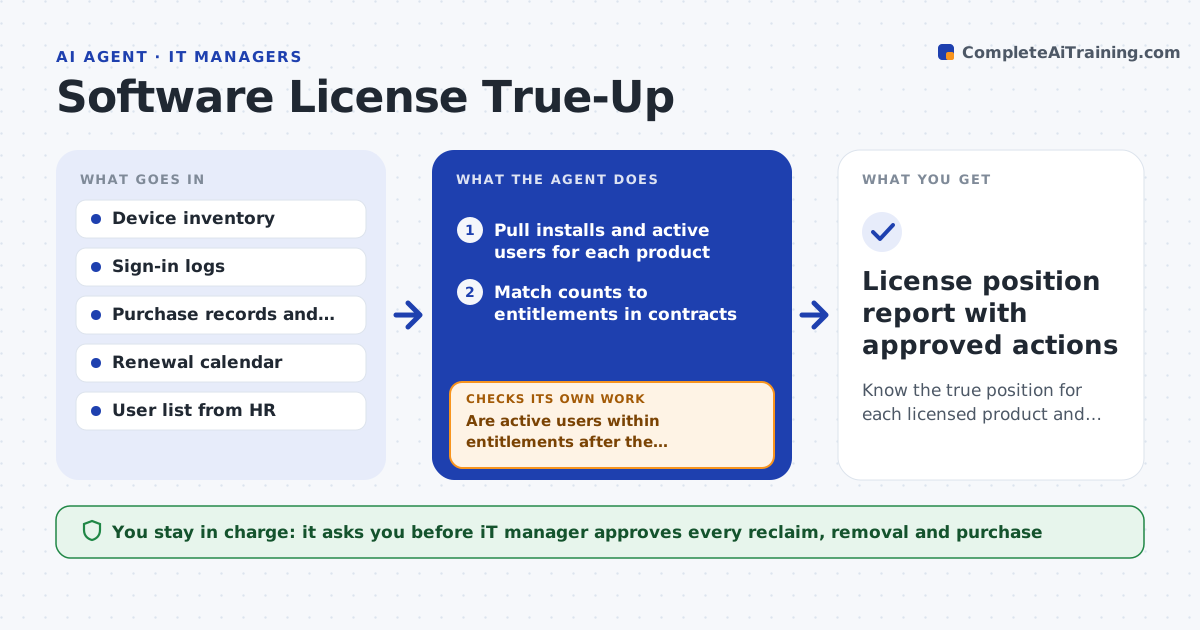
Know the true position for each licensed product and act on gaps before audits and renewals.
What it does
Software vendors audit license counts and renewals arrive on a fixed date, yet most teams only learn they are short or over when the vendor writes. This agent counts installed copies and active users for each product from device and sign-in data. It compares those counts to purchased entitlements and flags shortfalls and idle seats. For each gap it drafts options: reclaim idle seats, move users to a cheaper tier, or buy more. It recounts after reclaim actions to confirm the numbers moved. Nothing is bought or removed without the manager. Edge case: a design tool shows 40 installs but only 28 people signed in during the last 60 days, so the agent proposes reclaiming 12 seats before the renewal rather than renewing all 40.
How it works
Follow the arrows from top to bottom. The orange dashed arrow is the loop: when a check fails, the agent goes back and tries again.
Read the steps as a list
- Monthly review or renewal window starts
- Pull installs and active users for each product
- Match counts to entitlements in contracts
- Flag shortfalls and idle seats
- Draft reclaim, downgrade and purchase options with costs
- IT manager approves which seats are reclaimedThe agent waits here for your OK.
- Recount installs and active users after reclaim
- Are active users within entitlements after the changes?If not: redraft the options with the remaining gap and costs. Back to step 5.
- Prepare the renewal or audit position summary
- License position report with approved actions
How it decides
It marks a seat idle when there is no use in 60 days. It recommends reclaim before purchase, and purchase only when active users exceed entitlements after reclaim.
- Treat a seat as idle after 60 days without use
- Flag a shortfall when active users exceed entitlements by any amount
- Prefer reclaim over purchase when idle seats cover the gap
- Flag any contract renewing within 90 days with idle seats above 10%
Make it yours
Every agent is a starting point. You choose these settings for your own situation.
- Idle threshold in days (default 60)
- Products in scope
- Audit lead time (default 90 days)
- Tier downgrade options allowed
- Report recipients
What keeps you in control
It always asks you first
- IT manager approves every reclaim, removal and purchase
Hard limits
- Never uninstall software or buy licenses
- Never use sign-in data for anything but license counts
It stops when
- Done: active users are within entitlements for every product
- Stop: a product's data source is missing and the count cannot be trusted
Set it up
We guide you through the set-up, step by step
Members get the full set-up guide for this agent. No technical skills needed: you copy, paste and upload.
- One set of instructions to paste into your AI, with the clicks for ChatGPT, Claude, Microsoft 365 Copilot, Gemini and Grok
- The agent then walks you through connecting your own data, one source at a time
- A downloadable copy with the flow chart, the rules and the full guide