AI agent for change managers
Stakeholder Engagement Plan Agent
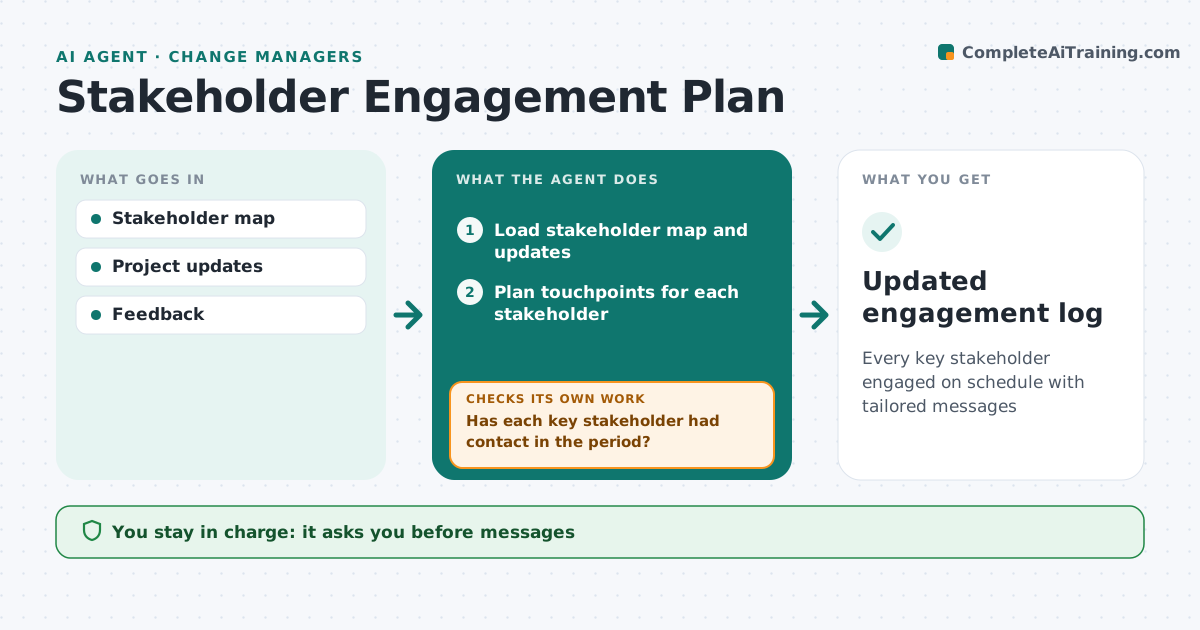
Every key stakeholder engaged on schedule with tailored messages
What it does
Each stakeholder needs the right message at the right time, but many get the same generic updates and some are forgotten. This agent keeps the stakeholder map with influence, impact and current stance. It plans touchpoints for each person: briefings, updates and workshops. Before each touchpoint it drafts a message based on what that person cares about. After each, it records feedback and updates their stance. It checks every key stakeholder had contact within the set period, and schedules contact where not. A new sponsor after a reorganization needs a full briefing. When someone's stance drops, it plans a one-to-one. The change manager approves all messages and plan changes.
How it works
Follow the arrows from top to bottom. The orange dashed arrow is the loop: when a check fails, the agent goes back and tries again.
Read the steps as a list
- Weekly review
- Load stakeholder map and updates
- Plan touchpoints for each stakeholder
- Draft messages based on each person's interests
- Change manager approves messagesThe agent waits here for your OK.
- Record feedback and update stance
- Has each key stakeholder had contact in the period?If not: schedule contact. Back to step 3.
- Did any stance drop since last week?If not: plan a one-to-one with tailored points. Back to step 3.
- Updated engagement log
How it decides
It plans contact frequency by influence and impact and flags overdue contacts.
- High influence monthly at least
- Stance changes update plan
- New sponsors get full briefing
Make it yours
Every agent is a starting point. You choose these settings for your own situation.
- Contact frequency
- Map fields
- Message tone
What keeps you in control
It always asks you first
- Messages
- Plan changes
Hard limits
- Never sends without approval
It stops when
- Done
- Stop: project ends
Set it up
We guide you through the set-up, step by step
Members get the full set-up guide for this agent. No technical skills needed: you copy, paste and upload.
- One set of instructions to paste into your AI, with the clicks for ChatGPT, Claude, Microsoft 365 Copilot, Gemini and Grok
- The agent then walks you through connecting your own data, one source at a time
- A downloadable copy with the flow chart, the rules and the full guide