
Learning path
Learning AI as a Program Manager
A guided path for program managers who want AI to carry the drafting, tracking, and reporting load. Start with setup, connect your AI, then work through prompts built for the job.
Your path
Everything in the Program Manager AI kit, in the order that makes sense. Members tick off each step and see their progress.
Set up your AI
We guide you through each click.
Let skills do your everyday tasks
Connect your apps and pick your AI apps
Hand whole tasks to AI agents
Build your own tools
Everything for program managers
All the courses, certifications, AI tools, MCP servers and apps for program managers, most relevant first. Open any list to see more.
Take the prompt courses
A short framework course to learn how to ask, then 8 lessons with ready-to-use prompts for program managers.
Start with this framework: how to talk to AI
Program managers can use RISEN to structure multi-step deliverables, such as a phased project rollout plan with clear roles and success measures.
Then your prompt course for program managersWatch the video courses or add them to your Favorites for later
103 video courses our AI picked for program managers, most useful first. Save the ones you want to watch later with the heart.
Favorites are saved to your account: sign in or get your AI kit first.
Show all 103 video courses
Get certified, or add certifications to your Favorites
Every course ends in an exam and a certificate you can add to LinkedIn. Save the certifications you are aiming for with the heart.
Favorites are saved to your account: sign in or get your AI kit first.
More certifications for program managersShow all 24 certifications
Try the AI tools for program managers
24 AI tools our AI matched to the work of program managers, best fit first. Each review shows what it does, its alternatives and the jobs it suits.
Favorites are saved to your account: sign in or get your AI kit first.
Show all 24 AI tools
Connect your AI to the apps program managers use
MCP servers let ChatGPT, Claude or Copilot look things up and get work done in other apps, like your email, calendar or bookkeeping software. These 12 fit the work of program managers best, well-known apps first.

Google Workspace MCP server
by taylorwilsdonLets your AI read and write your Gmail, Calendar, Drive, Docs, Sheets and more, all from one chat.

WayStation MCP server
by waystation-aiConnect your AI to Notion, Slack, Jira, Airtable and other work apps so it can look things up and update them for you.
ProductivityNo install
Google Chat MCP server
by A1-x-TechLets your AI read, search, and send messages in your Google Chat spaces and direct messages.

Outlook Assistant MCP server
by littlebearappsLets your AI read, search, send, and organise your Outlook email, calendar, and contacts from the chat.

Box MCP server
by boxLet your AI search your Box files, answer questions about them, and pull out details for you.
Productivity Official
Atlassian MCP server
by soopersetLets your AI search, read, and update your Jira tickets and Confluence pages for you.
Show all 12 MCP servers

Asana MCP server
by roychriAsk your AI about your Asana tasks, projects and comments, and let it create or update tasks for you.

PipesHub MCP server
by pipeshub-aiLets your AI search across your work apps like Google Workspace, Microsoft 365, Slack and Jira, and answer with the sources it found.

Notion MCP server
by awkoyLet your AI read and write in Notion: create pages, query databases, add comments and upload files.

Trello MCP server
by agrathLet your AI read and update your Trello boards, lists and cards for you.

ClickUp MCP server
by nicholasbesterLets your AI read and update your ClickUp tasks, lists, comments, and time entries for you.

Slack MCP server
by korotovskyLets your AI read, search, and post in your Slack channels, threads, and DMs for you.
Build your own AI apps for program managers
Apps you build yourself with your own AI, no coding needed and no monthly fee. Our AI picked the 12 that fit the work of program managers.
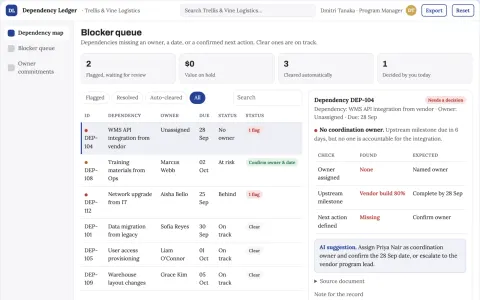
Cross-team dependency tracker
An accountable conversation around each dependency instead of passive status reporting.
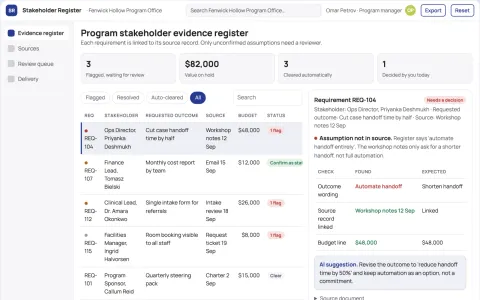
Program stakeholder evidence register
Separate stated needs from manager assumptions.
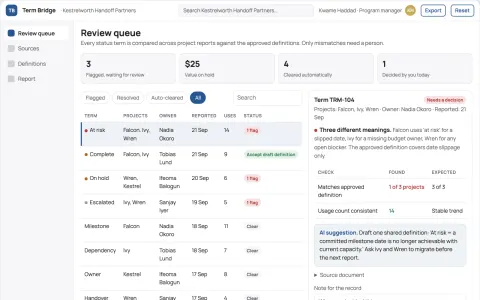
Management handoff vocabulary checker
Comparable status language across projects.
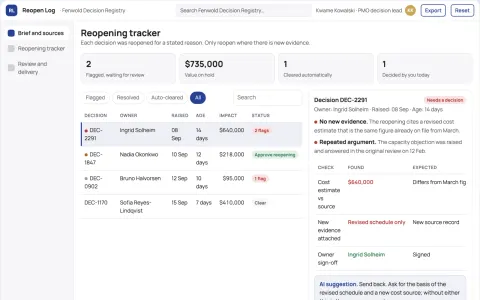
Project decision reopening tracker
Reopen decisions for explicit reasons.
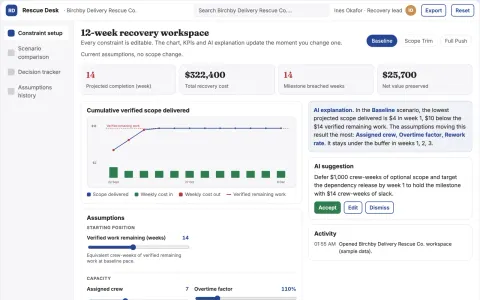
Project rescue scope scenario desk
Make credible recovery choices before overtime escalates.
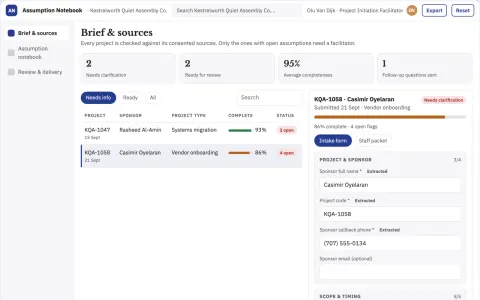
Project assumption interview notebook
Surface disagreements before planning hardens.
Show all 12 apps
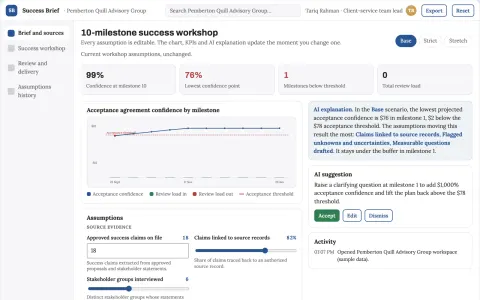
Project success definition workshop
Agree evidence of success before delivery.
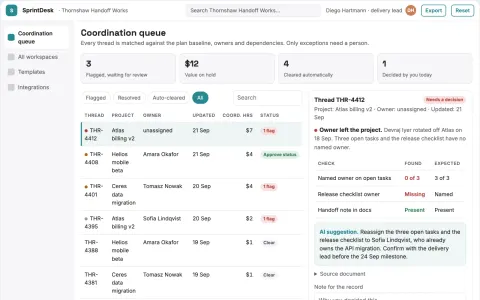
AI project coordination and team workspace
Reduce manual coordination while keeping delivery decisions with named owners.
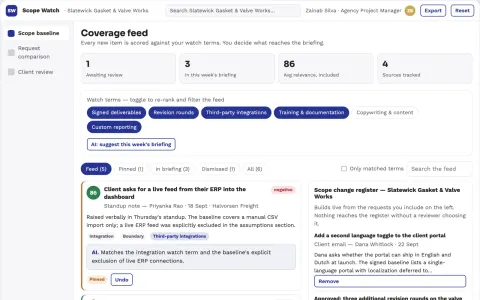
Project scope boundary monitor
Explain scope questions using the signed project baseline.
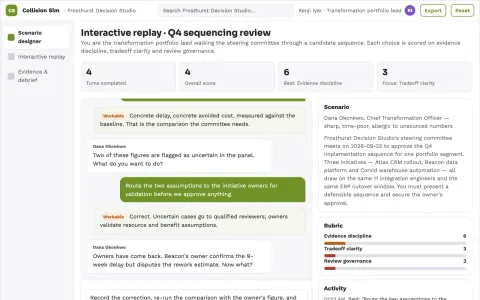
Enterprise initiative collision simulator
Reduce costly collisions between strategic programs.
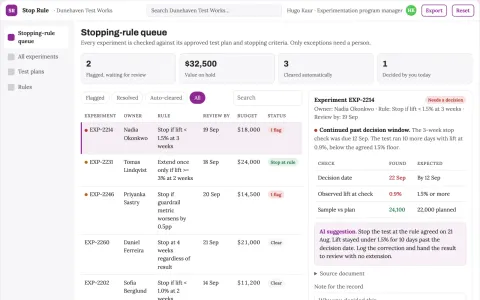
Product experiment stopping-rule notebook
Preserve pre-agreed experiment decisions.
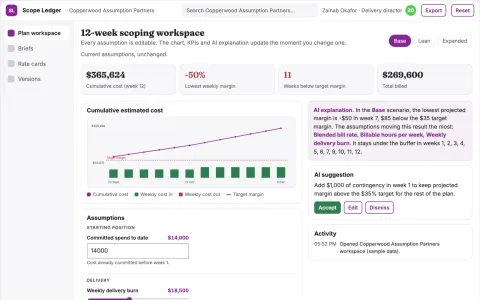
Assumption-driven project plan and cost workspace
Reduce rework in project scoping while keeping every estimate traceable to its assumptions.

































































































About this learning path
6 topicsAI for Program Managers: A Practical Learning Path
Program management runs on documents. Charters, timelines, status updates, risk logs, budget explanations. Most of that writing is repeatable, and AI is good at repeatable writing.
This path shows you where AI fits into your week and where it does not. You will set up your tools, learn the prompts that match your daily work, and build habits that keep your judgment in charge.
Why AI matters for this job now
Your job is coordination, and coordination means a lot of writing. Updates, agendas, decision notes, escalation messages, variance explanations. These are the tasks AI handles well, which frees your attention for the calls only you can make.
Teams around you are already using these tools. Knowing how to use them well, and where to stop, keeps you in the conversation instead of catching up to it.
What the path includes
You start with setup questions that help you choose a tool and keep your program data safe. Then you connect your AI and learn the skills that sit inside it for your role.
From there you work through the prompt course lesson by lesson, covering scope, milestones, stakeholders, coordination, risk, budget, reporting, and recovery. Alongside it are short video courses picked for program managers, each with a certification you can add to your profile.
How it saves you time
The biggest wins are in the writing you do over and over. A first draft of a status report, a risk entry, or a steering committee update takes minutes instead of an afternoon.
That time goes back into the parts of the job that need a person: talking to teams, reading a room, deciding what to cut.
How it protects your career
Program managers who use AI well become more useful, not less. The tool drafts. You decide what is true, what to send, and what to hold back.
You also learn the limits. Knowing what never goes into a prompt, and when a draft needs a full rewrite, is part of the skill.
How to start
Set aside an hour this week. Work through the setup questions, connect one tool, and try the scope lesson on a program you already know well.
Then pick one recurring task, like your weekly status report, and use the prompts for it for two weeks. Small habits stick better than a big overhaul.
Frequently asked questions
Do I need to be technical to do this?
No. If you can write an email and paste text into a box, you can do every lesson here. The prompts are written in plain language and you can change any of them to fit your program.Which AI tool should I use?
ChatGPT, Claude, and Gemini all work for these lessons. Pick the one your company already allows, and check with your IT or security team before you paste anything from work.Will this replace the judgment part of my job?
No, and it should not. AI is good at first drafts, summaries, and organizing what you already know. Deciding what matters, who to tell, and what to change stays with you.How long does the path take?
Most people work through it over a few weeks, a lesson or two at a time. You can go faster, but the habits land better when you try each prompt on real work.