AI agent for customer support representatives
Support Identity Document Quality Agent
Readable identity documents with as few resubmissions as possible.
What it does
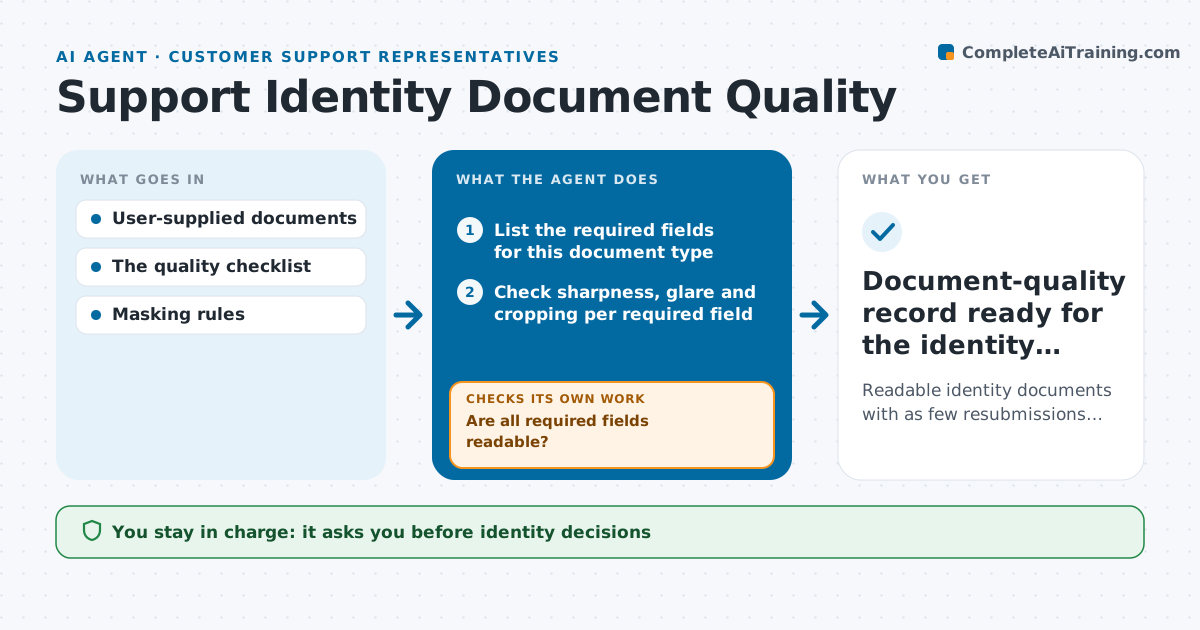
Identity documents submitted for account verification are often blurry, cropped or affected by glare, and customers get vague 'please resubmit' replies. Many then send a second photo with the same problem. This agent checks each required field of the document for sharpness, glare and cropping, and identifies exactly which field is unreadable and why. It drafts a specific request, such as 'the expiry date is cut off at the bottom', which the administrator approves before it is sent. When a new photo arrives, it checks every required field again, because a sharper photo can still cut off another field. Once all fields are readable, it records the document as ready. It never decides whether the identity is genuine; that stays with the verification team. Edge case: after three failed resubmissions it suggests a different upload method.
How it works
Follow the arrows from top to bottom. The orange dashed arrow is the loop: when a check fails, the agent goes back and tries again.
Read the steps as a list
- Identity document uploaded
- List the required fields for this document type
- Check sharpness, glare and cropping per required field
- Are all required fields readable?If not: identify the exact unreadable area and draft a specific request. Back to step 3.
- Administrator approves contacting the customerThe agent waits here for your OK.
- Send the request and wait for the resubmission
- After three failed resubmissions, suggest another upload method
- Record the document as readable with field notes
- Document-quality record ready for the identity decision
How it decides
It runs quality checks based on visible defects and maps each to the exact field affected; each resubmission is re-checked against all fields.
- Which defect blocks which field: name glare, blur or cropping per field.
- Request wording: name the exact field and how to fix it, one problem per message.
- Recheck all fields on each resubmission, not only the one requested.
- Escalate method: after three failed resubmissions, suggest an in-app camera or a branch visit.
Make it yours
Every agent is a starting point. You choose these settings for your own situation.
- Required fields per document type (default name, number, date of birth, expiry date, photo)
- Readability thresholds for sharpness and glare
- Maximum resubmissions before suggesting another method (default 3)
- Message templates and language for requests
- Whether requests need administrator approval (default yes)
What keeps you in control
It always asks you first
- Identity decisions
- Customer contact
Hard limits
- Never makes identity decisions.
- Masks sensitive fields in notes.
It stops when
- Done: readable.
- Waiting: resubmission requested.
Set it up
We guide you through the set-up, step by step
Members get the full set-up guide for this agent. No technical skills needed: you copy, paste and upload.
- One set of instructions to paste into your AI, with the clicks for ChatGPT, Claude, Microsoft 365 Copilot, Gemini and Grok
- The agent then walks you through connecting your own data, one source at a time
- A downloadable copy with the flow chart, the rules and the full guide