AI agent for tour guides
Tour Disruption Contingency Agent
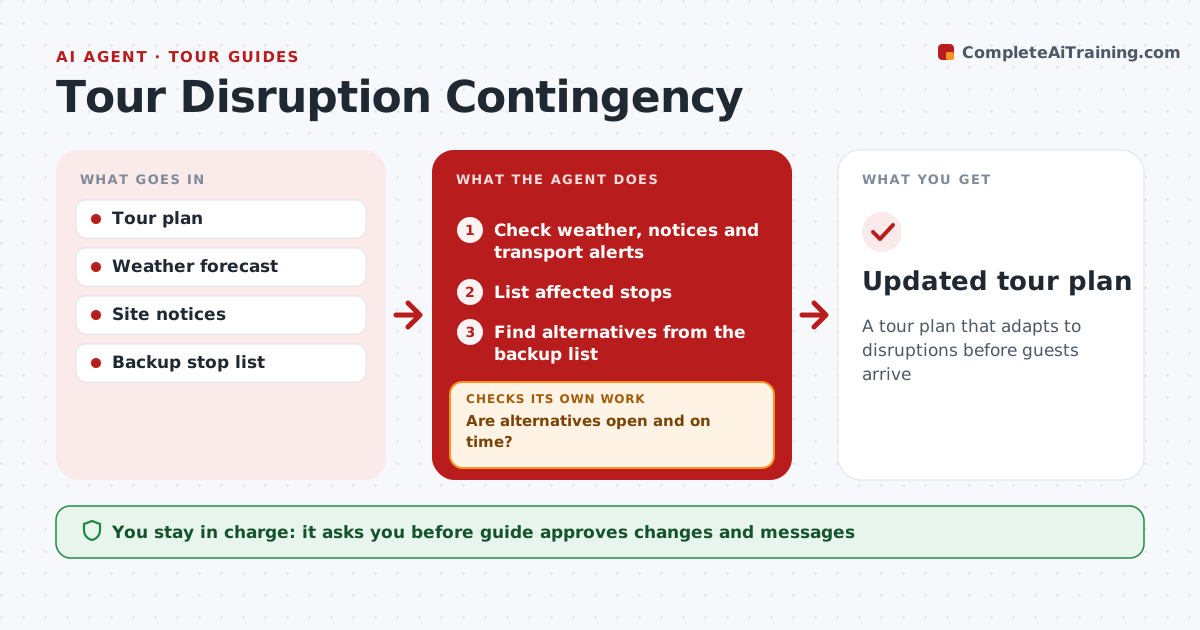
A tour plan that adapts to disruptions before guests arrive
What it does
Tours get disrupted by rain, heat, strikes, site closures and road works, often with little warning. The evening before and the morning of each tour, this agent checks the weather forecast, official site notices and transport alerts for every stop and the route between them. It lists the affected stops. Rain over 70% moves outdoor stops indoors. For each affected stop, it picks a replacement from the guide's own backup list that fits the tour's theme and time slot, then checks that the replacement is open that day and reachable in time. If not, it tries the next backup. It drafts a short message to guests about the change. The guide approves the changes and tells guests. Edge case: an official severe weather warning removes all outdoor stops at once rather than swapping them one by one.
How it works
Follow the arrows from top to bottom. The orange dashed arrow is the loop: when a check fails, the agent goes back and tries again.
Read the steps as a list
- Evening before the tour
- Check weather, notices and transport alerts
- List affected stops
- Find alternatives from the backup list
- Are alternatives open and on time?If not: pick the next backup. Back to step 4.
- Recheck alerts on the morning of the tour
- Is the updated plan still clear of new disruptions?If not: list the newly affected stops and swap again. Back to step 3.
- Guide approves changes and informs guestsThe agent waits here for your OK.
- Updated tour plan
How it decides
A stop is affected by closure or weather above the guide's limits. Alternatives must be open and fit the time.
- Rain over 70% moves outdoor stops indoors
- Severe warnings cancel outdoor parts
- Alternatives must match the theme
Make it yours
Every agent is a starting point. You choose these settings for your own situation.
- Weather thresholds
- Backup list
- Check times
- Message template
What keeps you in control
It always asks you first
- Guide approves changes and messages
Hard limits
- Never cancels tours
- Never messages guests itself
It stops when
- Done: plan updated
- Stop: tour canceled
Set it up
We guide you through the set-up, step by step
Members get the full set-up guide for this agent. No technical skills needed: you copy, paste and upload.
- One set of instructions to paste into your AI, with the clicks for ChatGPT, Claude, Microsoft 365 Copilot, Gemini and Grok
- The agent then walks you through connecting your own data, one source at a time
- A downloadable copy with the flow chart, the rules and the full guide