AI agent for portfolio managers
Trade Break Reconciliation Agent
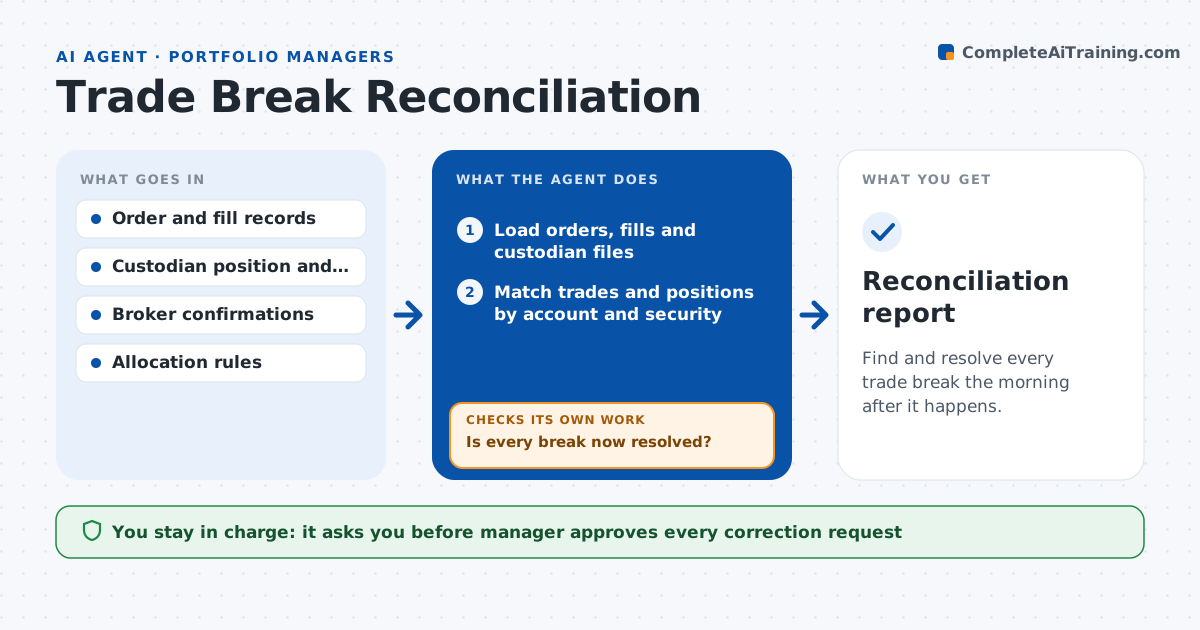
Find and resolve every trade break the morning after it happens.
What it does
When the order system and the custodian disagree on a trade or position, the break is often found days later, after cash or risk is already off. This agent compares orders, fills and custodian positions each morning. It finds breaks such as a missing fill, a wrong quantity, a price error or an allocation to the wrong account. It traces each break to its cause and drafts a fix request to the right party, such as the broker or custodian. After a fix is made, it rechecks the position. If the break is still there, it looks for a second cause. The manager approves corrections. The agent never books or amends trades.
How it works
Follow the arrows from top to bottom. The orange dashed arrow is the loop: when a check fails, the agent goes back and tries again.
Read the steps as a list
- Morning reconciliation
- Load orders, fills and custodian files
- Match trades and positions by account and security
- List breaks in quantity, price, amount and allocation
- Trace each break to a likely cause
- Draft a fix request to the broker or custodian
- Manager approves correctionsThe agent waits here for your OK.
- Recheck positions after the fix
- Is every break now resolved?If not: look for a second cause such as a corporate action or a split fill. Back to step 4.
- Record the cause and counts for trend review
- Reconciliation report
How it decides
It matches by account, security and date, treats a difference in quantity or amount as a break, and traces the cause in order of likelihood.
- Treat a quantity difference of any size as a break
- Treat a price difference above 0.5 percent as a break
- Check corporate actions before blaming the broker
- Escalate breaks older than 2 days
Make it yours
Every agent is a starting point. You choose these settings for your own situation.
- Price tolerance (default 0.5 percent)
- Accounts in scope
- Escalation age (default 2 days)
- File delivery time
What keeps you in control
It always asks you first
- Manager approves every correction request
- Manager approves any change to allocations
Hard limits
- Never books, cancels or changes a trade
- Does not contact brokers without approval
It stops when
- Done: all breaks resolved or accepted
- Stop: custodian file not delivered
Set it up
We guide you through the set-up, step by step
Members get the full set-up guide for this agent. No technical skills needed: you copy, paste and upload.
- One set of instructions to paste into your AI, with the clicks for ChatGPT, Claude, Microsoft 365 Copilot, Gemini and Grok
- The agent then walks you through connecting your own data, one source at a time
- A downloadable copy with the flow chart, the rules and the full guide