AI agent for portfolio managers
Portfolio Correlation and Exposure Agent
Exposure that is inside the trader's limits, with a proposed fix when it is not
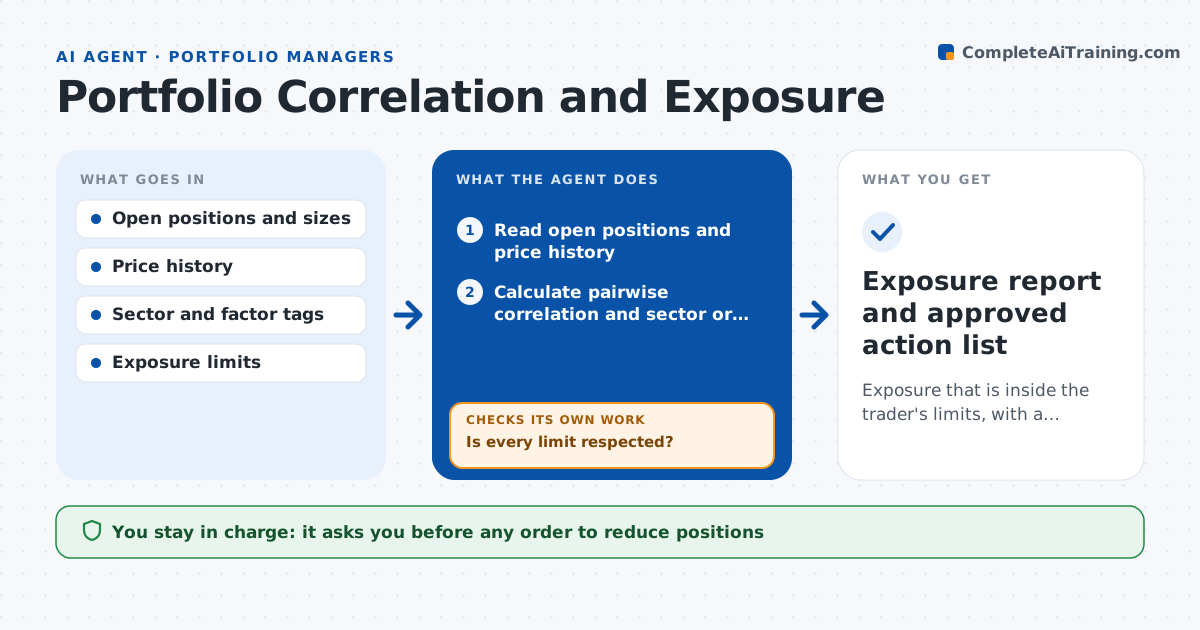
What it does
Five positions can look like five bets and behave like one. This agent reads the trader's open positions and calculates correlation between them and overlap in sector or factor exposure. It adds up the combined exposure and compares it with the trader's limits for single names, sectors and total portfolio risk. If a limit is breached, it tests which reductions fix the problem at the least cost, such as trimming the weakest position or the one with the smallest gain, and recalculates after each test. It checks that the proposed fix actually brings every limit back inside. The trader approves any change before an order is placed. Edge case: two positions that are uncorrelated in calm markets but move together in sell-offs are checked using stress periods too.
How it works
Follow the arrows from top to bottom. The orange dashed arrow is the loop: when a check fails, the agent goes back and tries again.
Read the steps as a list
- Market closes or a position is added
- Read open positions and price history
- Calculate pairwise correlation and sector or factor overlap
- Add combined exposure and compare to each limit
- Is every limit respected?If not: list the breaches and test reductions that would fix them. Back to step 3.
- Recalculate exposure for each proposed reduction
- Does the proposal bring all limits back inside?If not: try a different combination or a larger trim and recalculate. Back to step 6.
- Rerun using stress-period correlations
- Trader approves any trade before an order is placedThe agent waits here for your OK.
- Exposure report and approved action list
How it decides
A breach is any limit exceeded. Among fixes that restore the limits, it prefers the one that gives up the least expected gain and the fewest trades.
- Treat pairs with correlation above 0.7 as one position for limit purposes
- Breach when one sector exceeds 30% of portfolio risk
- Prefer trimming the position with the smallest unrealized gain
- Recheck using stress-period correlations before accepting the fix
Make it yours
Every agent is a starting point. You choose these settings for your own situation.
- Exposure limits by name, sector and total
- Correlation threshold (default 0.7)
- Look-back window for correlation (default 90 days)
- Report schedule
What keeps you in control
It always asks you first
- Any order to reduce positions
Hard limits
- Never places orders
- Never changes the trader's limits
It stops when
- Done: all limits are inside and the report is saved
- Stop: position data is stale
Set it up
We guide you through the set-up, step by step
Members get the full set-up guide for this agent. No technical skills needed: you copy, paste and upload.
- One set of instructions to paste into your AI, with the clicks for ChatGPT, Claude, Microsoft 365 Copilot, Gemini and Grok
- The agent then walks you through connecting your own data, one source at a time
- A downloadable copy with the flow chart, the rules and the full guide