AI agent for sports coachs
Training Load Monitoring Agent
Keep athlete load in a safe, productive range
What it does
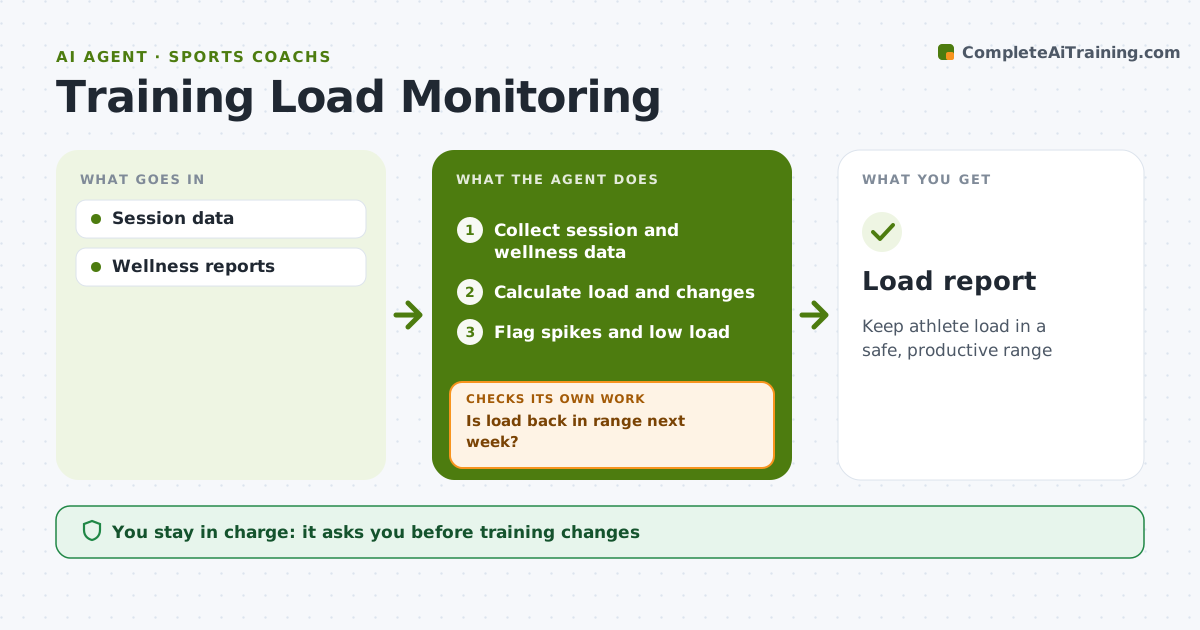
Injury risk rises when training load jumps quickly, and coaches rarely have time to track it athlete by athlete. This agent collects session duration and effort ratings, or GPS and heart rate data where available, and calculates each athlete's weekly load and its change from their recent average. It flags spikes over 30 percent, very low load, and athletes reporting poor sleep or soreness three days running. For each flag it suggests an adjustment, such as a shorter session or lower intensity, and the coach approves any training change. The next week it checks whether the athlete's load is back in range. If not, it suggests a further adjustment, and if the athlete also reports symptoms, it alerts the medical staff. Edge case: athletes returning from injury follow their return-to-play plan, not the standard spike rules.
How it works
Follow the arrows from top to bottom. The orange dashed arrow is the loop: when a check fails, the agent goes back and tries again.
Read the steps as a list
- Week ends
- Collect session and wellness data
- Calculate load and changes
- Flag spikes and low load
- Coach approves adjustmentsThe agent waits here for your OK.
- Is load back in range next week?If not: adjust further and alert medical staff if symptoms. Back to step 3.
- Load report
How it decides
Weekly load compared with the 4-week average.
- Over 30% spike flags
- Poor sleep 3 days flags
- Return-to-play follows plan
Make it yours
Every agent is a starting point. You choose these settings for your own situation.
- Spike threshold
- Data sources
- Wellness questions
- Report day
What keeps you in control
It always asks you first
- Training changes
Hard limits
- Health data private
It stops when
- Done: week reviewed
- Stop: season ends
Set it up
We guide you through the set-up, step by step
Members get the full set-up guide for this agent. No technical skills needed: you copy, paste and upload.
- One set of instructions to paste into your AI, with the clicks for ChatGPT, Claude, Microsoft 365 Copilot, Gemini and Grok
- The agent then walks you through connecting your own data, one source at a time
- A downloadable copy with the flow chart, the rules and the full guide