
AI agent for nonprofit program managers
Volunteer Inquiry Drop-Off Agent
More inquiries turn into first shifts through timely, approved nudges, with results measured.
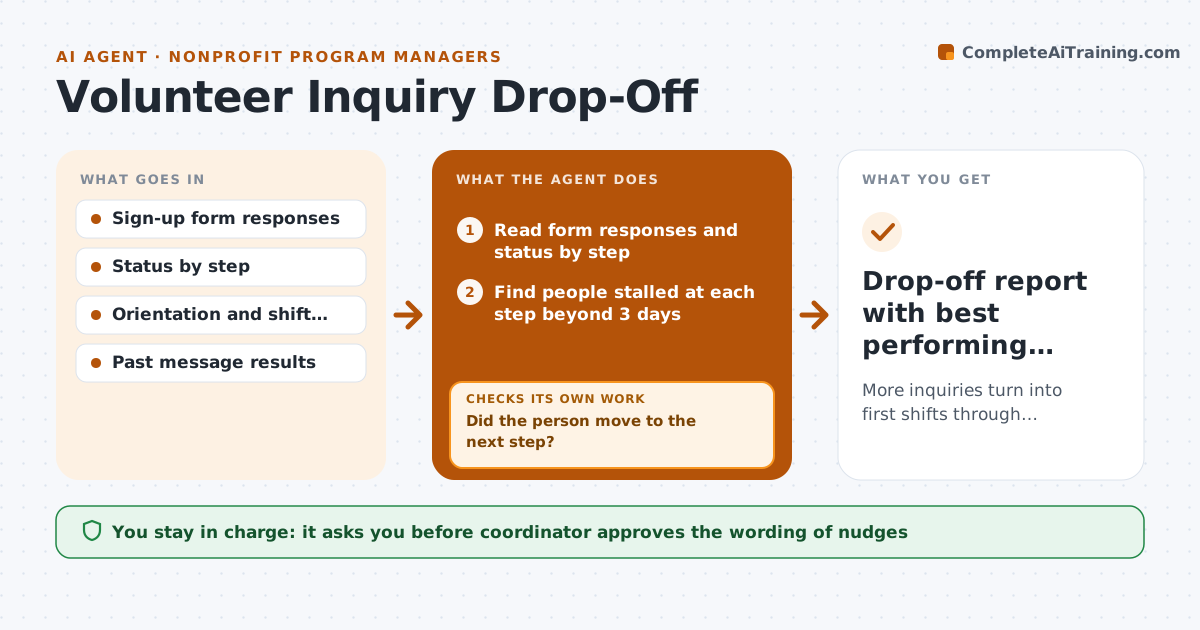
What it does
Fifty people fill out your volunteer form each month, and only fifteen show up for a first shift. This agent follows each inquiry through the steps: reply sent, orientation booked, orientation attended and first shift done. It finds where people stall and drafts a targeted nudge for each stuck person, such as a reminder with the next orientation date or an easier first task. After a set time, it checks who moved forward and what the nudge did, and adjusts the wording or timing for the next group. You approve the wording before anything is sent. Edge case: someone who declined orientation twice is moved to a quiet list rather than nudged again.
How it works
Follow the arrows from top to bottom. The orange dashed arrow is the loop: when a check fails, the agent goes back and tries again.
Read the steps as a list
- Daily check of inquiries
- Read form responses and status by step
- Find people stalled at each step beyond 3 days
- Match each stalled person to the next available option
- Draft a short nudge for each step
- Coordinator approves the message wordingThe agent waits here for your OK.
- Record sent nudges and wait 5 days
- Did the person move to the next step?If not: Send one different nudge, then move to the quiet list. Back to step 3.
- Compare nudge results by step and wording
- Drop-off report with best performing messages
How it decides
It nudges a person after 3 days of no progress at a step, with the message tied to that step, and stops after 2 nudges.
- Nudge after 3 days without progress
- Stop after 2 nudges
- Match the nudge to the step the person is stuck at
- Keep the winning wording for the next group
Make it yours
Every agent is a starting point. You choose these settings for your own situation.
- Days before nudge (default 3)
- Maximum nudges (default 2)
- Steps tracked
- Tone of messages
What keeps you in control
It always asks you first
- Coordinator approves the wording of nudges
Hard limits
- Never message people without approval
- Never nudge more than twice
It stops when
- Done: all inquiries moved on or moved to quiet
- Stop: sign-up data is missing
Set it up
We guide you through the set-up, step by step
Members get the full set-up guide for this agent. No technical skills needed: you copy, paste and upload.
- One set of instructions to paste into your AI, with the clicks for ChatGPT, Claude, Microsoft 365 Copilot, Gemini and Grok
- The agent then walks you through connecting your own data, one source at a time
- A downloadable copy with the flow chart, the rules and the full guide



