AI agent for civil servants
Zoning Violation Case Agent
Every complaint moves through the correct step on time with a documented basis
What it does
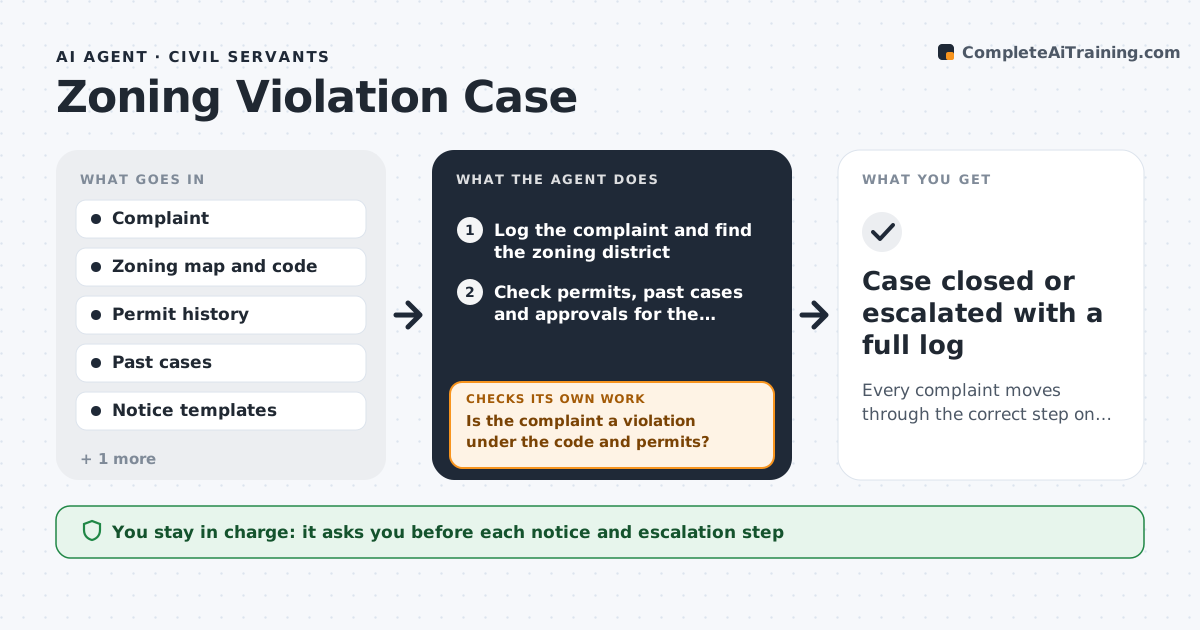
A zoning complaint moves through checks, notices, inspections and appeals, and each step has a deadline that is easy to miss. This agent logs each complaint with address, type and date. It checks the zoning district, the permit history and past cases for the property to see whether a use is allowed or already approved. It drafts a notice of violation if one is warranted and sets the response deadline. It tracks the response, and when the date passes it reviews the site record, including any new permit, before proposing the next step. It escalates to a fine, an inspection or a hearing depending on the rules. The officer approves each notice. Edge case: a complaint about a home business is checked against home occupation permits first, since it may be legal.
How it works
Follow the arrows from top to bottom. The orange dashed arrow is the loop: when a check fails, the agent goes back and tries again.
Read the steps as a list
- Complaint received
- Log the complaint and find the zoning district
- Check permits, past cases and approvals for the property
- Is the complaint a violation under the code and permits?If not: close or reclassify the complaint and draft a reply to the complainant. Back to step 3.
- Draft the notice of violation with the code section and deadline
- Officer approves the noticeThe agent waits here for your OK.
- Send the notice and track the response date
- On the deadline, check the site record for new permits or compliance
- Is the violation resolved or an appeal filed?If not: propose the next step on the escalation ladder and draft it. Back to step 7.
- Officer approves the next stepThe agent waits here for your OK.
- Case closed or escalated with a full log
How it decides
A violation is proposed when the use or structure is not allowed by zoning and no valid permit exists. Next steps follow the escalation ladder in the code.
- Check permits and past approvals before proposing a violation
- Use the response time set in the code
- Rank life-safety issues first
- Propose escalation only after the site record is rechecked
Make it yours
Every agent is a starting point. You choose these settings for your own situation.
- Response deadlines by violation type
- Escalation ladder
- Priority rules
- Notice templates
What keeps you in control
It always asks you first
- Each notice and escalation step
Hard limits
- Never issues fines or notices without approval
- Does not enter property
It stops when
- Done: the case is resolved or escalated
- Stop: the property address cannot be matched
Set it up
We guide you through the set-up, step by step
Members get the full set-up guide for this agent. No technical skills needed: you copy, paste and upload.
- One set of instructions to paste into your AI, with the clicks for ChatGPT, Claude, Microsoft 365 Copilot, Gemini and Grok
- The agent then walks you through connecting your own data, one source at a time
- A downloadable copy with the flow chart, the rules and the full guide