
All-in-one AI plugin for software architects
Software Architects: The All-in-One AI Plugin
One download gives your AI 17 architecture skills, 24 prompts, 8 apps and 12 Grok Bot agents, so decisions, diagrams and reviews move faster.
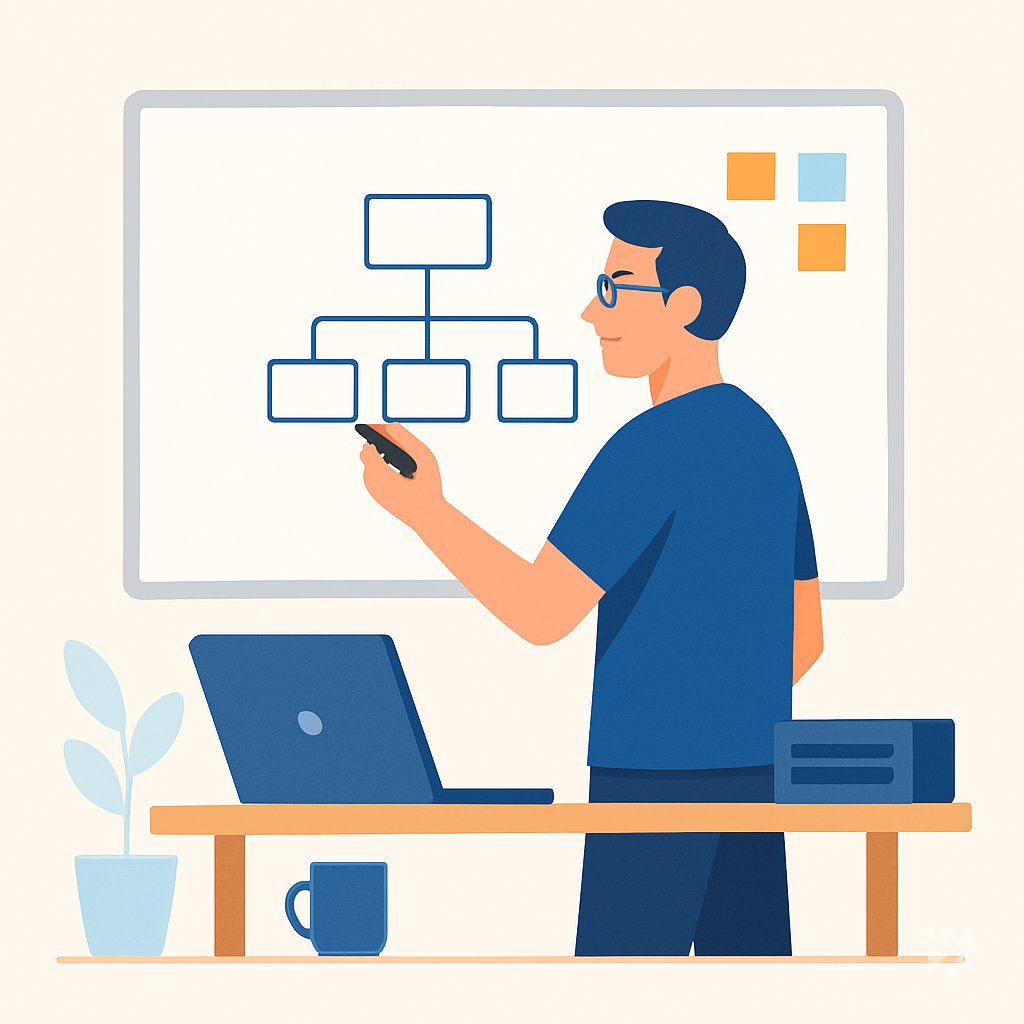
- 17skills
- 24prompts
- 8apps
- 12Grok bots
What's inside
Your week is full of decisions that only live in meeting notes. Someone asks why the database was chosen, and the reasoning is gone. Diagrams get redrawn by hand. Specs drift from the code. Security questions arrive after the design is locked. Reviews pile up in three different tools.
17 architecture skills
The architecture decision skill weighs trade-offs and writes the record. The diagram skill turns code into pictures. The threat modeling skill finds risks before you build.
24 ready-made prompts
Eight topics cover decision records, specs, stack evaluation, diagrams, code quality, performance, security and team communication. Copy one, fill in your details, and go.
8 working apps
A decision retrieval map shows why a design was chosen and when that changed. A diagram workspace and a spec workspace keep the plan and its evidence current.
12 Grok Bot agents
System design reviewer, backend architect, microservices architect, multi cloud architect, security compliance checker, code review and quality, documentation and decision records, architecture modernizer, CTO advisor.
Works in eight AIs
ChatGPT, Claude, Microsoft 365 Copilot, Gemini, Grok, Grok Bot, Cursor and Kimi. One download, same skills everywhere you already work.
Daily news and ideas
Members get a live feed of AI news for Software Architects, one new idea every day with the prompt to run it, and automatic skill updates.
A day with your plugin
This plugin puts all of it inside the AI you already use. Ask for a decision record, a diagram, a spec or a stack comparison, and you get a structured draft in seconds. Every answer stays linked to your repository, so you can check the source before you commit.
- Morning
Before standup you open the architecture decision skill and turn last week's hallway decision into a short record with the options you rejected and why.
- Late morning
A product manager asks for a system picture. You run the diagram skill on the repository and get a component diagram you can paste into the review doc.
- Afternoon
Two vendors pitch a new message queue. You use the stack evaluation prompt to compare cost, security and ecosystem health side by side.
- End of day
You paste a design into the threat modeling skill, get the top risks ranked, and leave a mitigation list for the team to pick up tomorrow.
Install it in your AI
Choose the AI you use. No technical knowledge needed: it's a few clicks and some copy and paste.
ChatGPT
Your own GPT on chatgpt.com, plus a plugin for Codex and ChatGPT workspaces. About 5 minutes.
- Download the ChatGPT version and unzip it (double-click the file).
- Go to chatgpt.com, click GPTs in the left menu, then Create, then the Configure tab.
- Name it Software Architect Assistant. Open
custom-gpt/instructions.txt, copy everything and paste it into Instructions. - Under Knowledge, upload all the files from the
custom-gpt/knowledgefolder. - Paste the lines from
conversation-starters.txtas conversation starters and click Create. - For the daily news, ideas and skill updates: in ChatGPT go to Settings → Apps & Connectors, add the Complete AI Training connector and sign in with your membership. The README shows each click.
Download for members
Members download the plugin for every job, with daily news, ideas and skill updates. Or buy this plugin alone for $49, once.
Claude
A Claude plugin for claude.ai, the desktop app, Cowork and Claude Code. About 2 minutes.
- Download the Claude version. Keep it zipped.
- Open Claude (claude.ai or the desktop app), click your name at the bottom left, then Settings → Capabilities.
- Click Upload plugin and choose the zip file. Turn the plugin on.
- Start a new chat and type /start. Your software architect assistant introduces itself.
- The first time it uses Complete AI Training, Claude asks you to connect: click Connect and sign in with your membership.
Download for members
Members download the plugin for every job, with daily news, ideas and skill updates. Or buy this plugin alone for $49, once.
Microsoft 365 Copilot
A Copilot agent: set it up yourself in Agent Builder, or give IT the ready app package. About 5 minutes.
- Download the Microsoft 365 Copilot version and unzip it.
- Open Microsoft 365 Copilot (m365.cloud.microsoft/chat) and click Create agent, then the Configure tab.
- Name it Software Architect Assistant. Paste everything from
agent-builder/instructions.txtinto Instructions. - Under Knowledge, upload the files from
agent-builder/knowledge. Add the starter prompts and click Create. - Working in a company? The
appPackagefolder is a ready app for your IT team, with the Complete AI Training connection built in. The README has a message you can forward to them.
Download for members
Members download the plugin for every job, with daily news, ideas and skill updates. Or buy this plugin alone for $49, once.
Gemini
Skills you upload to Gemini, a ready Gem, and a Gemini CLI extension. About 2 minutes.
- Download the Gemini version and unzip it.
- Go to gemini.google.com and open Settings → Skills → Upload.
- Upload the
SKILL.mdfiles from theskillsfolder, starting with the folder whose name ends in-assistant. Gemini now uses them by itself. - Prefer a Gem? Open Gems → New Gem, paste
gem/instructions.txtand upload the files ingem/knowledge. - Using Gemini CLI?
gemini extensions installon the folder also connects Complete AI Training for the daily news, ideas and skill updates.
Download for members
Members download the plugin for every job, with daily news, ideas and skill updates. Or buy this plugin alone for $49, once.
Grok
A Grok Project with all the instructions and files. About 5 minutes.
- Download the Grok version and unzip it.
- Go to grok.com, open Projects in the left menu and click New project. Name it Software Architect Assistant.
- Paste everything from
grok-project/instructions.txtinto the project's instructions. - Upload the files from
grok-project/knowledgeto the project. - Start your work chats inside this project. Try one of the lines in
conversation-starters.txt.
Download for members
Members download the plugin for every job, with daily news, ideas and skill updates. Or buy this plugin alone for $49, once.
Grok Bot
One message that sets up a whole team of Grok Bot agents for your job. About 5 minutes.
- Download the Grok Bot version and unzip it.
- Open Grok Bot and create a new bot. Name it Software Architect Team Lead.
- Open
SETUP-MESSAGE.md, copy everything and paste it as your first message. - The team lead sets up its own role and walks you through adding each specialist bot, one at a time.
- Add the Complete AI Training connector in Grok Bot so your team lead gets the daily news and ideas for software architects.
Download for members
Members download the plugin for every job, with daily news, ideas and skill updates. Or buy this plugin alone for $49, once.
Cursor
A Cursor plugin with the skills, rules and connection, or project files. About 3 minutes.
- Download the Cursor version and unzip it.
- In Cursor, open Settings → Plugins and add the unzipped folder.
- No plugins in your Cursor? Copy
skillsto.cursor/skillsandrulesto.cursor/rulesin your project, andmcp.jsonto.cursor/mcp.json. - Open the Agent chat and ask what it can do for you as a software architect.
Download for members
Members download the plugin for every job, with daily news, ideas and skill updates. Or buy this plugin alone for $49, once.
Kimi
A Kimi Code plugin, and instructions with files for Kimi chat. About 3 minutes.
- Download the Kimi version and unzip it.
- Kimi chat (kimi.com or the app): start a new chat, paste
kimi-chat/instructions.txtand attach the files inkimi-chat/files. - Keep using that chat for your work: Kimi now acts as your software architect assistant.
- Kimi Code: type
/plugins installwith the folder, then/reload. It connects Complete AI Training too.
Download for members
Members download the plugin for every job, with daily news, ideas and skill updates. Or buy this plugin alone for $49, once.
Everything in the plugin
Your AI picks the right part by itself. You can also ask for one by name.
Skills for software architects 17
- architectureFrames one design choice through requirements, alternatives and trade-offs, then writes the ADR. Example: choosing Postgres over DynamoDB for reporting-heavy billing data.
- agency senior architectTurns a broad system ask into a design, diagram and rationale. Example: should our order service split out of the monolith.
- diagram architectTurns code or a description into flowcharts, sequence diagrams, ERDs and dependency graphs. Example: sequence diagram of your checkout API call chain.
- archProduces cloud-native Mermaid architecture documents covering context, components, deployment, data flow and non-functional requirements. Example: deployment view for a three-region AWS setup.
- adr generatorWrites numbered ADRs into docs/adr/ with context, drivers, alternatives and consequences. Example: ADR-014 recording a move from REST to gRPC internally.
- mermaid diagram specialistBuilds accurate Mermaid diagrams in markdown. Example: an ERD for your orders, refunds and payouts tables before a migration.
Show all 14 skills
- agency tech stack evaluatorCompares stacks using total cost of ownership, security and ecosystem health scoring. Example: managed Kafka against self-hosted over three years.
- threat modeling expertRuns STRIDE and PASTA threat models and extracts security requirements. Example: modeling a new file upload endpoint and its trust boundaries.
- security complianceGuides SOC2, ISO 27001, GDPR, HIPAA and PCI-DSS reviews, risk registers and incident response. Example: mapping control evidence before an audit.
- agency cto reviewInterrogates a plan on scaling cliffs, tech debt, team scaling and build-versus-buy. Example: pressure-testing a rebuild before committing headcount.
- security threat modelWrites an evidence-based Markdown threat model for a repository, service or path. Example: threat modeling your payments service before it takes real cards.
- threat mitigation mappingMaps each identified threat to a control and ranks remediation work. Example: turning twelve findings into a costed 90-day fix list.
- specificationCreates structured, AI-ready specifications in /spec/ from your requirements. Example: turning a product brief into an implementable service specification.
- web framework comparison assistantCompares web frameworks on performance, security, community, licensing and learning curve. Example: Next.js versus Rails for a small team shipping fast.
Plus a start-here assistant, the prompt library and the app builder, and for members the daily brief.
Ready-made prompts 24
- Architecture Decision Records3 prompts, like Architecture Decision Record
- Technical Specifications3 prompts, like Outline a System Design Spec
- Technology Stack Evaluation3 prompts, like Compare Frameworks for Workload
- Diagram and Model Systems3 prompts, like Generate Mermaid Diagram From System Description
- Code Quality Reviews3 prompts, like Review PR for Architecture Violations
- Performance and Scalability3 prompts, like Estimate Load and Capacity Needs
- Security and Compliance3 prompts, like Run Threat Model on Design
Show all 8 topics
- Team Guidance and Communication3 prompts
Apps you can build with AI 8
- Architecture decision retrieval mapBuild this when your team keeps re-litigating settled choices and the original reasoning has gone missing. Demo included.
- Source-linked codebase map and review consoleBuild this to trace a codebase without manual digging, keeping every diagram linked to its source. Demo included.
- Developer-ready spec and execution workspaceBuild this to shorten spec-to-code cycles while keeping the plan and its evidence current. Demo included.
- Text-to-diagram production and review workspaceBuild this to cut diagram production and rework time inside one owned workspace. Demo included.
- Source-linked software development assistant consoleBuild this to reduce tool sprawl and review effort while keeping code decisions traceable. Demo included.
- Source-linked code review and security consoleBuild this to catch security issues before merge without removing reviewer control. Demo included.
- Source-linked pull request review consoleBuild this to shorten review turnaround while reviewers still own merge decisions. Demo included.
- Source-based content review and delivery workspaceBuild this to cut review cycles and keep one source-linked record of drafts, findings and approvals. Demo included.
Your Grok Bot team 12
- System Design ReviewerEvaluates system designs, architectural patterns, and technology choices at the macro level.
- Architecture Decision RecordsCreate and manage ADRs capturing rationale for significant technical decisions.
- Se System Architecture ReviewerReviews system architecture for security, scalability, and reliability using Well-Architected frameworks.
- Backend ArchitectDesigns scalable backend systems, APIs, and microservices architectures with clear boundaries and built-in resilience.
- Microservices ArchitectDesigns and evolves microservice architectures from monoliths to production-hardened distributed systems. Uses domain-driven design to identify servic
- Multi Cloud ArchitectureDecision framework for architecting across AWS, Azure, and GCP.
- Security Compliance Compliance CheckAudits software systems against GDPR, HIPAA, SOC2, PCI-DSS and guides remediation.
- Code Review And QualityMulti-axis code review covering correctness, readability, architecture, security, and performance before merge.
- Documentation And AdrsRecords the why behind architectural decisions and code changes.
- Architecture ModernizerModernize legacy software architectures into scalable, maintainable systems. No hype, no emoji, no 'leverage'/'empower'/'seamless'.
- Senior ArchitectDesigns scalable systems with diagrams, dependency analysis, and tech stack trade-offs.
- Cto AdvisorProvides technical leadership guidance for engineering teams, architecture decisions, and technology strategy.
Get the plugin
Two ways to get it. Most people choose the membership: it includes every plugin and keeps them up to date.
Recommended
Membership
$9 a month, billed yearly
- The plugin for software architects, and for 500 other jobs
- Daily AI news and a new idea every day, inside your AI
- Skills update by themselves
- 900+ video courses and certificates
- Download up to 2 plugins a day
This plugin only
Standalone plugin
$49 once
- The plugin for software architects, for all eight AIs
- All 17 skills, 24 prompts and 8 apps
- Yours to keep, no subscription
- No daily news, ideas or skill updates
Secure payment by Stripe. Bought it already? Use the link in your email.
Questions
What is a plugin, and how do I install it without technical knowledge?
A plugin is a set of instructions and files that teaches your AI new skills. You download one file and follow a short guide. No coding, no server, no setup calls.
Which AI does it work with?
ChatGPT, Claude, Microsoft 365 Copilot, Gemini, Grok, Grok Bot, Cursor and Kimi. Install it in the one you already use. The skills work the same way in each.
What is the difference between the member download and the $49 one-time plugin?
The $49 standalone plugin gives you the skills, prompts, apps and agents. Members also get the live AI news feed, a new idea every day with its prompt, and automatic skill updates.
Is my data safe?
The plugin is instructions and files only. It does not store your work. Your chats stay with your AI provider, under the same privacy terms you already agreed to.
How many downloads do I get?
You can download two plugins a day. That covers this plugin plus one more, so you can add another job's toolkit whenever you need it.
Learn to use AI as a software architect
The plugin does the work; the learning path shows you how to get the most out of it, step by step.
Plugins for related jobs
 AI plugin
Cybersecurity Analysts
One download gives your AI 17 skills, 316 prompts, 6 apps and 12 agents for threat analysis, audits, vulnerability triage and incident plans.
17 skills · 316 prompts · 6 apps AI plugin
Data Analysts
One download gives your AI 17 skills, 271 prompts and 7 apps for cleaning, testing, charting and reporting, so every number you send is traceable.
17 skills · 271 prompts · 7 apps AI plugin
Data Architects
One download gives your AI 15 skills, 25 prompts, 4 apps and 12 Grok Bot agents for data models, governance, migrations and architecture decisions.
15 skills · 25 prompts · 4 apps